Metalheart design: chrome forms, type and early 3D
Published
Metalheart centers an image on a dense, metallic 3D form. Blades, loops and fragments extend from a knot of overlapping parts; fine lines and tiny labels make the structure seem enormous. Reflections describe its surfaces, while the empty space around it helps you make out the parts.
On this page
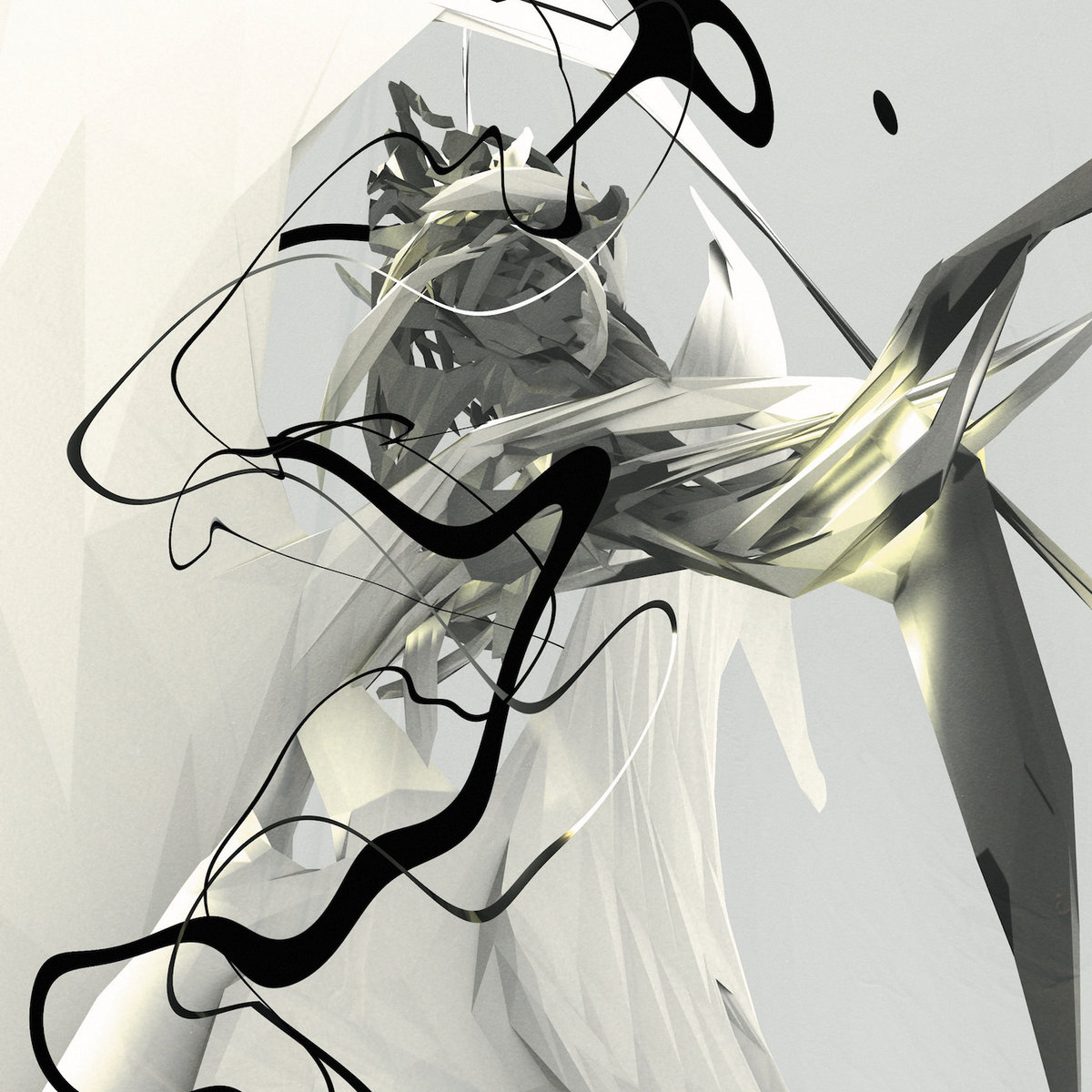
Explore the Metalheart book and Depthcore
The Consumer Aesthetics Research Institute’s Metalheart entry connects the name to the 2001 Metalheart book by Andreas Lindholm and Anders F. Rönnblom. It also identifies studios and artists including Attik, Brainreactor and GMUNK, alongside the online collections that preserve related work.
Depthcore’s first chapter, Cataclysm, appeared on 17 June 2002. The chapter lists named works and creators, including Justin Maller’s Aminus, Kevin Stacey’s Carnage and Alex van Daalen’s Entropy. The chapter index lets you move through later releases and compare the collective’s changing output.
Alex Rutterford designed the cover for Autechre’s Draft 7.30, released in 2003.
Compare 3D shapes with flat graphics
Compare Metalheart with Vectorheart. Metalheart gives an abstract object depth through overlapping parts and changing reflections. Vectorheart uses flat signs, arrows and lettering. You can combine them, but choose one to draw the eye first.
Find the center before the details
Reduce an image until it becomes a thumbnail. Find what stands out most: a light shape on a dark background, a dense knot in open space or a sharp edge beside a blur. This is usually where you look first.
Now follow the direction of the major shapes. A diagonal creates movement across the frame. A circular structure holds attention near its center. A cluster that extends beyond the edge implies a larger structure continuing outside the picture.
Give every surface a role
Light and dark areas create a metallic effect. Place a bright band beside a darker one to suggest a reflection. Vary the highlight along a curve to make it look rounded.
Give different parts different surfaces. Put rough fragments around a polished central object. A dark gap can make a bright edge stand out.
For your first study, use only shades of gray. Make the center light, the surrounding parts mid-gray and the background dark. Then add one accent color. Use it where you want readers to look, or repeat it on several fragments to link them.
Use lettering to suggest size
A small caption beside a large shape makes the shape seem bigger. Lines can connect distant labels, and a short title gives the eye a straight edge beside the tangled forms.
Write real, concise labels for an original study. Describe the process, give the piece a title or identify its dimensions.
Make an original Metalheart study
Start with one simple loop or bent strip in your preferred drawing or 3D tool. Change its height and width until it has a striking outline. Copy a small part, turn the copy and place it to lead the eye outwards.
Arrange three or four fragments around the main form, leaving about a third of the canvas open. Light the form from one side and preview it at 160 pixels wide. If its center disappears, simplify the overlapping fragments before adding thin lines, texture or small type.
Save an early version beside the finished version. The comparison will show whether each layer strengthens the center or competes with it. For a broader historical context, continue through digital Y2K; for current reinterpretations, explore Neo-Y2K.
Explore related styles in the 90s and 2000s aesthetics collection.