Angelfire websites: hosting history and archive routes
Published
Angelfire gave people space to publish their own pages, images and links. Lycos bought its parent company, WhoWhere, in August 1998. To find an old site, look for its full member address and search it in the Wayback Machine’s saved pages.
On this page
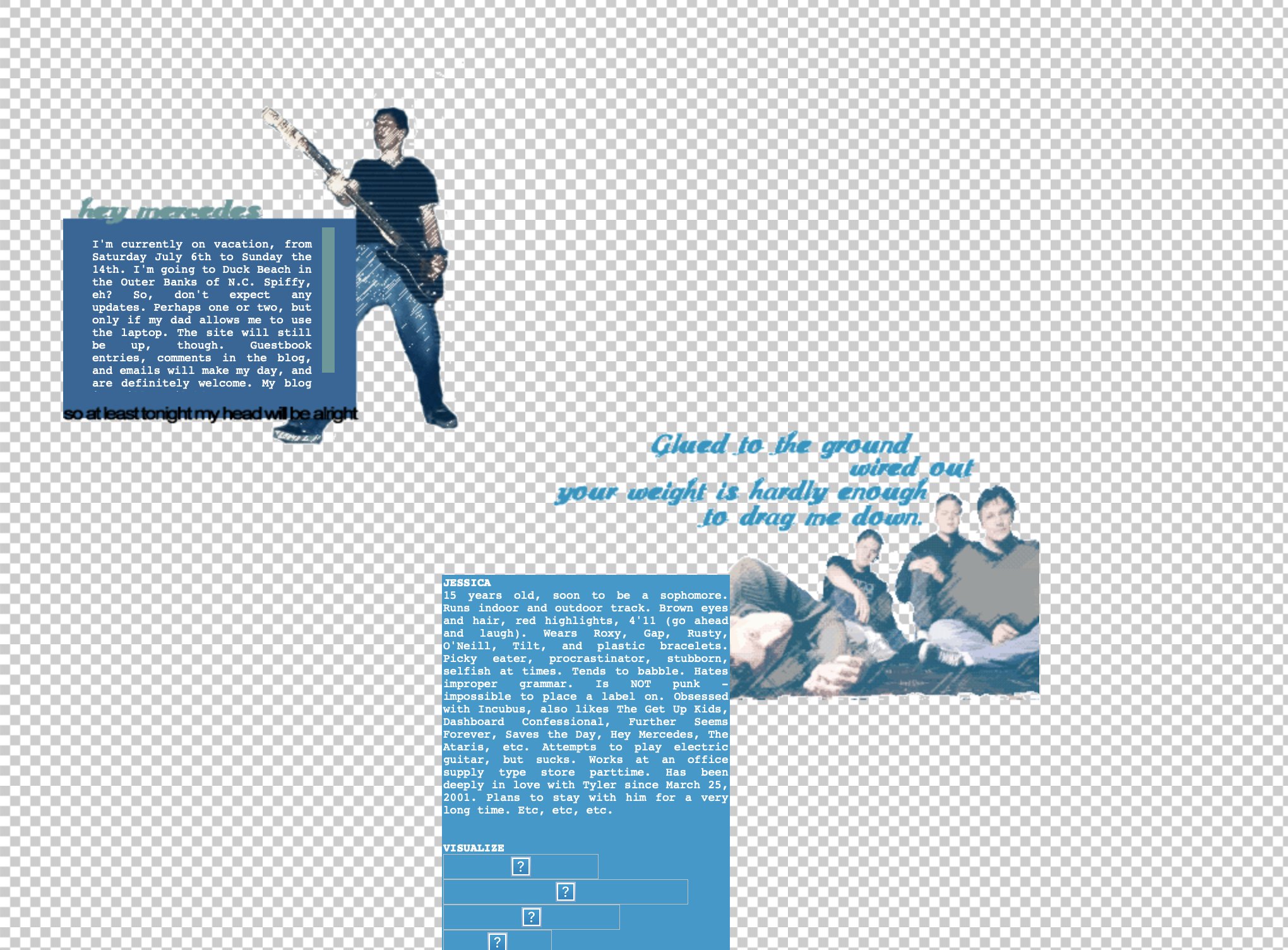
The angelfire.com name alone covers many authors. A fan page, hobby guide and diary could all use it, with their files in different member folders. Keep the rest of the address to find the site you want. Jessica Harllee describes starting with Angelfire in 2000. Her archive preserves later layouts, including a repaired version of her 2002 design.
A personal site inside a larger network
Lycos’s 1998 annual filing, reproduced here, records two purchases. It bought WhoWhere in August 1998, gaining Angelfire homepages and MailCity email. It had bought GuestWorld in June 1998, adding guestbooks.
Those services explain how the personal web fitted into a larger business. A person could build a homepage, collect messages and share an email address; the company could offer all three across its group of sites.
Compare GeoCities to see another personal-website service. Each service used its own address pattern. A GeoCities neighborhood address points to a different site from an Angelfire member address.
Keep the complete member address
A sample address such as https://www.angelfire.com/example/member/gallery.html identifies a file inside a member’s site. Search that full address in the Wayback Machine first. Then try the folder containing it, https://www.angelfire.com/example/member/, and look for a homepage or menu links.
Copy each folder name exactly as it appears in a bookmark, old message or link from another site. Those names identify the author’s site.
Recover the page and its files
The Internet Archive’s saved-page guide explains missing images and links that open copies from another date. Search a missing image by its own original address. The homepage, gallery.html and images/photo.jpg each need a separate search.
Keep two links: the file’s original address and the address of its saved copy. To publish a new site, compare these current website services.
Use links to find the rest of the site
Once a page loads, open its Home, Links and About pages. Home can lead to the main page. Links may show a later website address, and an About page may supply a username that helps another search.
The GIF archive guide explains how to keep an image connected to the page around it.
Keep what you recover
Save the link to the working copy and its save date beside the original address. For your own site, keep the folders in the same arrangement. Download the images and style files its pages use. The website backup guide explains which files to keep.
The old-website search guide offers more ways to search. To publish recovered or new writing, the Neocities starter supplies editable pages and upload instructions.