Find old websites with the Wayback Machine and archives
Published
Paste an old website’s full web address, or URL, into the Wayback Machine. This archive holds dated copies of web pages, called captures. If you remember a phrase but no address, use a web search to find the URL. You can also search the words in saved pages through Arquivo.pt. Once a page loads, compare dates and search for missing images by their own addresses.
On this page
The search notebook keeps the original address, the link to the saved copy and its save date together.
Find the original web address
Look for the address in bookmarks, old messages, printed references or links from another website. Keep the whole address, including the words after the site name. A homepage, a forum discussion and an image each have their own address, even on the same site.
When you remember a title but lack the URL, use a search engine to search for the title and a distinctive phrase together. The Internet Archive explains that Wayback site search does not search every word inside every archived page. Add the person’s name, group or subject to narrow the results. An old list of websites may still show the address you need.
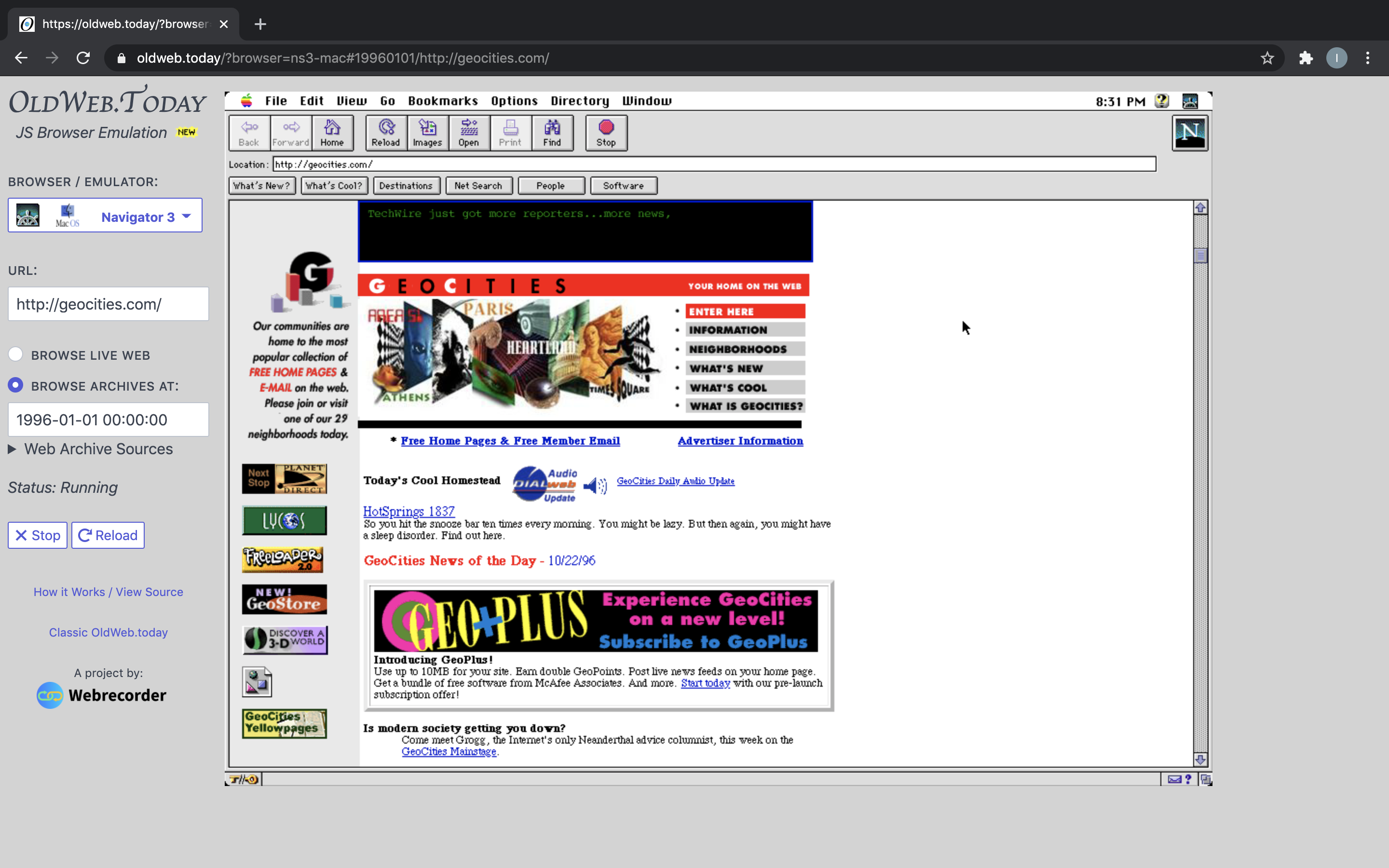
For a personal page, keep the whole address. example.org/member/page.html carries more information than example.org. Our GeoCities-specific guide walks through neighborhood and username clues.
Choose which saved copy to open
Enter the URL in the Wayback Machine and use its timeline and calendar to choose a date.
The Internet Archive’s guide explains the calendar colors. Blue marks a saved page. Green marks a redirect to another address. Orange marks a problem with the page request; red marks a problem at the computer serving the page. Start with a blue date near the period you want. Move your pointer over it and choose a time. Try another date to see whether the menu, writing or links changed.
The date and time in the archive address tell you when the archive saved that copy. Record the page’s own publication or update date separately. A copy saved in 2004 can contain an article written in 1999.
Follow a small route through the site
Choose a task for your visit. You might look for the site’s introduction, an article, an image gallery and a links page. These pages show how the author arranged the site.
Check the archive date after each click. A link in a saved page may open a copy from another date. You may see a homepage, image and article saved at different times. Record those dates if you need to know what the site looked like at one point in its history.
If a link sends you to a new address, check that address. The site may have moved or changed its name. Search that address in turn and add the connection to your notebook.
Search for a missing piece
Search for an image or linked document by its own address. Copy its original URL and search for that file. Try a copy saved on a nearby date, or check the site’s menu for another link to it.
For a phrase remembered from the page, try Arquivo.pt. Its search help shows how to search the words in saved pages and narrow results to one website or file type. Search an unusual phrase first, then use the site filter to enter the old website’s address. Archive Team also lists specialist collections for closed services.
Some old pages need a particular browser or a plug-in, an extra program that runs inside it. Our old-browser guide shows how to try them. Note which browser you used and the page’s save date.
Make a useful reference
For each result worth keeping, record the original address, link to the saved copy, save date and title. Add a sentence about why the page matters. For an image, keep the page it came from and any creator credit shown there.
Describe your observation precisely. “Clicking each star opens a different page” tells someone what to look for. “It looks very 90s” does not describe any page detail.
For your own site, put the recovered files in a dated folder. Keep each file and folder in its original place where you can, so pages can still find their images and style files.
Start preserving the next version
The Internet Archive also offers Save Page Now for a specific page. Our personal-site backup guide shows how to save a public copy, keep your own files and list what you saved.