90s computer games: genres, hardware and ways to play
Published
Start with Beneath a Steel Sky for a point-and-click adventure, a DOS shareware collection for short arcade and puzzle games, or PCjs for a complete browser-based computer environment. If you have forgotten the title, the action you remember—exploring, planning, building or learning—can lead you to the right category.
On this page
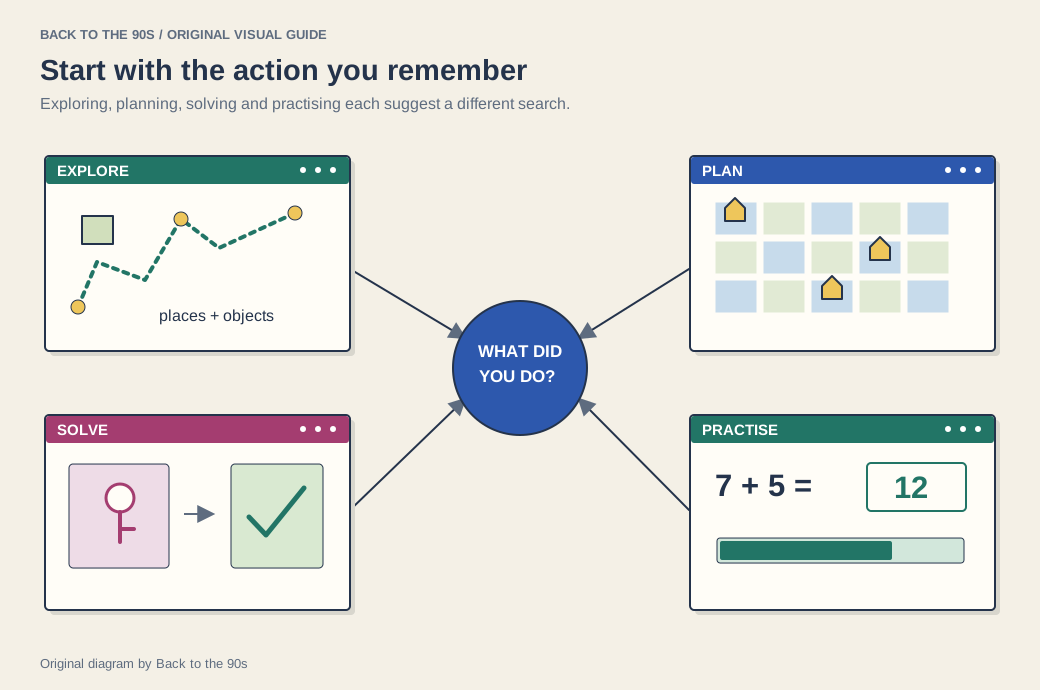
Remember the player’s action first.
Follow the activity you remember
| Memory | A useful route |
|---|---|
| Solving clues, reading dialogue or combining objects | Start with adventure-game collections and their publisher pages. |
| Managing a city, resources or a campaign | Look for strategy and simulation editions with manuals. |
| Learning spelling, arithmetic or geography | Read the school-computer games guide. |
| Playing something short between other tasks | Explore the current old-game collection guide. |
| Opening an animation or game inside a website | Continue into Flash game preservation. |
Keep the computer in the picture
The controls and screen helped shape the experience. A keyboard, a mouse, a low-resolution display and a particular sound setup could all affect how a game felt. The computer-era overview gives those details a wider setting.
PCjs preserves selected computing environments in a browser. Its project catalog can help you connect an application with the machine around it.
Start with a named game
For an adventure, ScummVM’s freeware collection offers Beneath a Steel Sky and Flight of the Amazon Queen, among other authorized downloads.
Ways to play old games
The ways-to-play resource compares the available routes. ScummVM supplies the engine for supported game data. A maintained store edition packages a particular release for its listed systems. PCjs emulates the surrounding machine.
For an adventure download, check ScummVM’s compatibility list and use the game-data edition the documentation names.
Trace a forgotten game
Write down the actions before guessing a title. What did the player control? How did the camera frame the scene? What counted as success? Which computer or website hosted the experience?
The forgotten Flash-game guide turns those clues into a search method for browser games. The same habit of separating remembered details from guesses helps with older desktop titles.
Continue into the 2000s
Newgrounds explains a participatory portal around animation and games. Neopets, Habbo and Webkinz explore worlds built around repeated visits and social activity.
For a first session, learn how the chosen edition saves progress before starting a long campaign or puzzle. The controls and save method can differ between releases of the same title.