Habbo Origins guide: accounts, rooms and chat controls
Published
Habbo Hotel: Origins recreates the hotel’s 2005 experience. Azerion launched the revival on 18 June 2024.
On this page
Choose Origins or the main hotel
Use Habbo for the main service or Habbo Hotel: Origins for the classic experience. The official introduction identifies Origins as an 18-plus service.
An old Habbo account does not transfer into Origins. Follow the Origins account instructions to create its separate account with an email address. Check the service name before opening a login or recovery form.
Walk, sit and use furniture
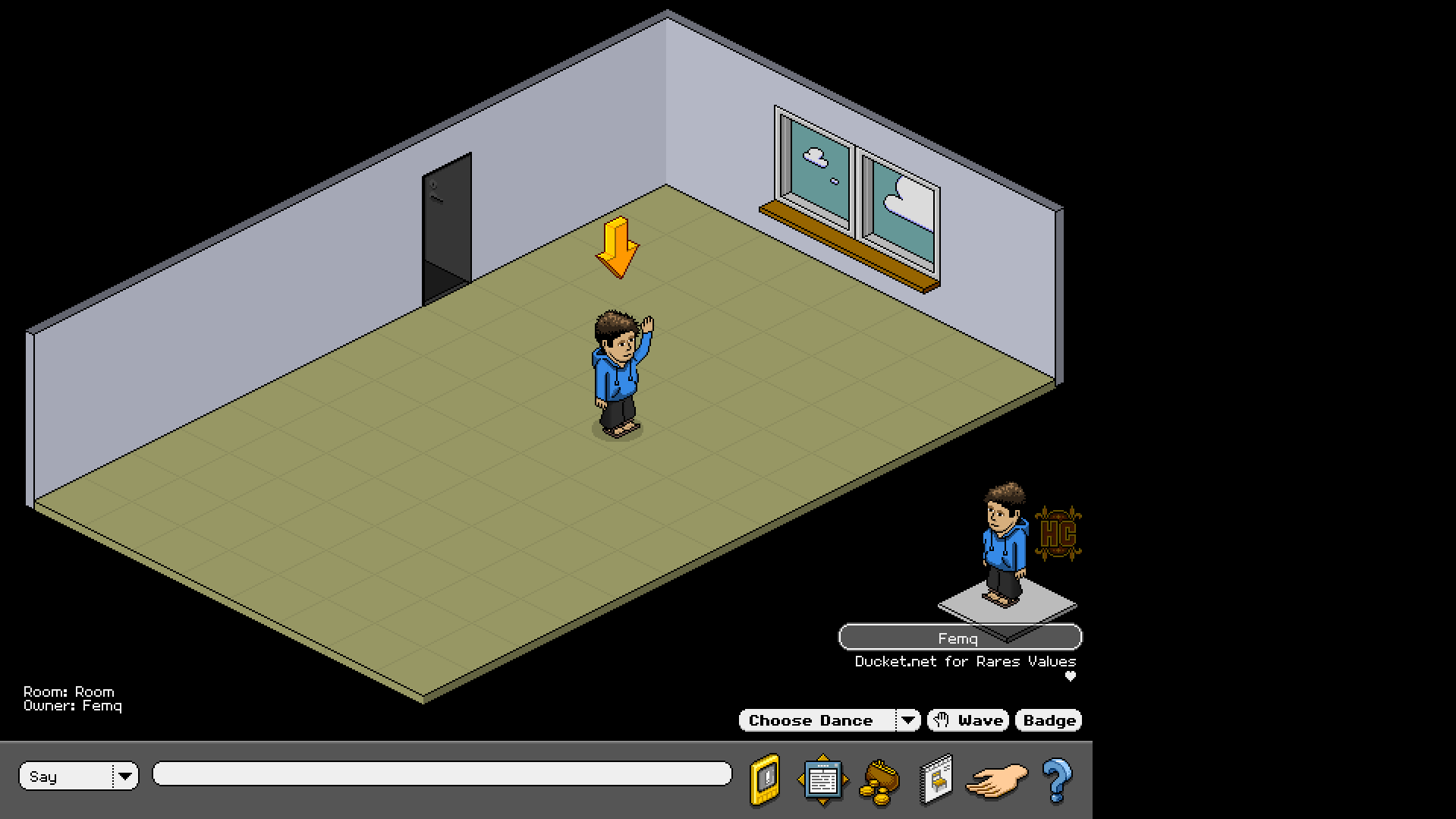
The movement guide uses the floor grid as the main control:
- Walk: click the destination floor tile.
- Sit or lie down: click the tile beneath the seat or bed.
- Use interactive furniture: double-click the object, such as a drinks item.
Try an open tile, a seat and the exit before exploring a busy room. This shows which tiles the furniture blocks and where your character can walk.
Speak, shout or whisper
Origins’ chat instructions start with the text box at the bottom of the screen. Type a message and press Enter.
Use the menu to the left of that box to choose Shout or Whisper. To whisper, first select the person, then choose Whisper and type. Choosing the mode alone does not choose who receives the message.
Set the entrance to your own room
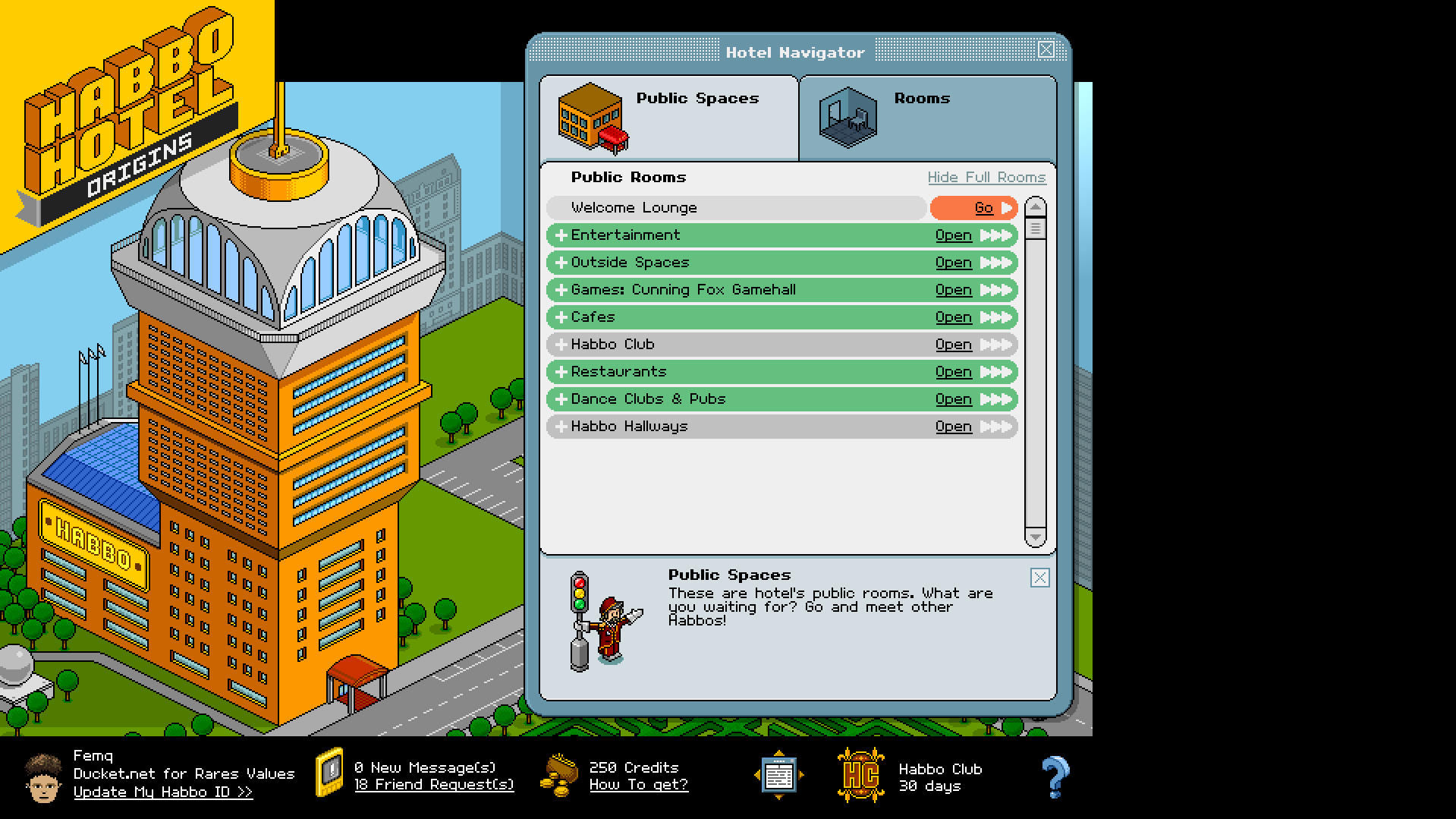
Follow Hotel Navigator → Guest Rooms → Own Rooms, select the room and open its modify controls. The doorbell and password guide explains how to choose who can enter.
The Origins help center provides the current instructions for room rights, furniture and account settings when you need a more specific control.
Plan a room around the people using it
Begin with the entrance and somewhere to go: a pair of seats for a chat, a display to look at or an open area for an event. Place the largest objects, then walk between them.
The original room planner has a six-by-six grid with entrance, route, seat and plant symbols. Choose a symbol, place it on a tile and save the plan as an SVG image. Compare seats in the center with furniture around the edge.
Download the planner to keep the sketches on your computer. When building the room in Habbo, use its real size and furniture; the small grid is for trying layouts.