90s computer programs you can explore in a browser
Published
You can explore three familiar kinds of 1990s software in a browser: drawing tools, a historical Windows machine and a compact music player. JS Paint, PCjs and Webamp take different approaches, so choose the task and the kind of experience you want.
On this page
| Open | What you get | First useful task |
|---|---|---|
| JS Paint | A recreation of classic Paint with extra features | Draw and save a small image |
| PCjs | Software that imitates old computer hardware and runs selected programs | Open a named Windows machine and try a program |
| Webamp | A new browser version of Winamp 2 | Load music files from your computer and choose a skin |
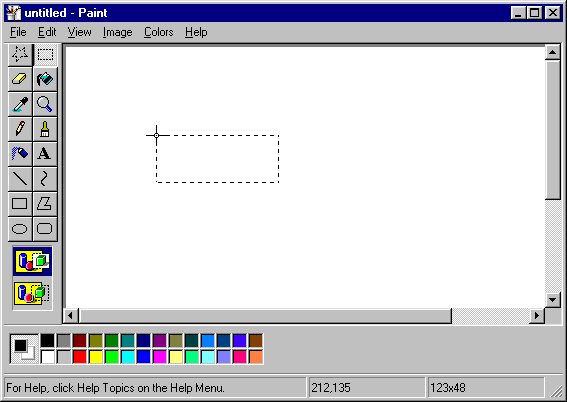
Draw with classic Paint tools
Open JS Paint and choose a small object with a clear outline. Use the pencil for individual pixels, the line tool for straight edges and fill for enclosed areas. Choose four colors and save the result before trying another tool.
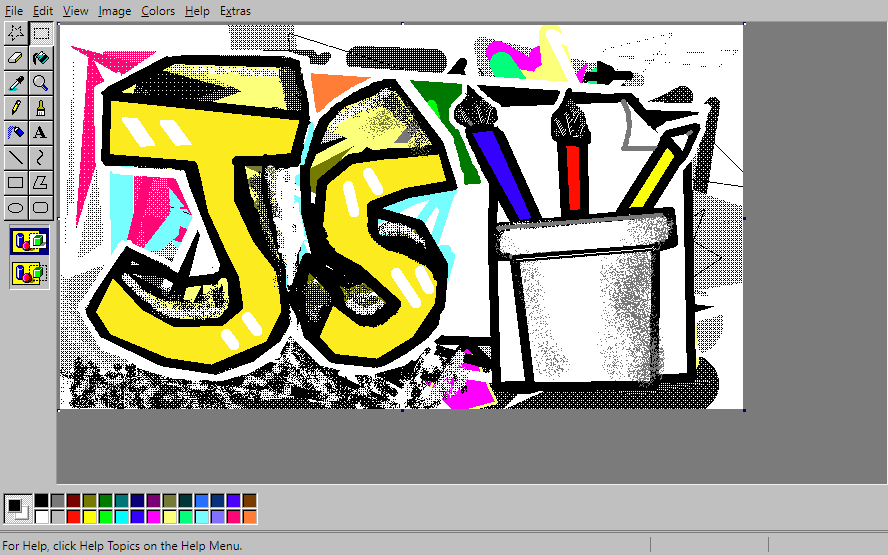
The project documentation explains the classic tools and menus and its added features. The installed web app currently needs an internet connection, so stay connected while using it.
Selecting a tool changes what the next click does. Try filling a shape with a gap in its outline, undo the spill and close the gap before filling again.
Run a particular historical Windows machine
PCjs lists old computers with their systems and instructions, including Windows 3.0, 3.1 and 95 examples. Choose a named setup and read its page before starting.
Note the system and app version when recording what you find. A Windows 3.1 program group and a Windows 95 Start menu open programs in different ways. The version tells you which Windows release used each layout.
Open one included program, find its menu and read its help. Then return to the desktop and switch to another window.
Save a small document
Our classic window study gives you a short, original writing task. Type a title and three lines, select Save note, then open the downloaded text file in your own editor.
The app edits the document; the saved file exists separately. A plain-text file keeps words and line breaks. Other file types can also keep the layout and styling.
Play local music in Webamp
Webamp’s project recreates Winamp 2 with a main player, an equaliser for adjusting tone and a playlist. Follow the listening guide to add your own files and select a track.
Then compare a few Winamp skins. The artwork changes around a recognizable set of controls.
Keep the result and the version together
Use the three-task session sheet to record the program, version, file type, save location and one useful shortcut for your drawing, note and playlist.