Winamp skins: three original downloads and a Webamp demo
Published
Download Blue Hour, Moss Circuit or Rose Quartz as classic .wsz Winamp skins, then try them in the Webamp preview. All three use the same fourteen-sheet bitmap structure and original pixel alphabet.
Download the complete collection, or open the Webamp preview. The full download includes all three skins, their bitmap folders, preview images, a Python generator and installation notes.
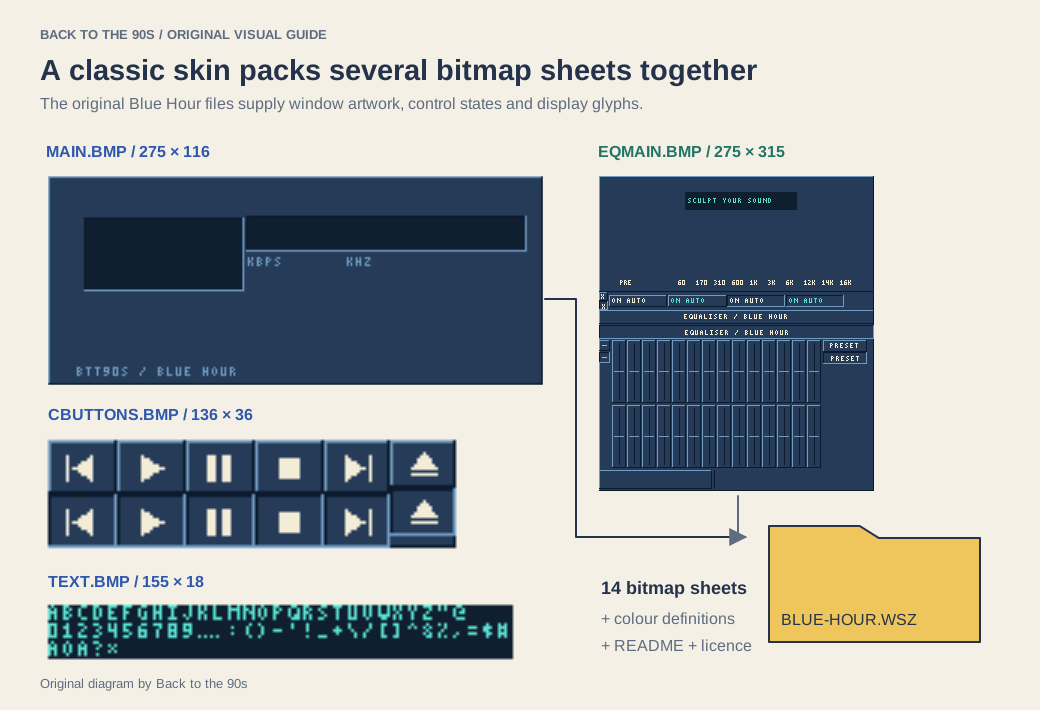
These images come from the download itself. The WSZ packages fourteen bitmap sheets with color definitions, notes and a license.
Choose a skin
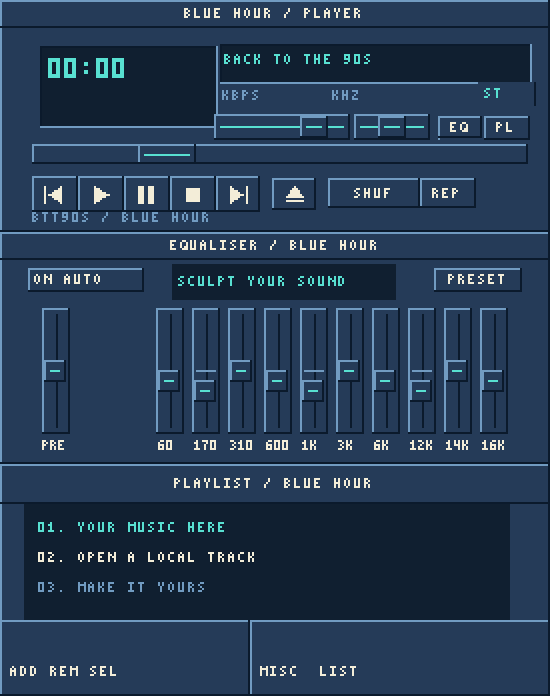
The preview combines the skin’s bitmap fragments.
Blue Hour
Navy surfaces and cyan indicators give the player a late-night radio feel. Cream transport symbols stand out against the dark buttons, while the screen uses a deeper blue to separate track information from controls.
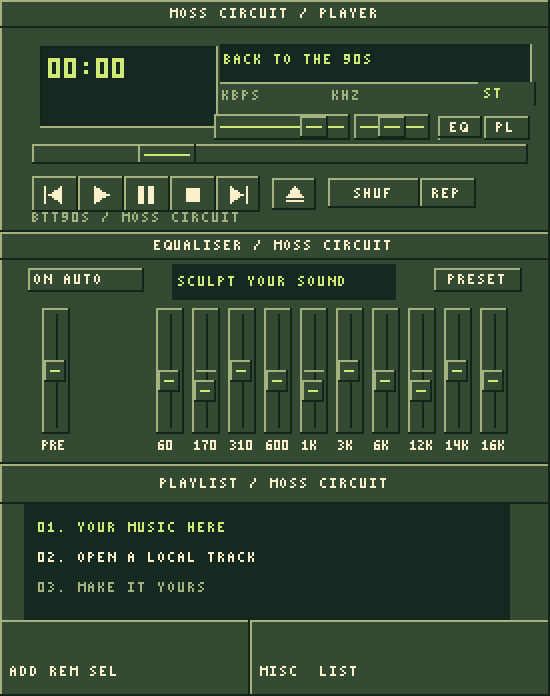
Moss Circuit
Forest-green panels, pale cream labels and lime highlights turn the same geometry into a small botanical instrument. Pick this palette if you like the connection between classic desktop customization and handmade personal websites.
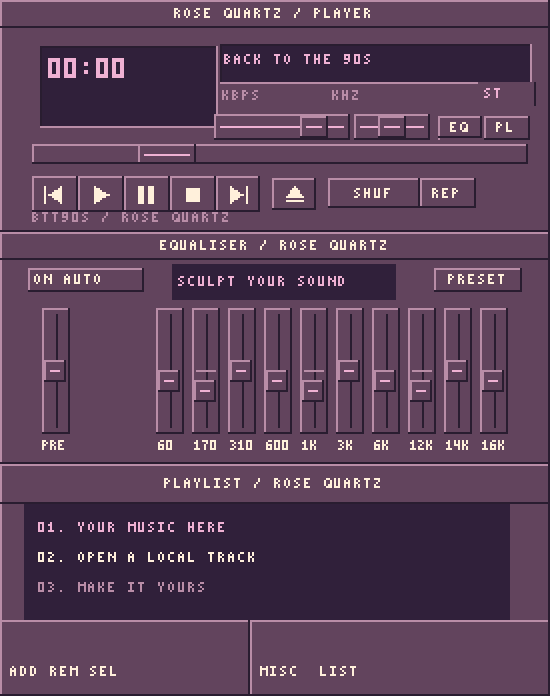
Rose Quartz
Plum panels and soft pink indicators create a warmer desktop. The layout keeps the playlist and track display dark, placing the color around the music.
Open the browser player
Extract the collection into a folder. Open a terminal in that folder and run:
python -m http.server 8000Visit http://localhost:8000/preview.html, choose a palette and press Load palette. The page loads Webamp 2.3.1 from unpkg and reads the selected skin from your local server. Add a local audio file through the player’s playlist to start listening. The preview opens with an empty playlist, so you choose the music. Its external Webamp module needs a network connection even when the skin files come from your local server. The downloaded BMPs and .wsz archives remain available to edit separately.
The preview follows Webamp’s installation instructions and its documented initialSkin and availableSkins options. You can also switch between the included palettes through Options → Skins inside the player.
For a guided tour of the controls, read the Webamp guide. To explore other people’s period artwork, visit Jordan Eldredge’s Winamp Skin Museum.
What the download contains
A classic skin splits the interface into bitmap sheets. The player crops those sheets into buttons, labels, sliders and window edges. Our packages use the component geometry documented in Bamp’s format map and Webamp’s sprite definitions.
| File | Role | Dimensions |
|---|---|---|
main.bmp |
Main player background | 275 × 116 |
titlebar.bmp |
Title bars and window controls | 344 × 87 |
cbuttons.bmp |
Playback buttons and pressed states | 136 × 36 |
eqmain.bmp |
Equaliser body, controls and faders | 275 × 315 |
pledit.bmp |
Playlist borders, menus and controls | 280 × 186 |
text.bmp |
Track-display pixel alphabet | 155 × 18 |
The remaining sheets supply digits, status indicators, mono/stereo labels, volume, balance, the position slider, shuffle/repeat and the compact equaliser. pledit.txt sets playlist colors; viscolor.txt supplies the visualizer palette. geometry.json records the complete coordinate map.
Each .wsz places those files at the root of a ZIP archive. Open a copy with an archive utility to explore its contents, or use the already extracted palette folders in the complete download.
Make the colors yours
In generate.py, find the PALETTES dictionary and edit one palette’s panel, edge, highlight, text, accent or screen color. In a terminal opened inside the extracted folder, install Pillow and regenerate the files:
python -m pip install Pillow
python generate.py
Reload preview.html, choose the edited palette and press Load palette to inspect the result.
If you prefer a pixel editor, edit the supplied BMPs directly and preserve their dimensions. Keep normal and pressed button states visually related. Give the track text and time digits enough contrast to remain clear at the player’s native size. Our make a Winamp skin tutorial walks through that workflow.
We release this original artwork, alphabet and generator under the MIT license. Keep the license with copies you share and credit your own changes in the package notes.