Frutiger Aero wallpapers and backgrounds: 12 free 4K designs
Published
Choose a glossy blue ring, a translucent wave or a pale green bubble pattern. This original wallpaper collection uses simple geometric forms, broad highlights and clear color gradients to bring an Aero-inspired surface to your screen.
On this page
The download contains six PNG wallpapers and six editable SVGs. Every design has a 1920 × 1080 desktop version and a 1080 × 1920 phone version.
Download the complete pack — ZIP, 8.3 MB
New 4K Frutiger Aero wallpapers
Six new designs in 4K for desktop (3840 × 2160) and in full iPhone and Android resolution (1290 × 2796). Click a preview to open the full-size file, then save it.
Morning Bubbles
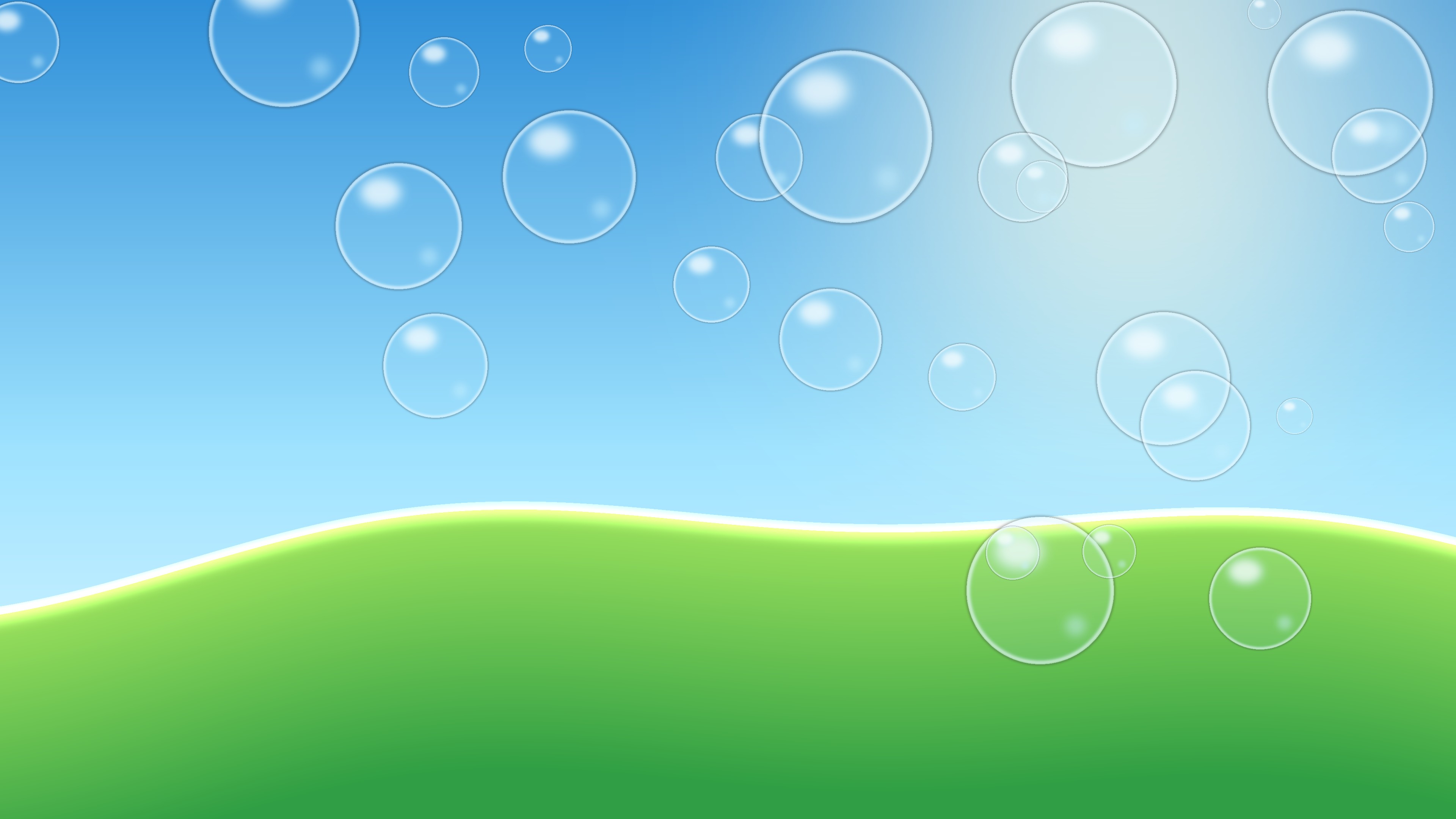
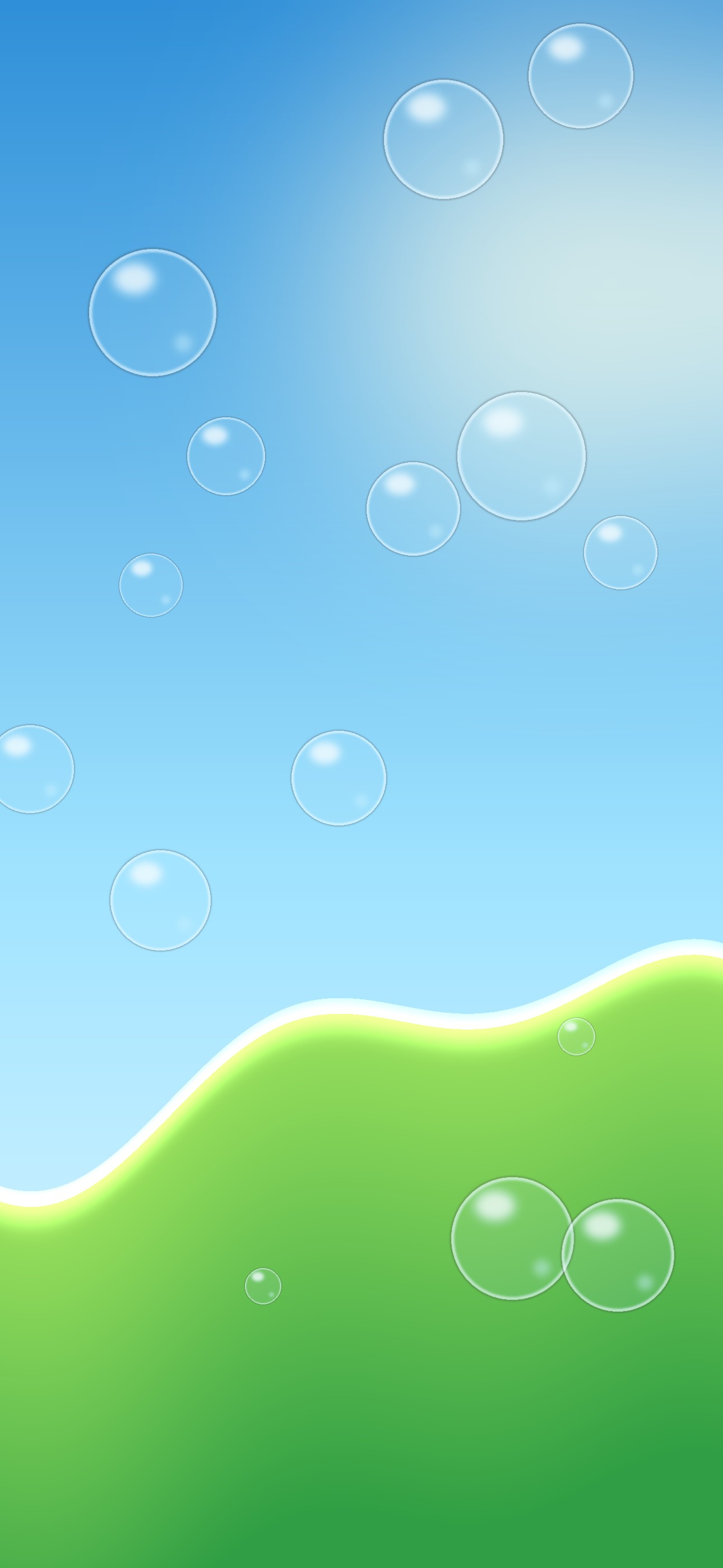
Glossy bubbles drift over a bright sky and a soft green hill. 4K desktop JPG — 0.3 MB · Phone JPG — 0.1 MB
Aqua Ribbons
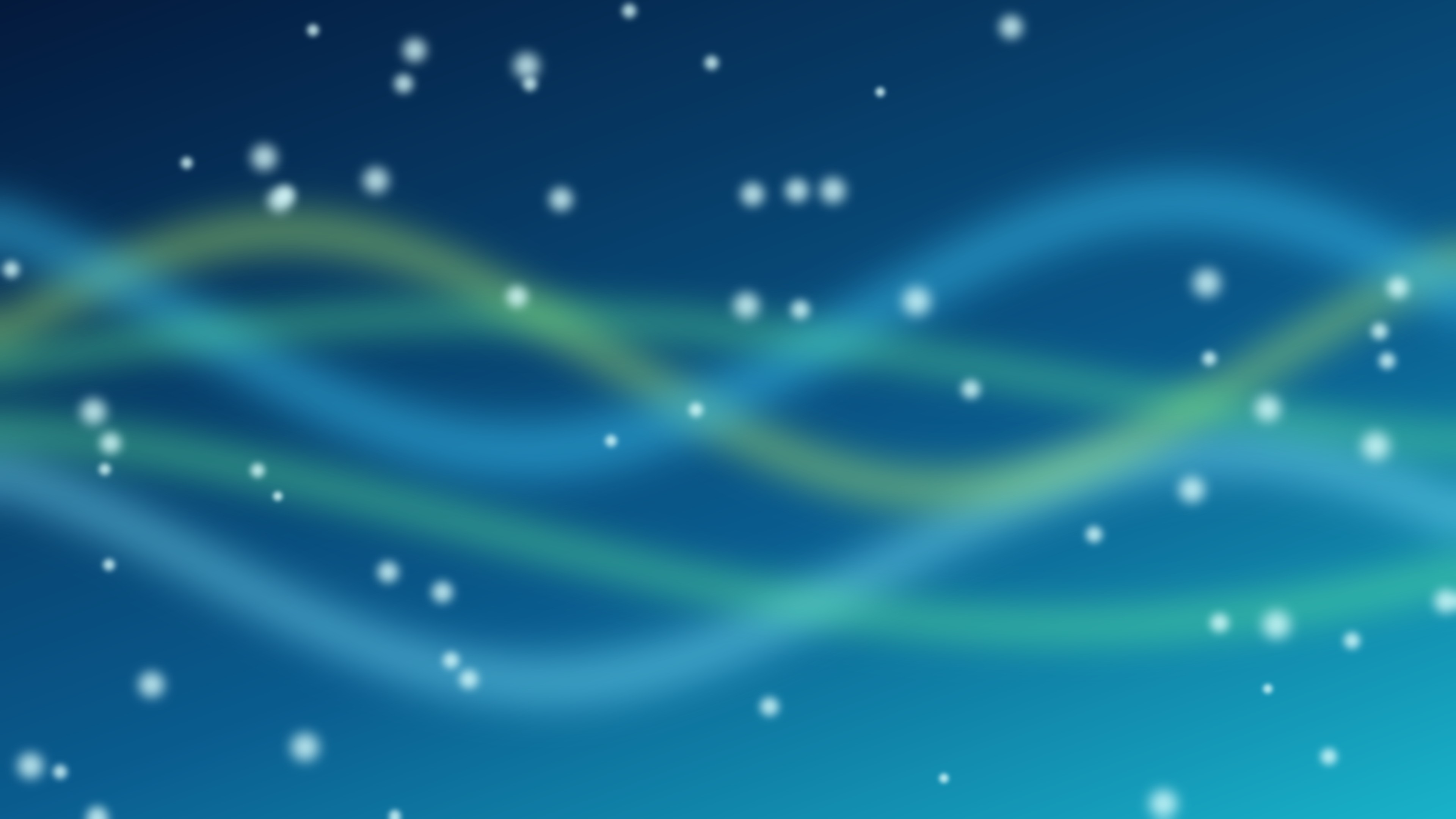
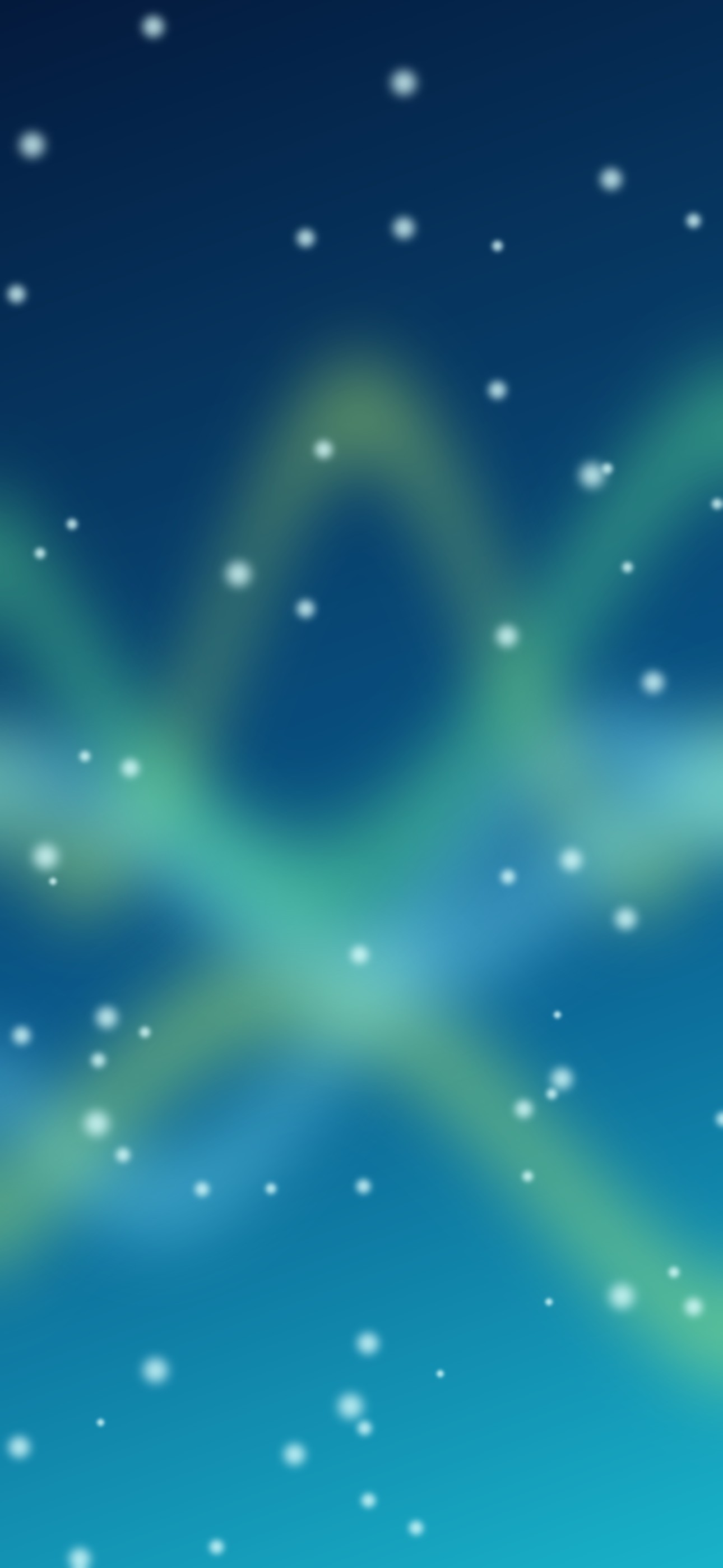
Translucent green and aqua ribbons flow across deep ocean blue. 4K desktop JPG — 0.3 MB · Phone JPG — 0.1 MB
Glass Orbs
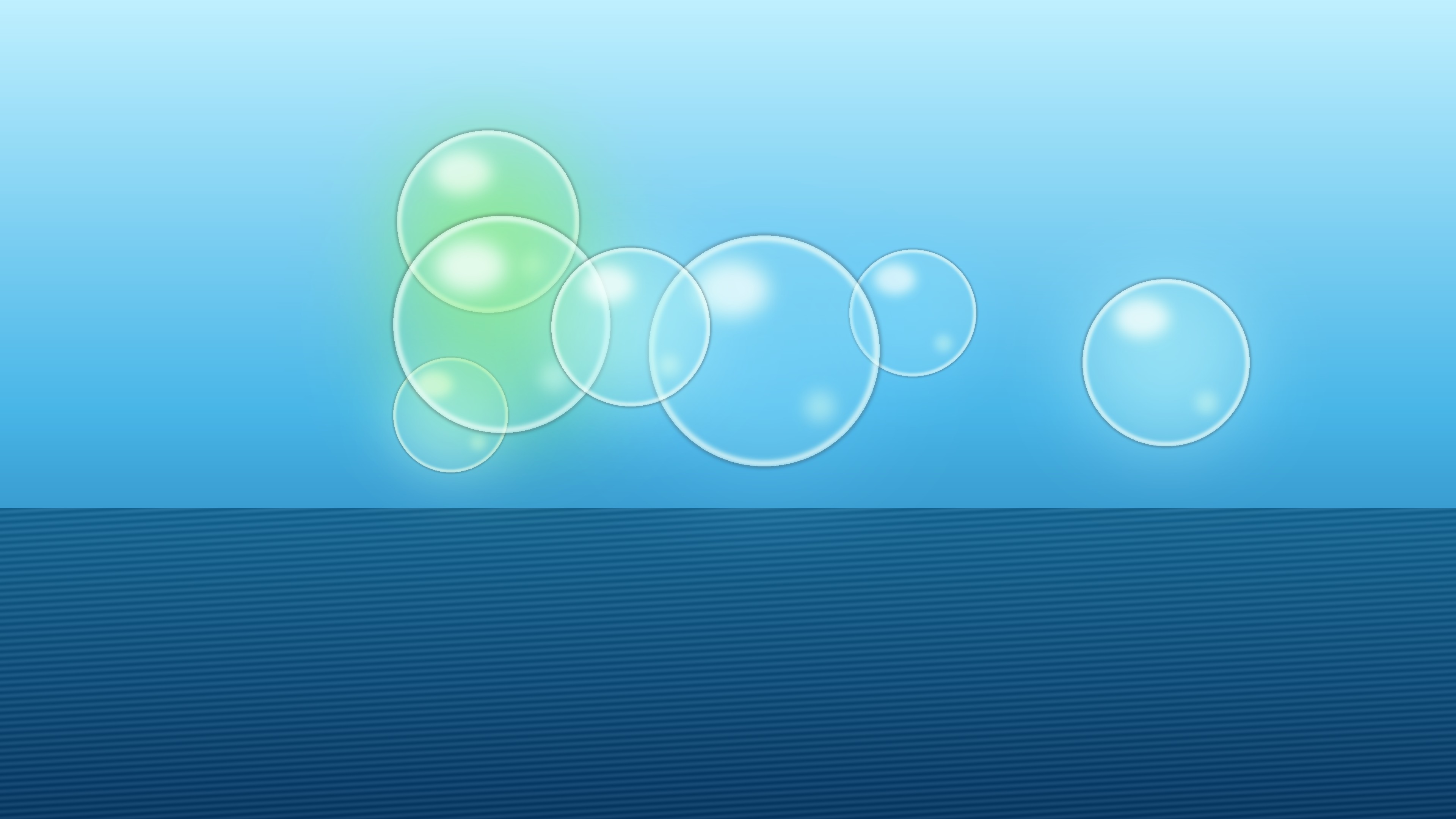
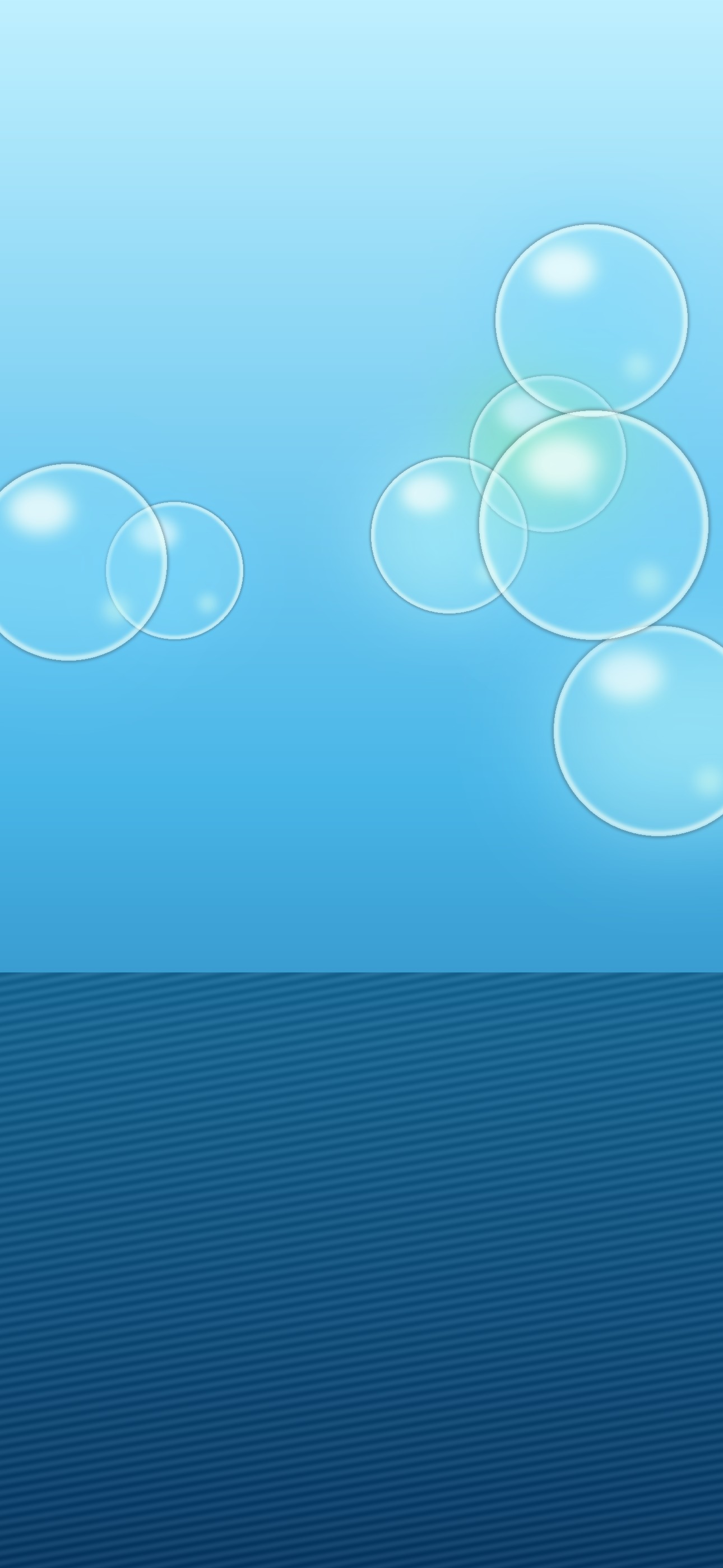
Glowing glass orbs float above calm water. 4K desktop JPG — 0.4 MB · Phone JPG — 0.2 MB
Eco Light
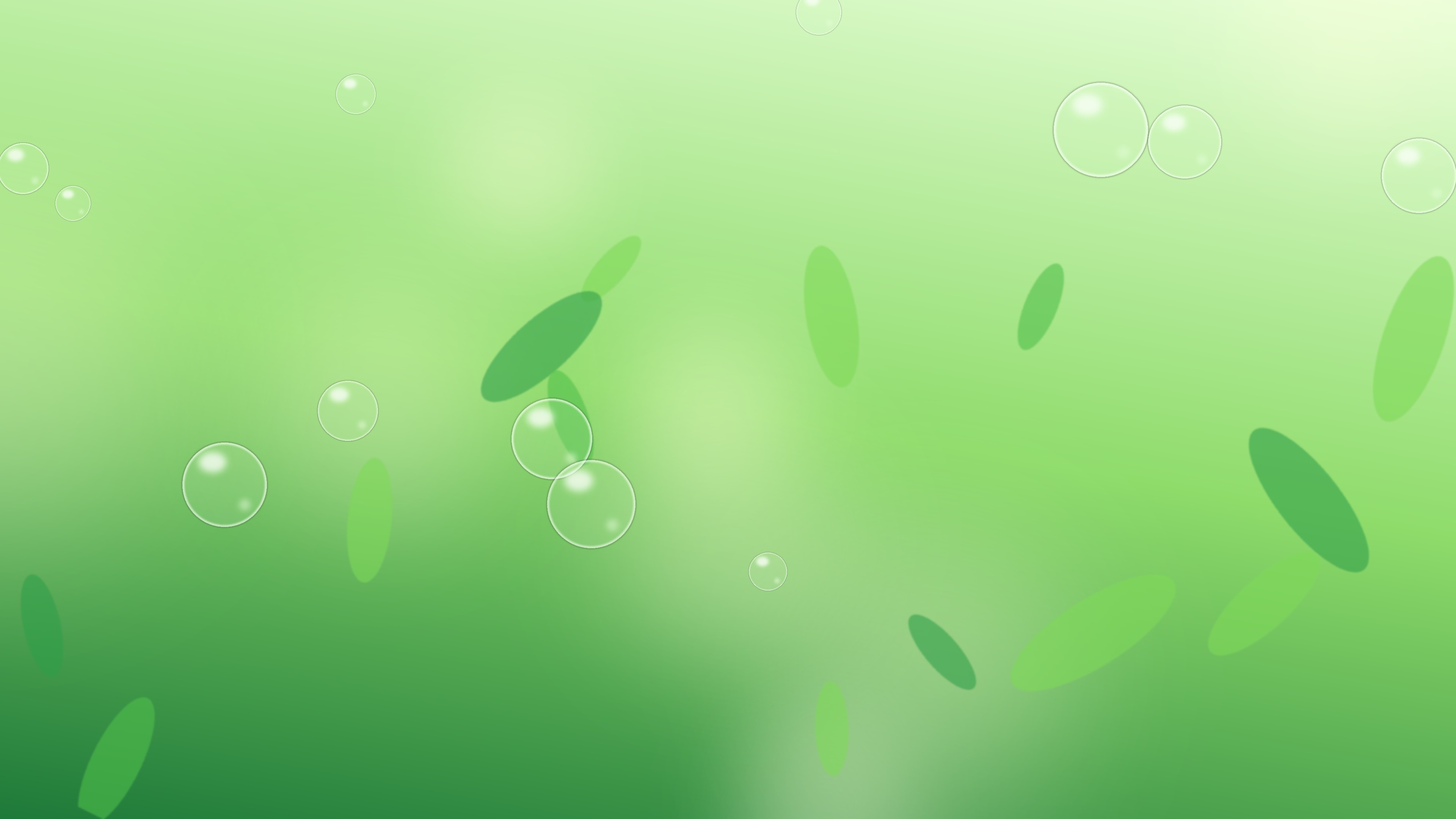
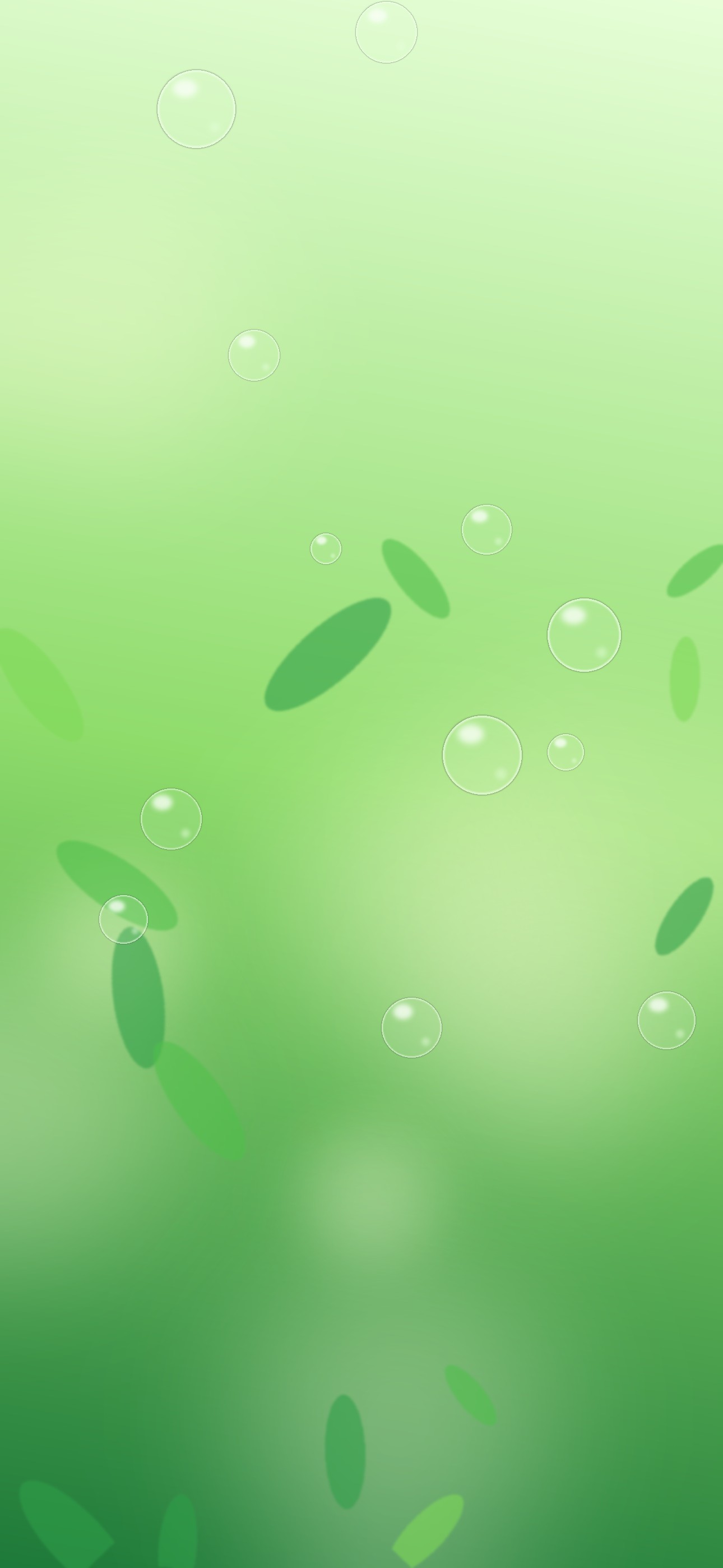
Leaves, sunlight and bubbles in fresh Frutiger Eco greens. 4K desktop JPG — 0.2 MB · Phone JPG — 0.1 MB
Night Aurora
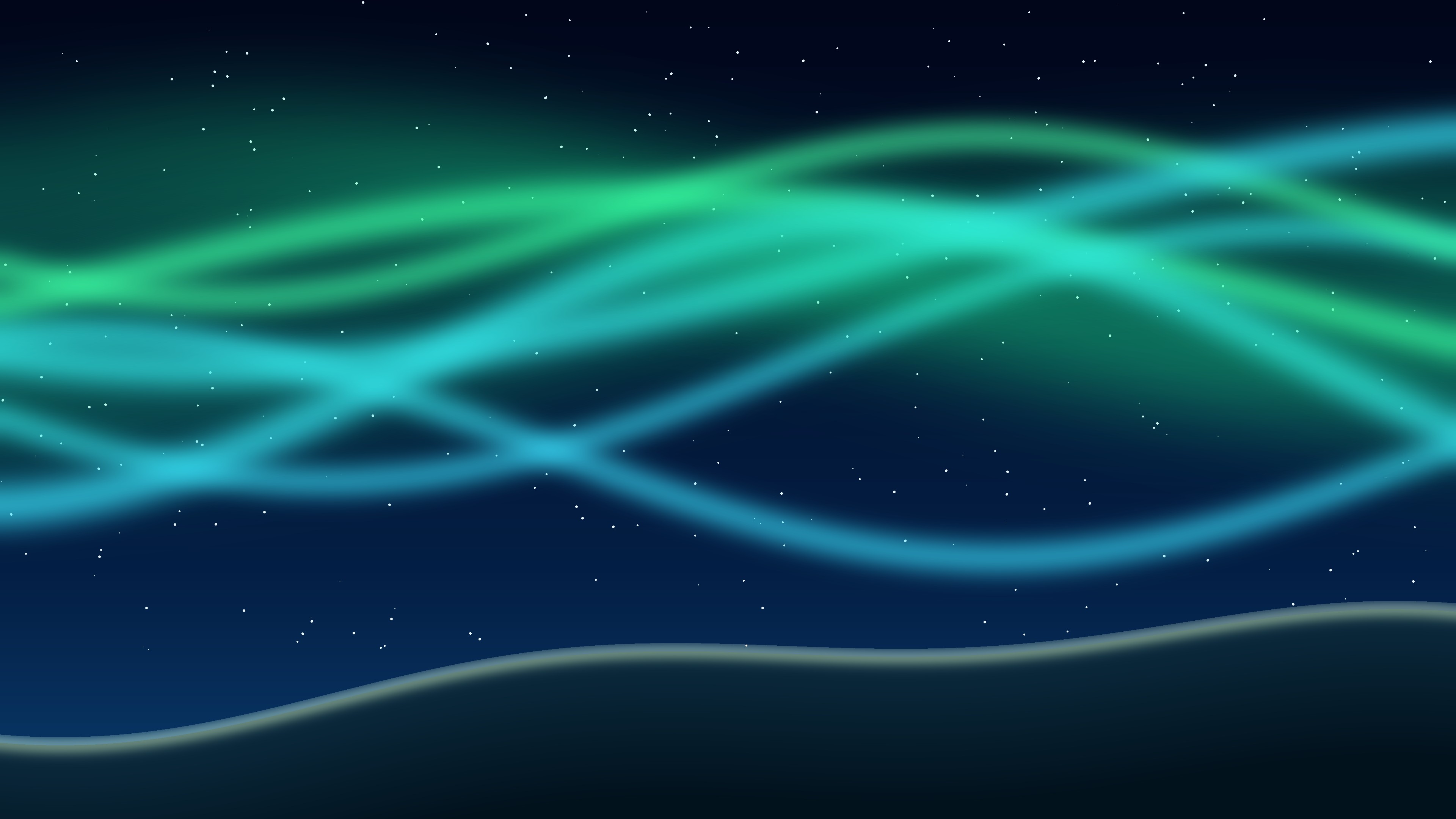
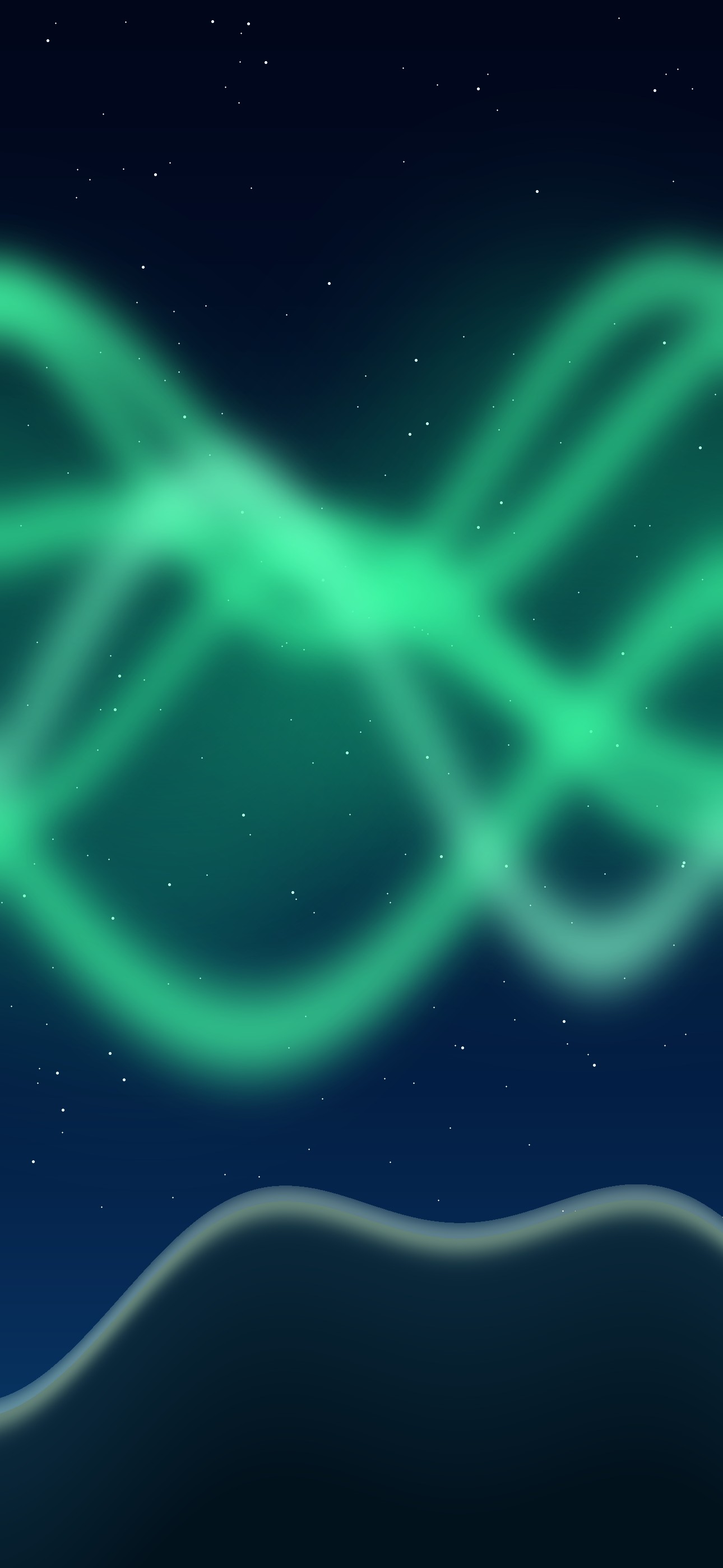
Bright green and aqua aurora bands over a starry night and dark hills. 4K desktop JPG — 0.3 MB · Phone JPG — 0.1 MB
Sky Horizon
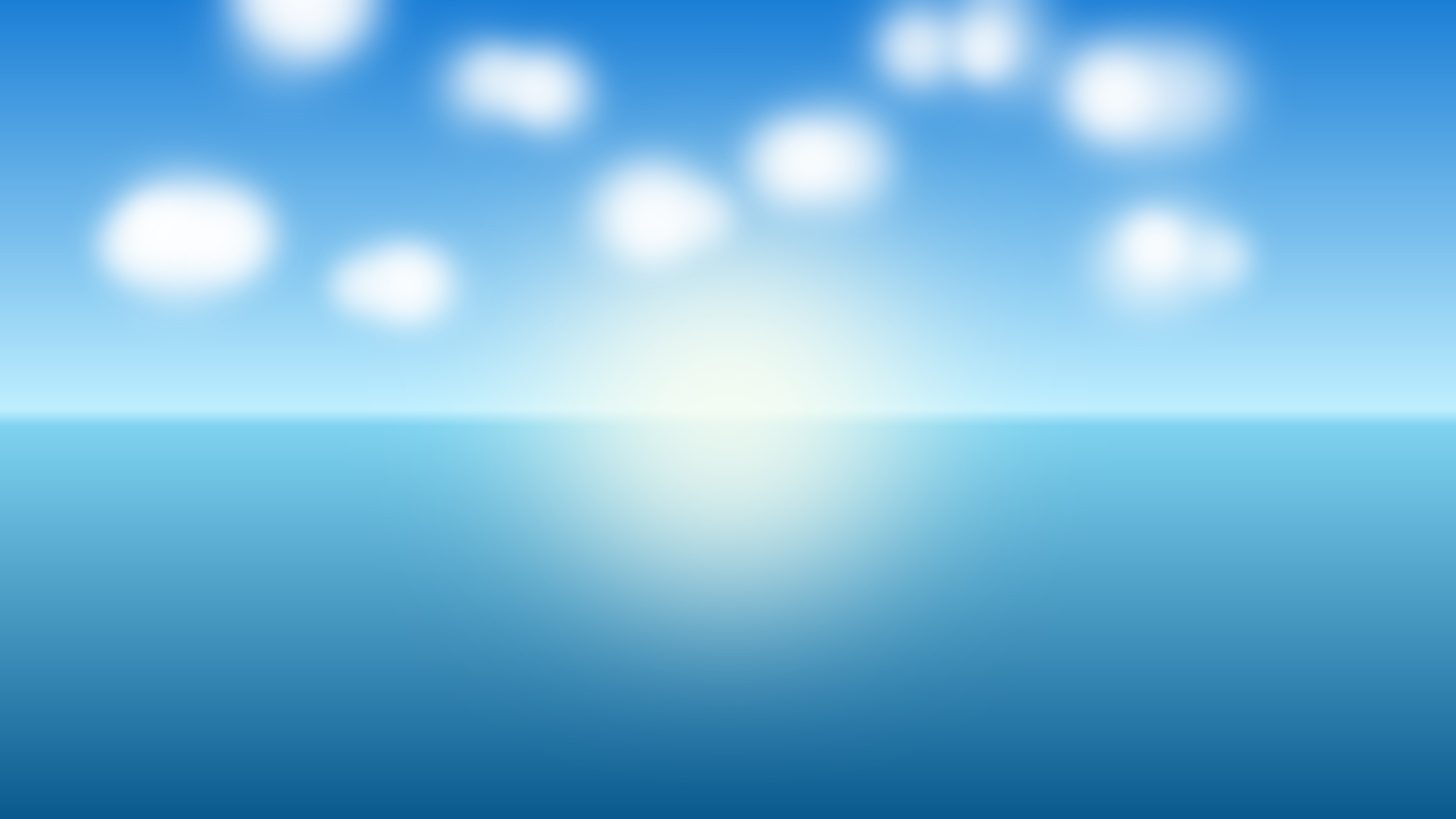
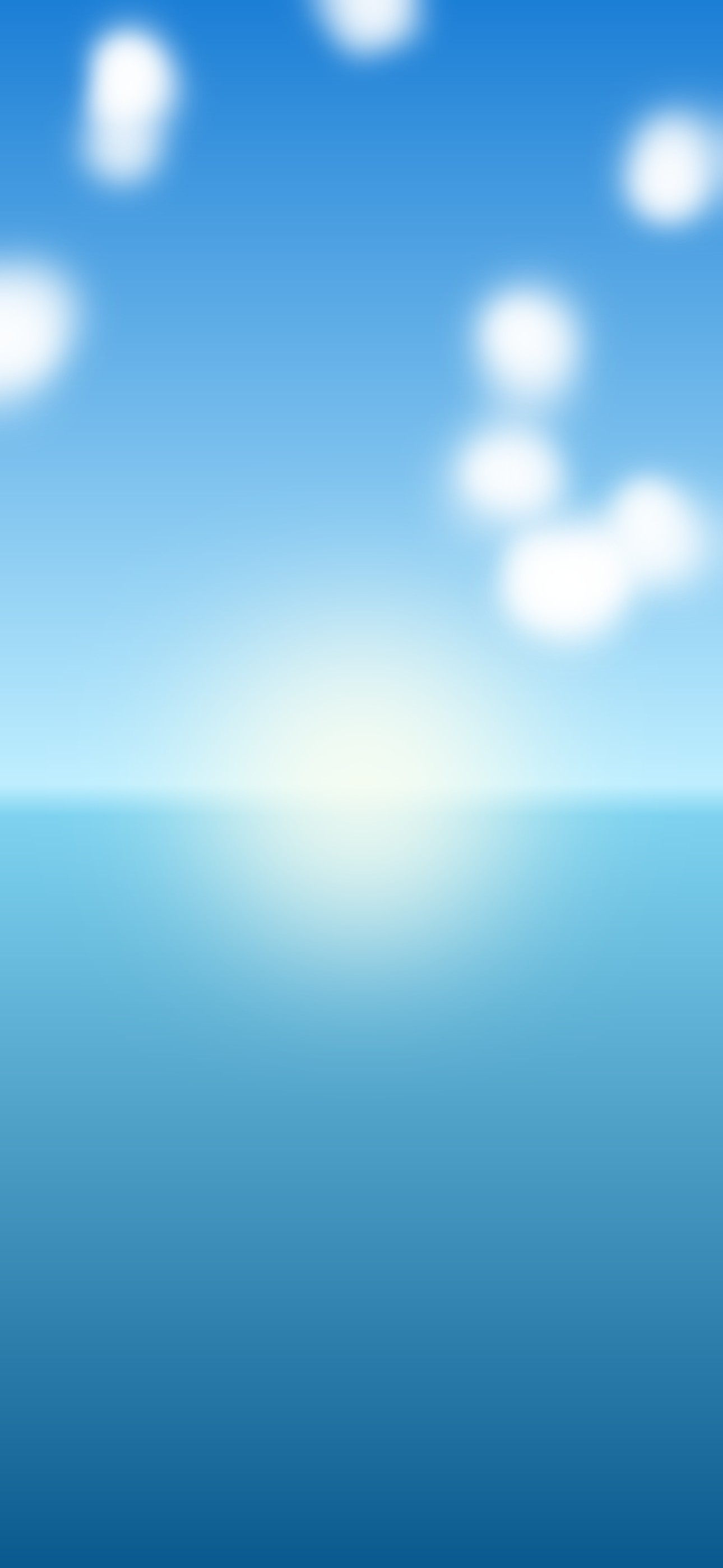
A bright sun sits on a clear horizon between sky and water. 4K desktop JPG — 0.2 MB · Phone JPG — 0.1 MB
More originals with editable files
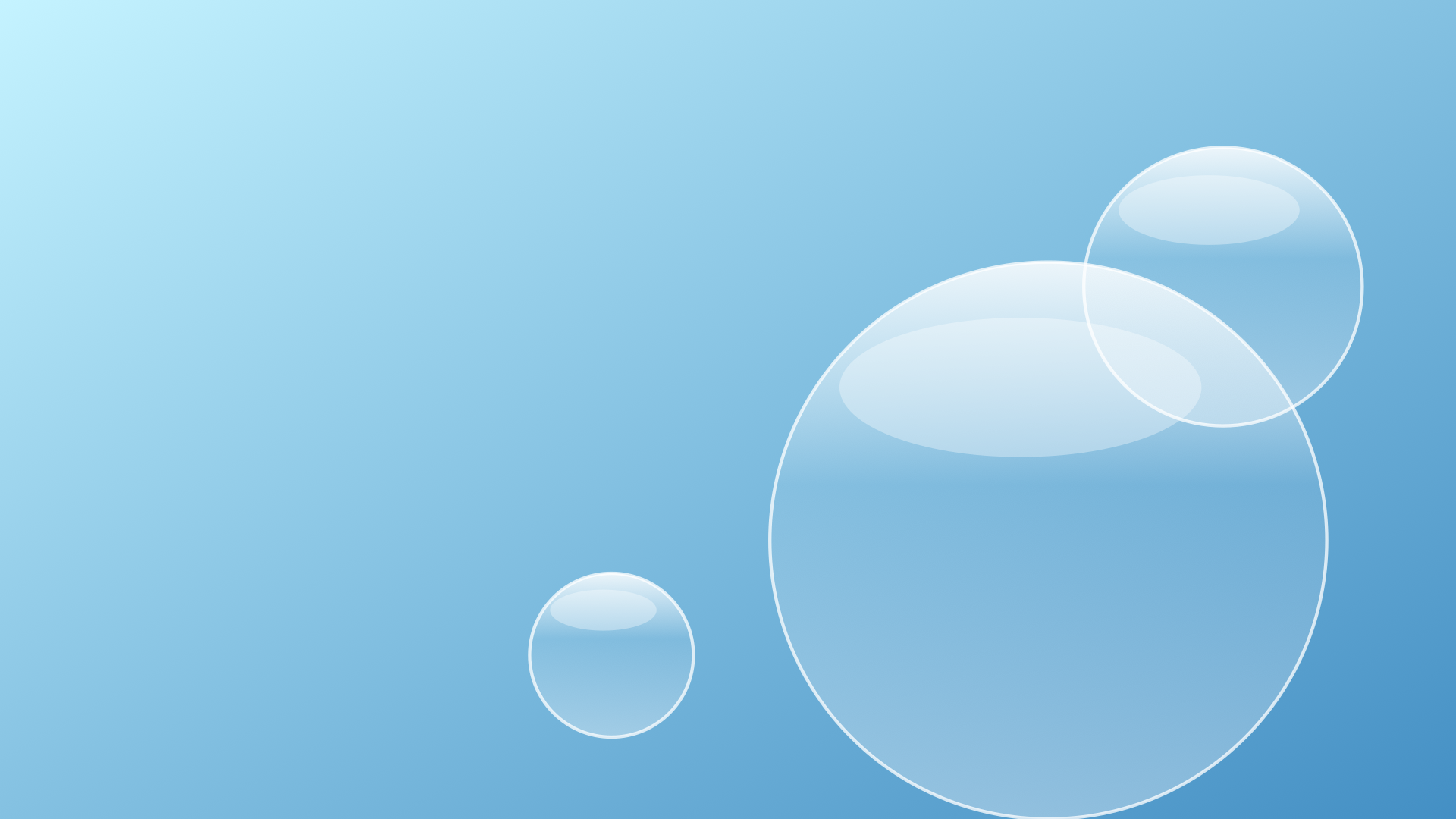
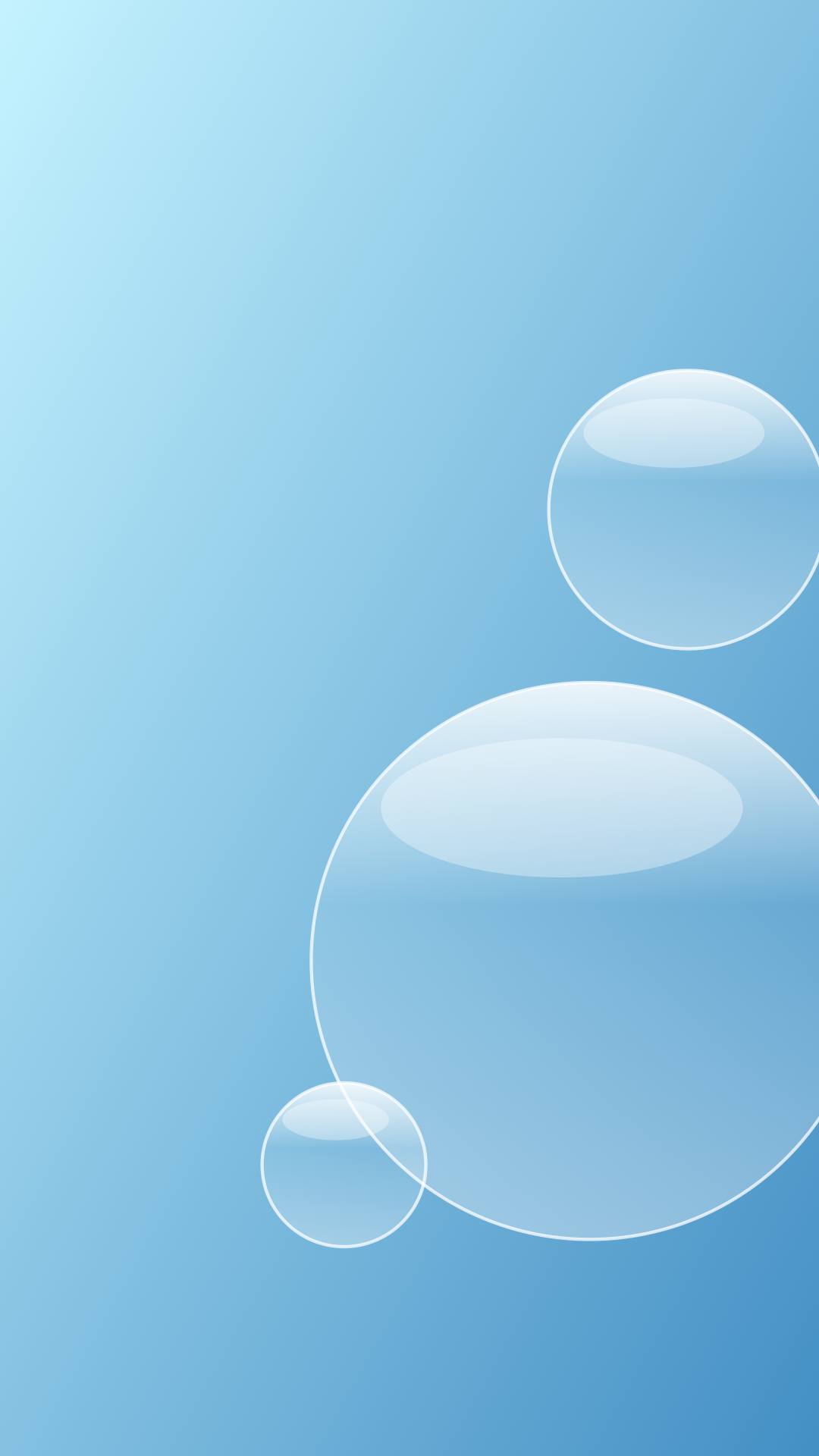
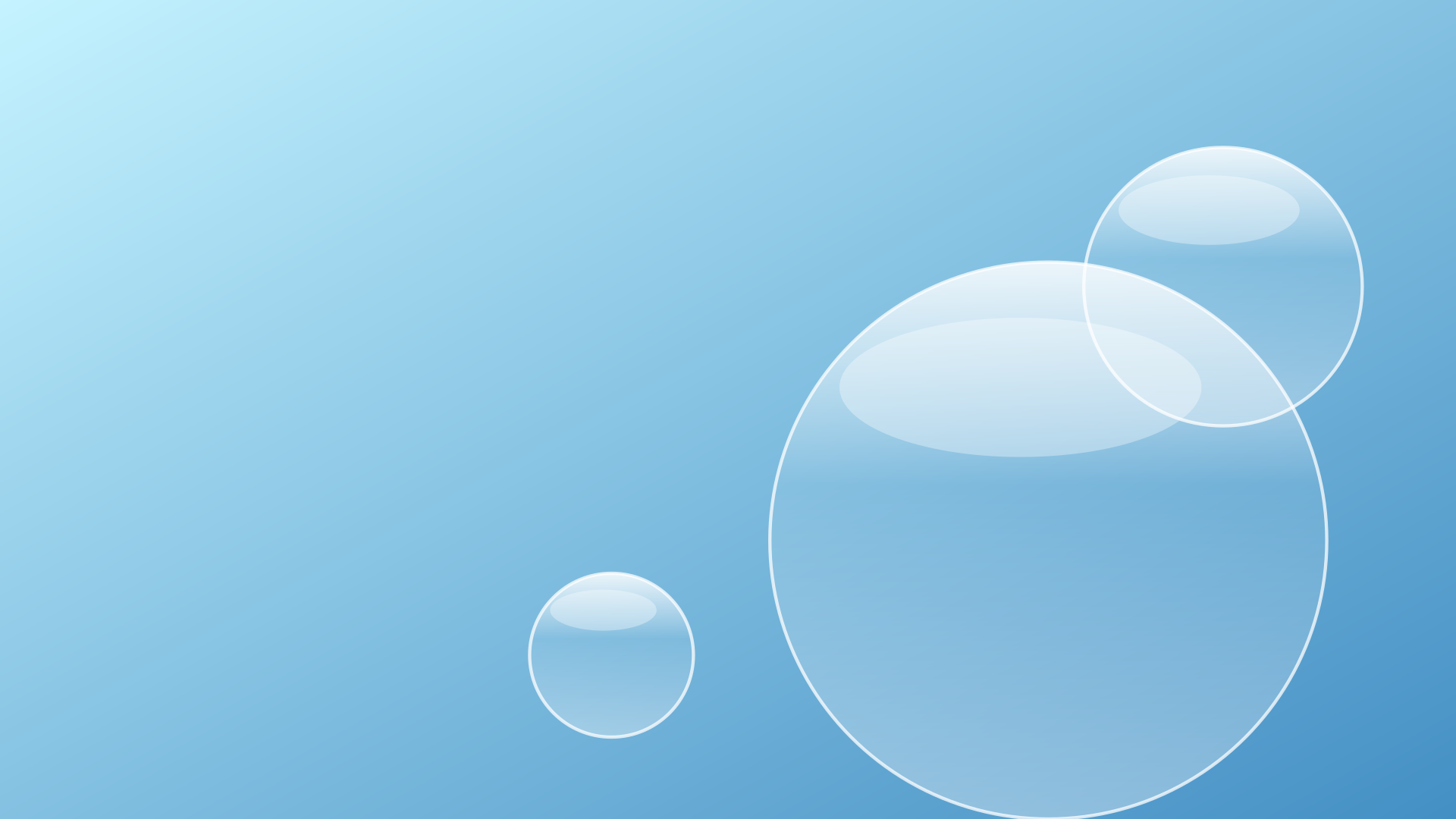
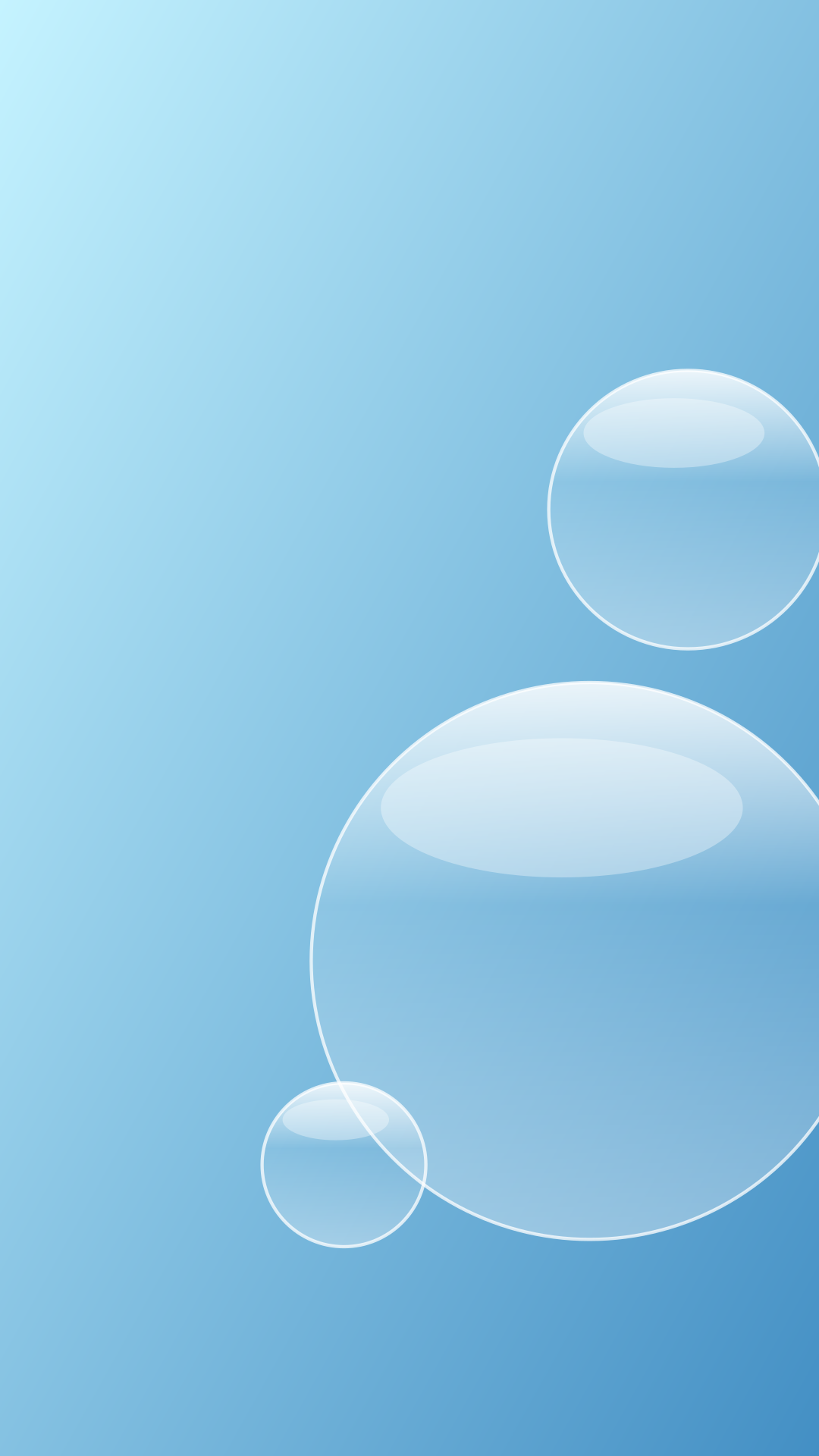
Aqua Rings
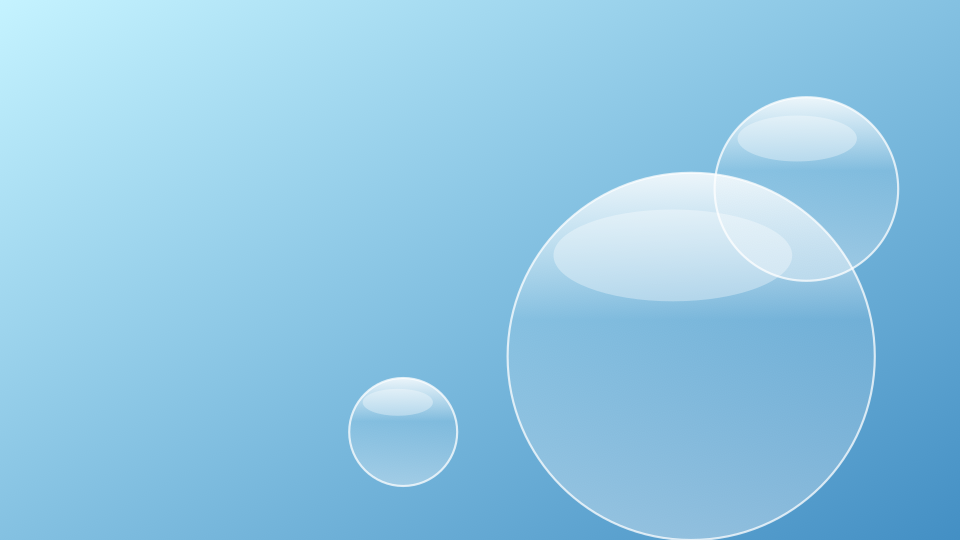
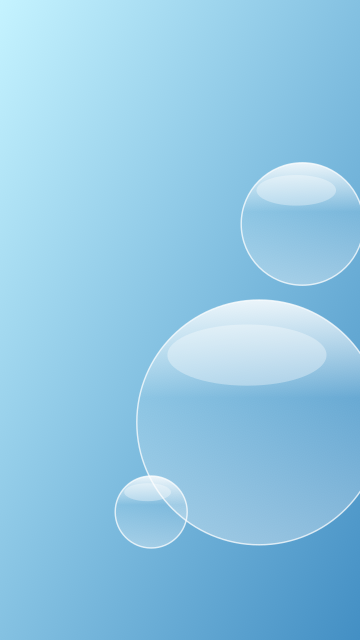
Desktop PNG — 1.5 MB · Phone PNG — 1.5 MB · Editable desktop SVG · Editable phone SVG
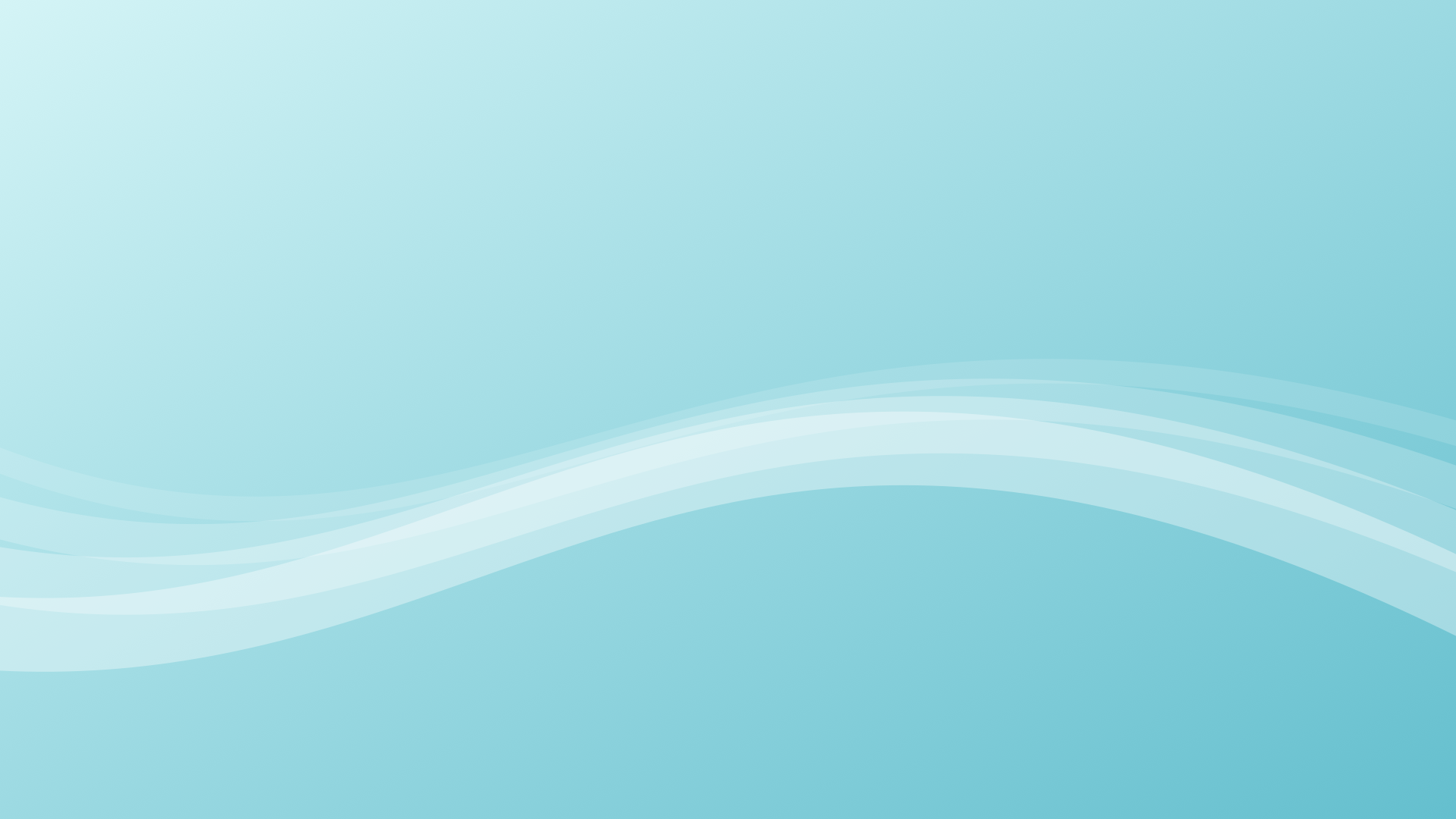
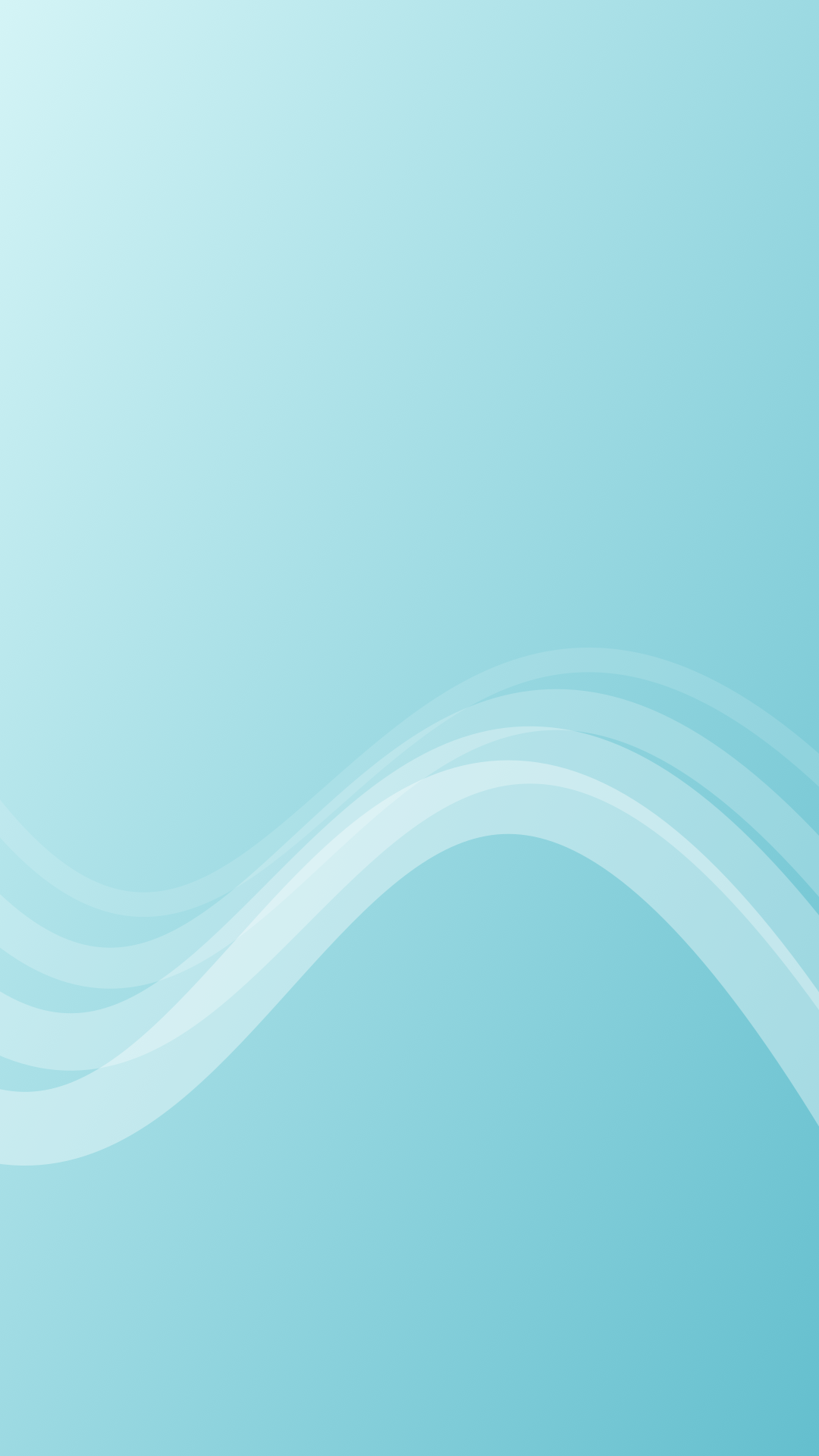
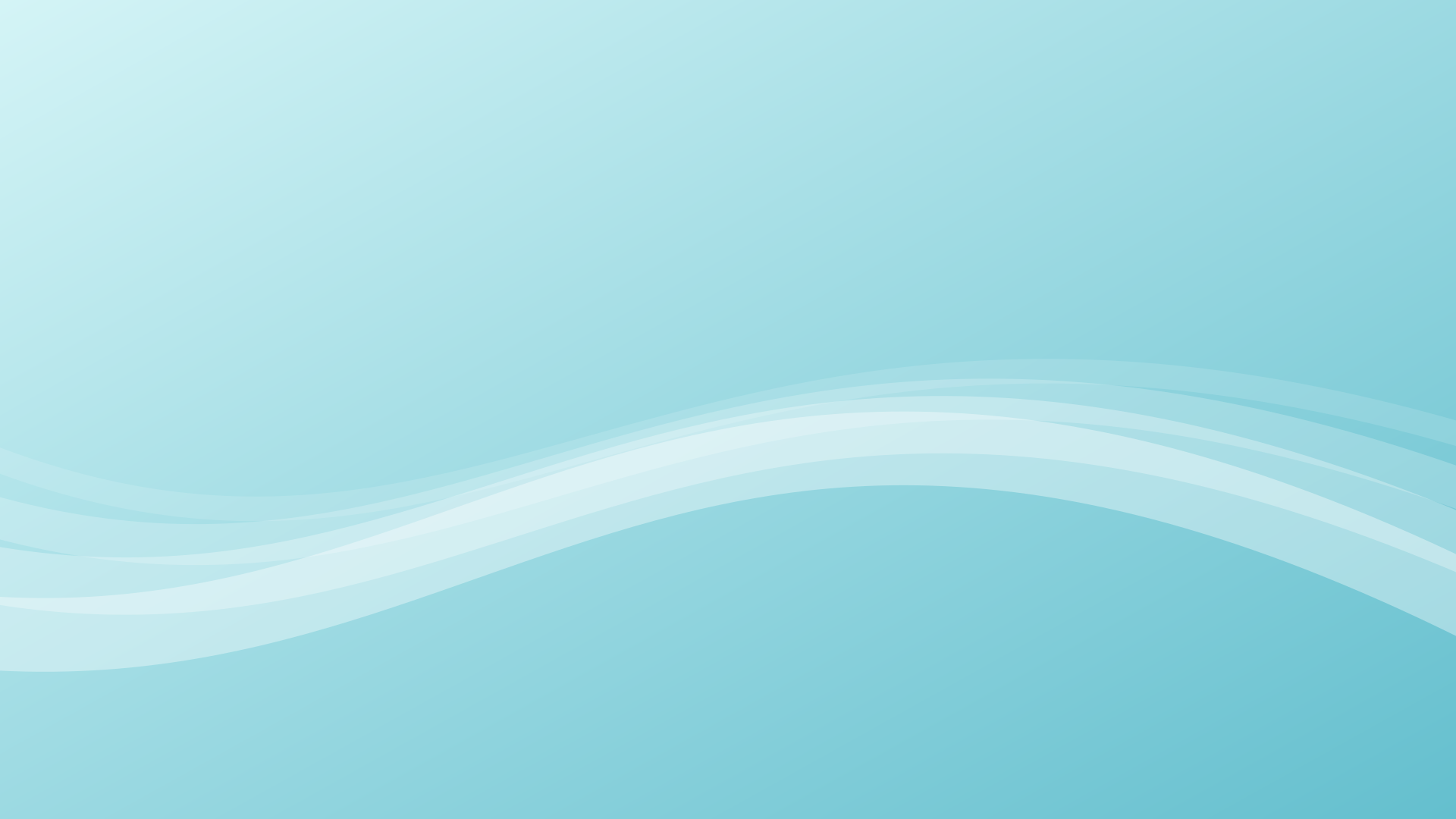
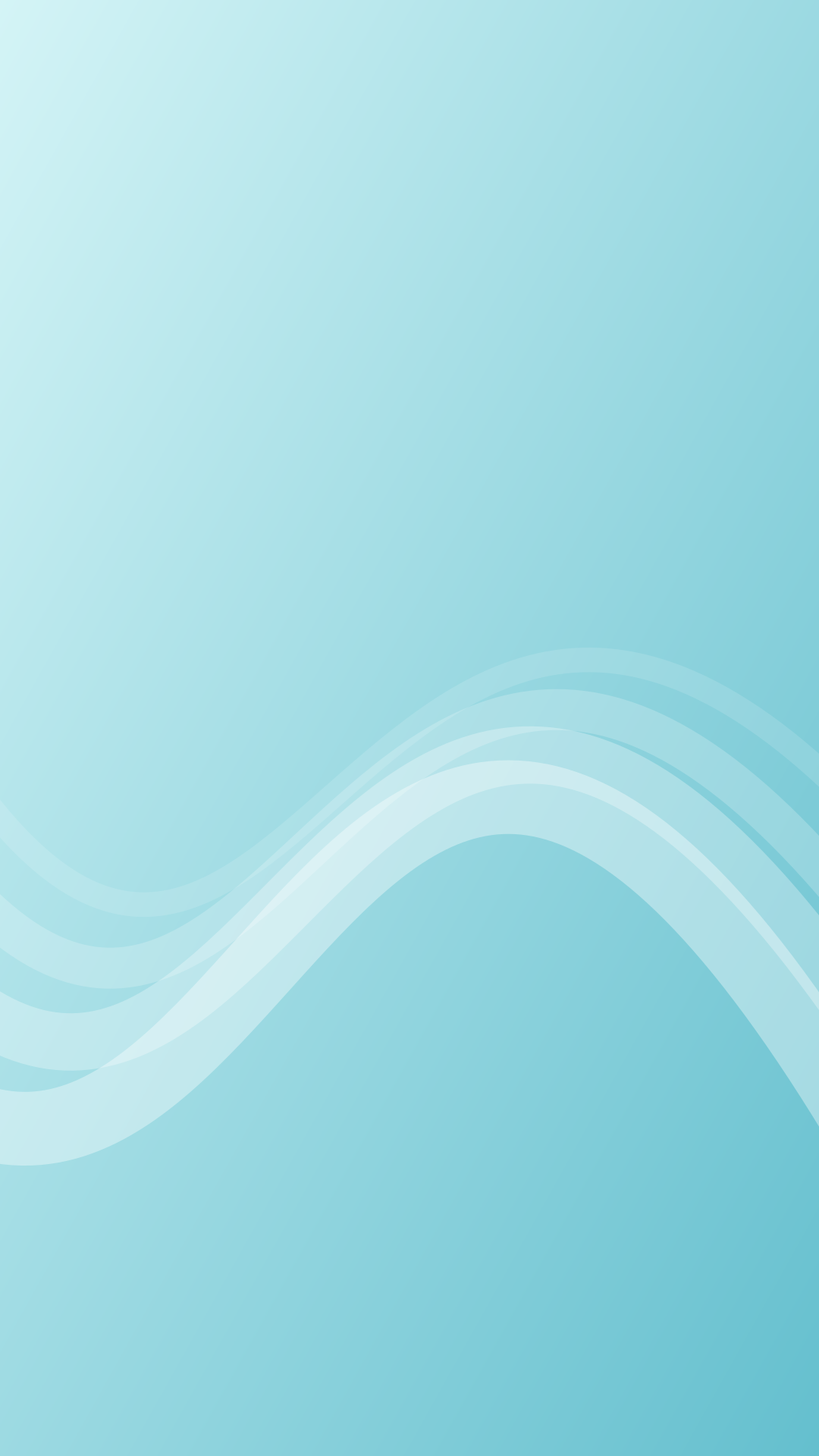
Glass Wave
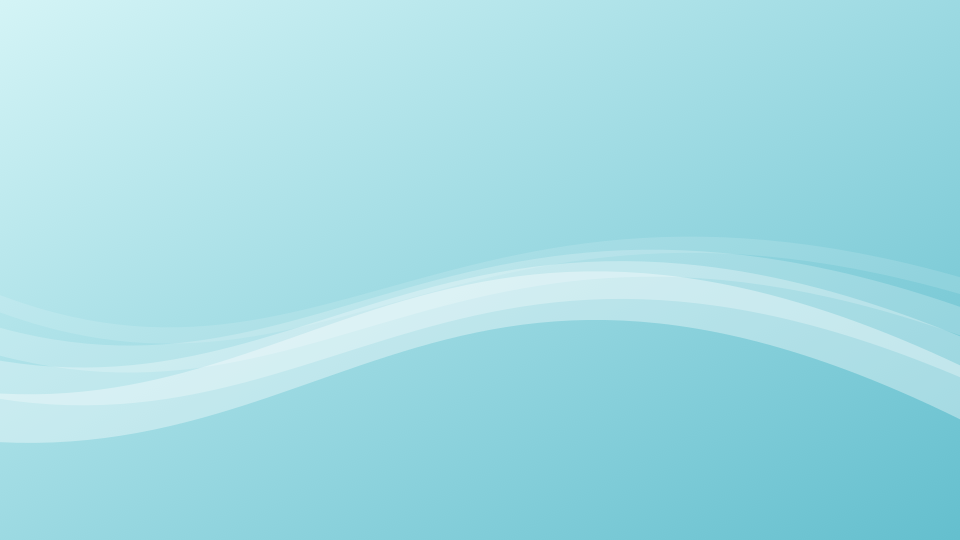
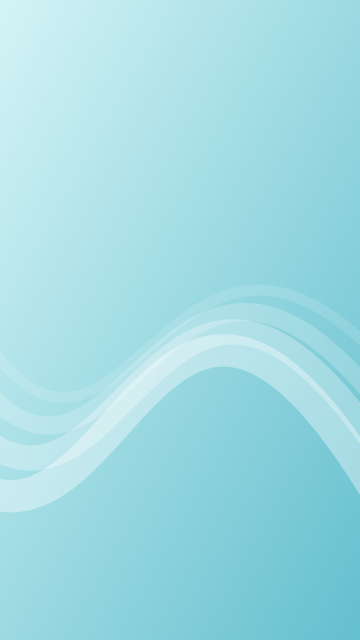
Desktop PNG — 1.2 MB · Phone PNG — 1.3 MB · Editable desktop SVG · Editable phone SVG
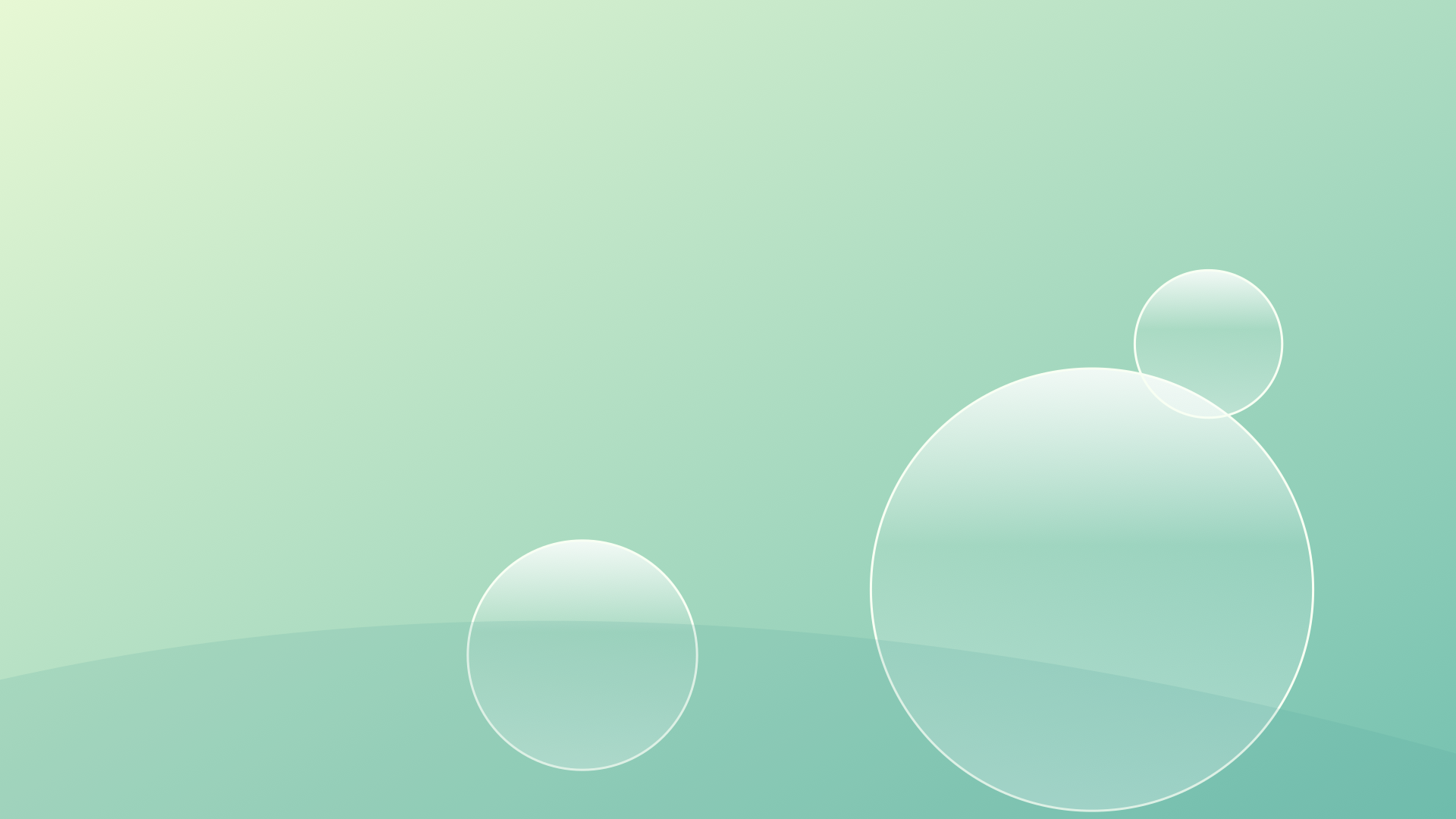
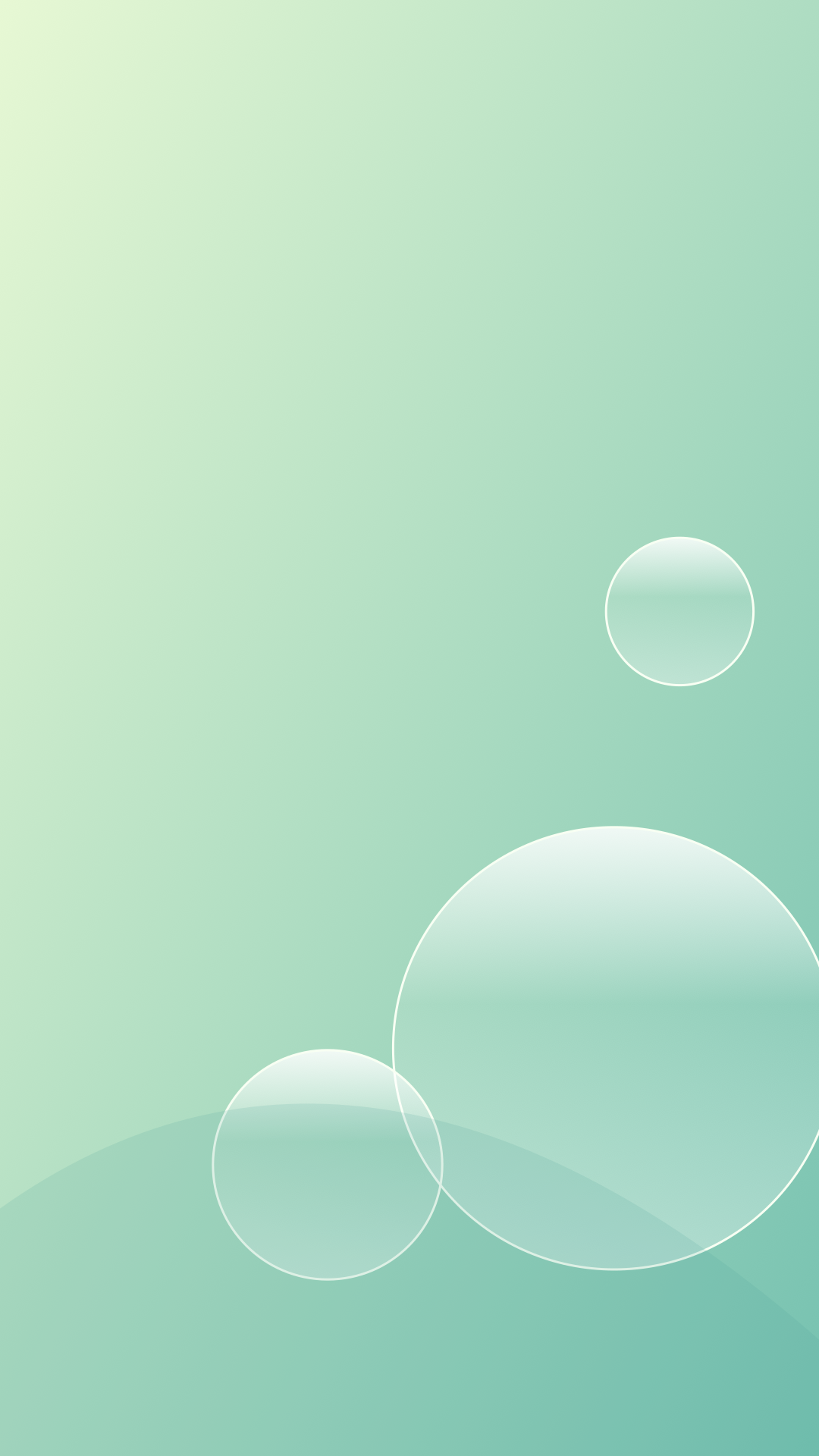
Lime Bubbles
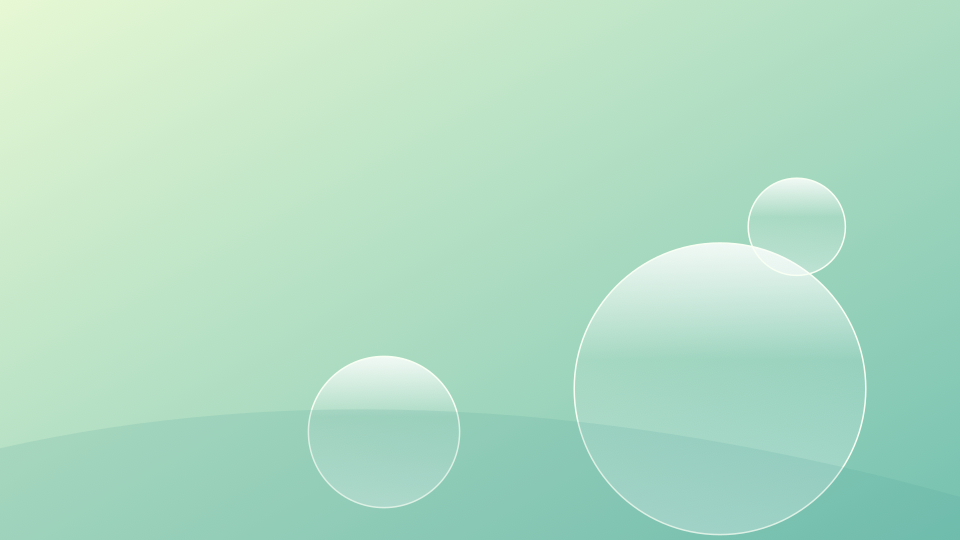
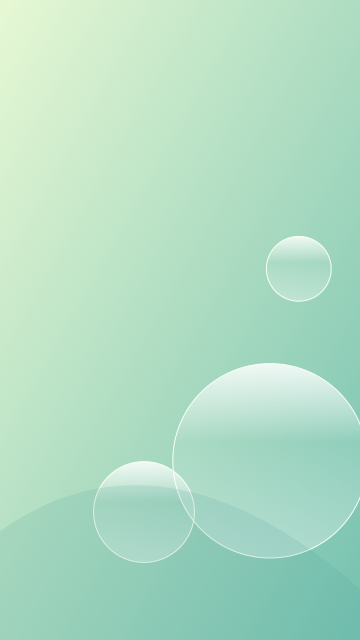
Desktop PNG — 1.4 MB · Phone PNG — 1.4 MB · Editable desktop SVG · Editable phone SVG
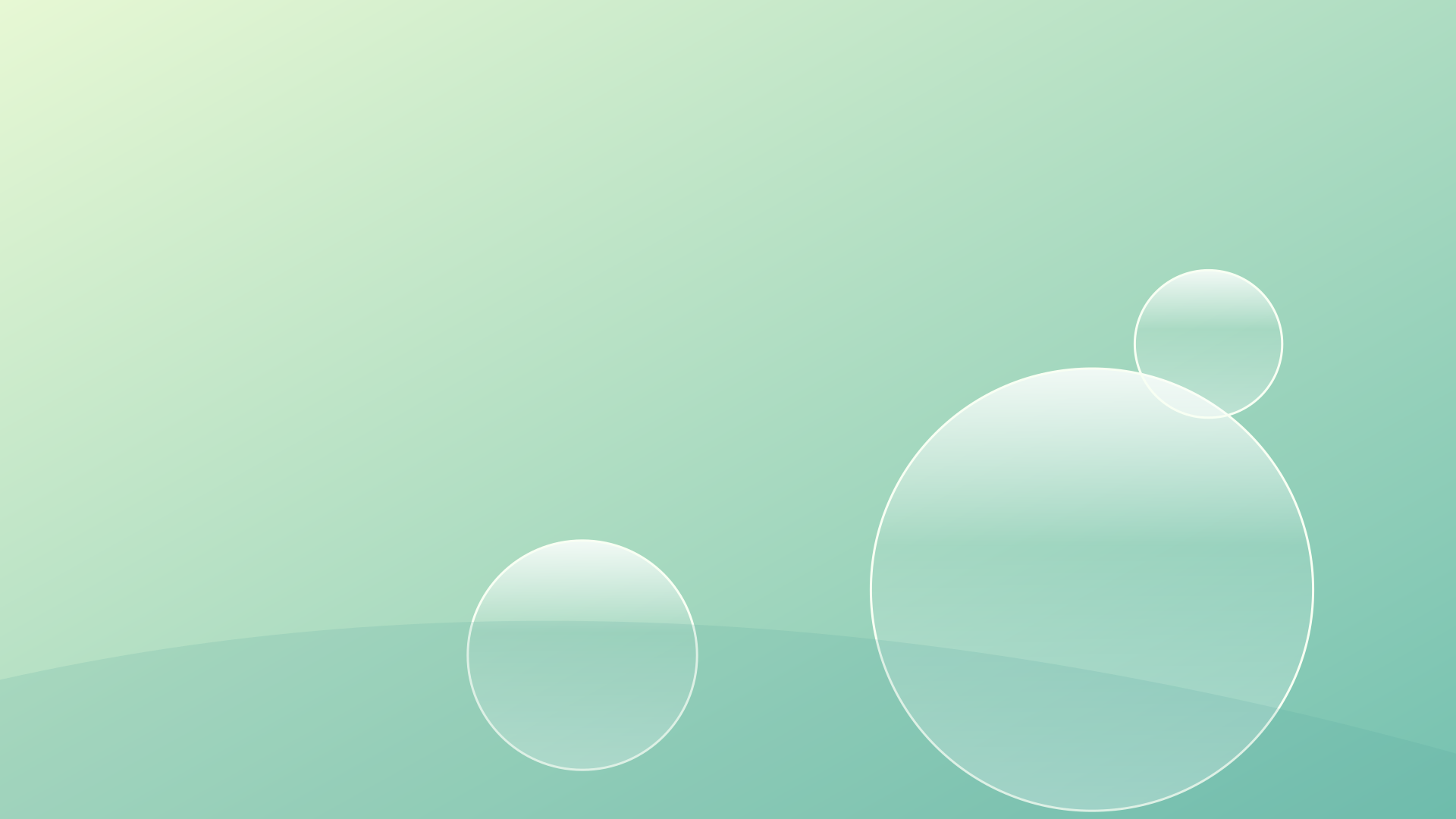
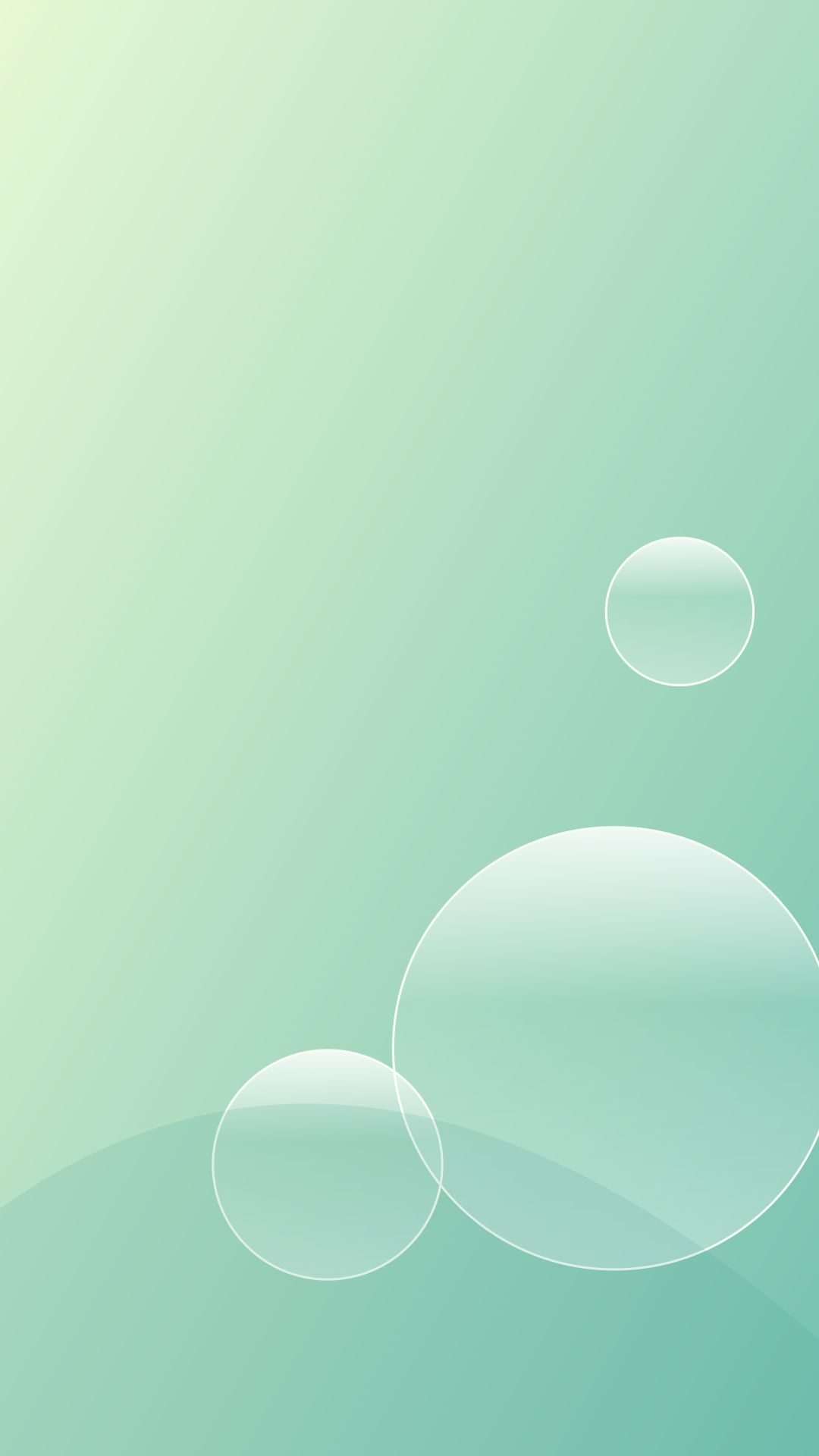
Match the wallpaper to your icons
Aqua Rings places the largest transparent circle towards the lower right, leaving a calm upper field. Glass Wave spreads its detail across the width through several pale curves. Lime Bubbles uses a warmer green-to-teal palette and smaller circles around the main form.
Set a wallpaper and inspect your usual icons and widgets. A pale highlight can cross a white label; move the crop or place the widget over a darker area. On a phone, check the lock screen and home screen separately because they position text differently.
Follow the material choices
CARI’s Frutiger Aero collection groups gloss, translucent surfaces and nature imagery within the retrospective label. These downloadable originals concentrate on the surface effects: an upper highlight, a pale edge and a soft shift of color.
Open an SVG to inspect those layers. Change the background gradient first, then adjust the white highlights. A small change to their opacity can make a circle feel more solid or more transparent. Export a PNG after you finish so your wallpaper settings can use it directly.
Build a coherent desktop
Choose one main accent from the image and repeat it in your theme or widgets. Keep labels in a color that stays clear across the whole wallpaper. Our Frutiger Aero guide connects these visual decisions with documented interfaces and objects. Use the editable originals to make a screen arrangement that suits the way you work.
Browse the 90s and 2000s aesthetics collection for the histories behind these visual choices.
How to set it as your wallpaper
- Windows 11 or 10: open the full-size file, right-click it and choose Set as desktop background, or go to Settings › Personalization › Background.
- Mac: save the file, then open System Settings › Wallpaper and choose Add Photo or Add Folder.
- iPhone: open the phone file, tap Share › Save Image, then in Photos tap Share › Use as Wallpaper.
- Android: save the phone file, open it in Photos or Gallery and choose Set as wallpaper.
- Chromebook: save the file, right-click the desktop and choose Set wallpaper & style.
Use it as a website background
With Back to the 90s you can turn the websites you visit into a 90s or Y2K page. Pro lets you use your own image, including any wallpaper on this page, as the background of those sites. Compare Free vs Pro.
Questions
Are these wallpapers free?
Yes. Back to the 90s made every design on this page and shares them under CC BY 4.0, so you can use them, change them and use them commercially with credit.
Which size should I download?
Choose the 4K desktop file for monitors and laptops. It scales down cleanly to 1920 × 1080 and 2560 × 1440. Choose the phone file for iPhone and Android.
Are these AI-generated?
No. They are drawn from shapes, gradients and light effects in code, then exported as images.
Use and remix the originals
Back to the 90s created these graphics in 2026 and shares them under CC BY 4.0. Use them in personal and commercial projects, adapt the colors and shapes, and credit Back to the 90s with a link to this page and the license. Describe your changes when you share a remix. The pack includes the license and suggested credit.