Stylish vs Stylus: which user style extension to use (2026)
Stylish and Stylus both let you apply custom themes to websites, and one began as a fork of the other. Here is how they differ today, and which to pick.
Short answer: choose Stylus if you want an open-source manager with no analytics and full control over CSS. Choose Stylish if you want the simplest way to browse and apply ready-made themes. Both change only what you see in your own browser.
Stylish vs Stylus at a glance
| Stylish | Stylus | |
|---|---|---|
| First released | 2005 | 2017, as a fork of Stylish for Chrome |
| Chrome users (November 2026) | About 2 million | About 1 million |
| Open source | No | Yes, GPLv3 |
| Price | Free with paid extras | Free |
| Finding styles | Built-in catalog of themes | Search styles for the current site, or install from .user.css links |
| Writing your own | Yes, in CSS | Yes, in CSS, with a full editor and settings for styles |
| Privacy history | Removed from stores in 2018 over browsing-history collection, later returned | Created to remove analytics |
Why there are two
Stylish was the original user style manager, created by Jason Barnabe and first released in 2005. It made “themes for any website” popular, with a large community catalog. After Stylish changed owners, it began collecting analytics. In 2017 a group of developers forked an older version of Stylish for Chrome, removed the analytics and restored the simpler interface. That fork is Stylus.
In 2018, Stylish was pulled from the Chrome Web Store and Firefox Add-ons after researchers reported that it was recording users’ browsing history. It returned later. Many long-time users moved to Stylus around then, and Stylus can import a Stylish style database.
Finding and installing styles
Stylish focuses on browsing: you pick from trending styles, dark modes, rainbow effects and anime themes, and apply one with a click. Stylus can search for styles made for the site you are on, install styles from .user.css or .user.styl links, and update installed styles automatically. Styles can include options you change from the popup, such as colors.
Making your own style
Both use CSS. Stylus has the stronger editor, with live preview, a color picker and a regular-expression tester for choosing which pages a style applies to. If you have never written CSS, neither is easy: you will mostly be installing other people’s work.
Privacy and permissions
Any extension that restyles pages needs permission to read and change the sites you visit, so trust matters. Stylus is open source, and its code can be inspected. With Stylish, read the current privacy policy and decide whether you are comfortable with it.
Which one should you use?
- Pick Stylus for privacy, open source and precise control.
- Pick Stylish for the quickest path to a ready-made theme.
- Pick neither if you do not want to touch CSS at all, and look at Stylebot or the no-code options below.
The no-code option: Back to the 90s
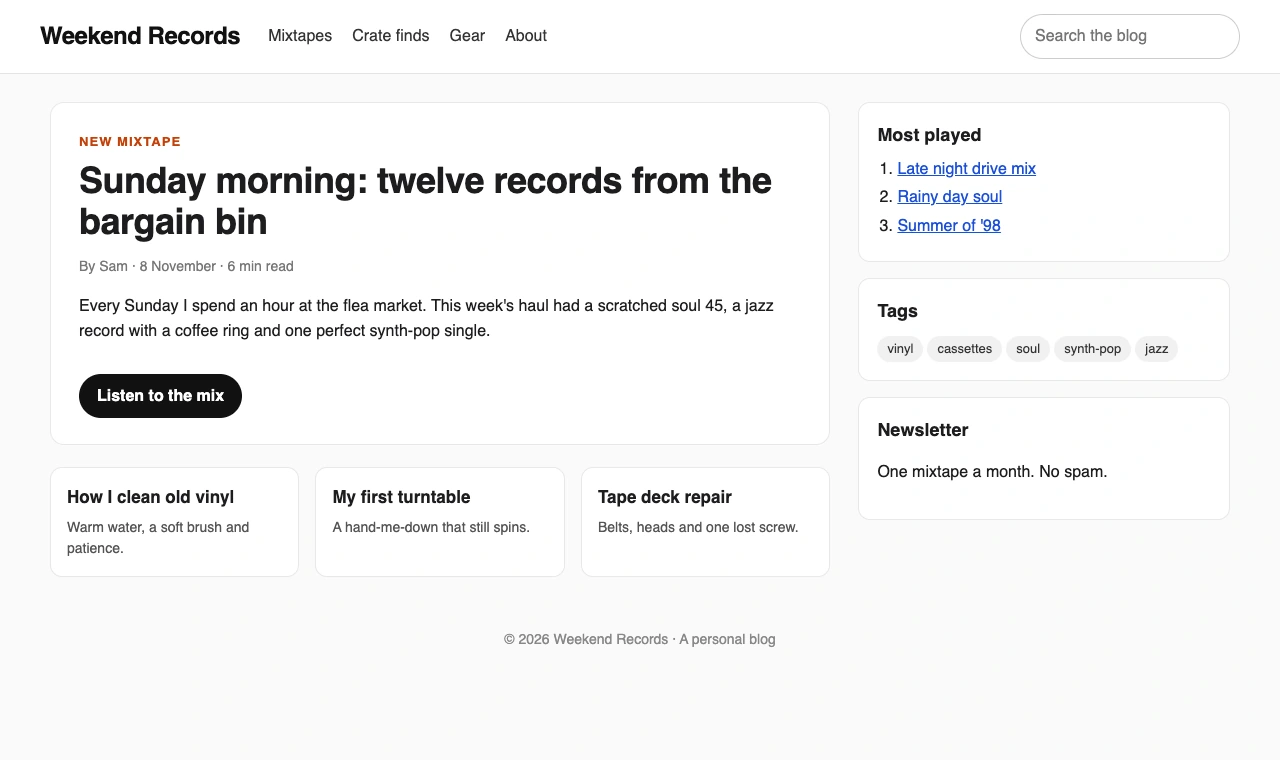
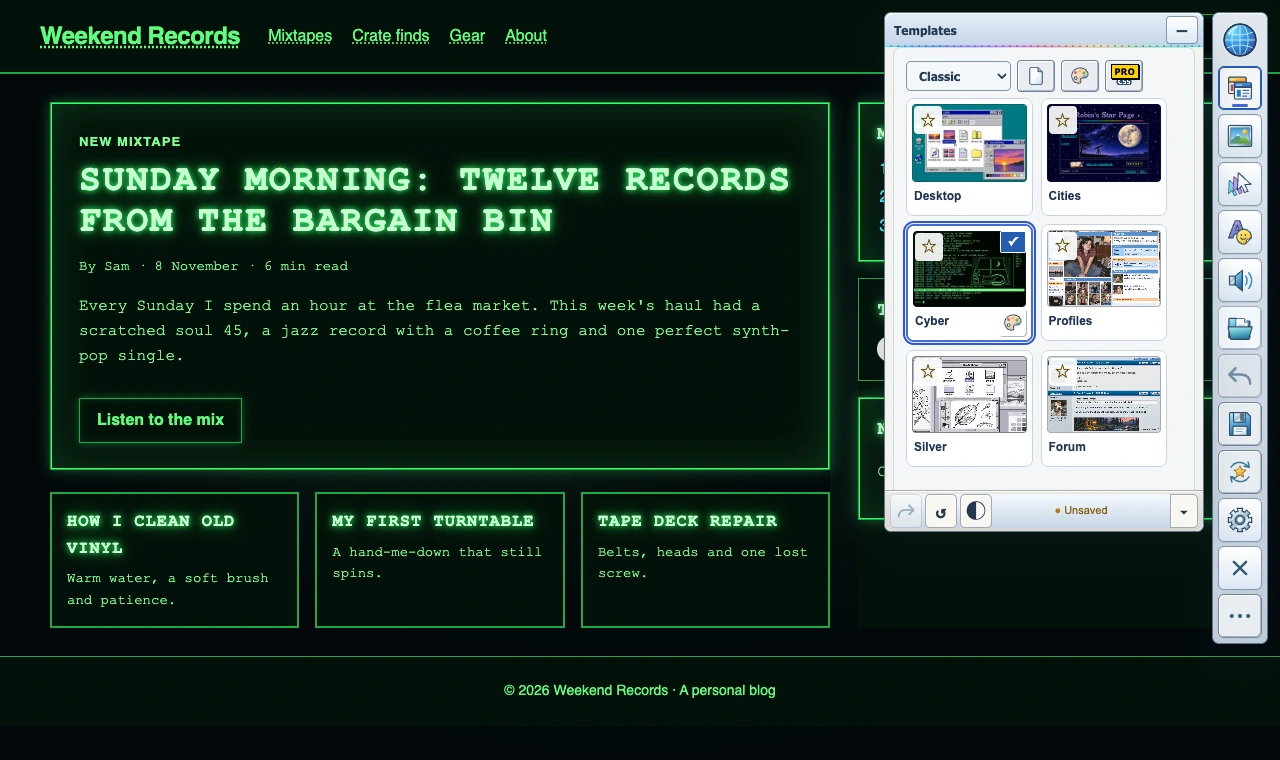
Stylish and Stylus change a site’s CSS. Back to the 90s changes the whole experience: pick a 90s or Y2K look and the page you are on becomes it, then add GIFs and artwork, backgrounds, your own text, cursors, mouse trails, click effects and sounds. It needs no code, saves designs for your favorite sites and lets you share them as .90s files. Six looks are free; Pro adds the Y2K looks, your own media and music, and page CSS for anyone who still wants it.
Ratings and reviews
Both are well rated. In November 2026 Stylus held about 4.5 stars on the Chrome Web Store and 4.7 stars from more than 1,100 reviews on Firefox Add-ons. Stylish has far more reviews on Chrome, more than 22,000, reflecting its longer history and larger user base. Ratings mostly reflect how well each manages styles: the look you get depends on the style you install, and a broken style says more about its author than about either extension.
When a style stops working
User styles target the names a site gives to its page parts. When a site redesigns, those names change and the style can stop working, in either extension. The fixes are the same:
- Check whether the style’s author has published an update. Stylus can check for updates automatically.
- Look for a newer style for the same site, or one with more recent reviews.
- If you wrote the style yourself, inspect the part of the page that stopped changing and update its selector.
- Turn other styling extensions off for that site, in case two are fighting over the same element.
Feature by feature
- Interface: Stylish is built around discovering themes. Stylus is built around managing and editing them.
- Updates: both update installed styles; Stylus lets you control when and how.
- Backups: Stylus can export and import your whole collection, including from Stylish.
- Browsers: Stylus runs in Chrome, Firefox and Chromium browsers such as Edge, Brave and Opera.
- Cost: Stylus is free. Stylish is free to use, with optional paid features.
Questions
Can I move my styles from Stylish to Stylus?
Yes. Stylus supports importing a Stylish database, and most styles work unchanged.
Is Stylish safe now?
It is back in both stores. Whether it suits you depends on its current privacy policy and permissions. Stylus is the open-source option if you are unsure.
Do these work on Edge, Brave and Opera?
Stylus works in Chrome and Chromium-based browsers such as Edge, Brave and Opera, and in Firefox. Check each store listing for the current list.