Dark Reader alternatives: 6 ways to get dark mode on any site
Dark Reader is great, but it is not the only way to make the web easier on your eyes. Here are the best alternatives for Chrome and Firefox, including options with nothing to install.
Dark Reader is the most popular dark-mode extension, with about seven million Chrome users. It is free and open source, but some people find it slows heavy pages, or want more color control, or simply want something different. Here are the best alternatives, including two you already have.
Dark Reader alternatives at a glance
| Option | Best for | Price | Browsers |
|---|---|---|---|
| Night Eye | Dark mode that keeps images natural | Free tier, paid plans | Chrome, Firefox, Edge, Safari |
| Midnight Lizard | Custom color schemes, not just dark | Free, open source | Chrome, Firefox, Edge |
| Stylus + dark styles | Hand-made dark themes for specific sites | Free, open source | Chrome, Firefox |
| Chrome’s built-in dark mode for sites | No extension at all | Free | Chrome |
| Firefox color override | No extension at all | Free | Firefox |
| Back to the 90s | A dark retro look with effects, for fun | Free, optional Pro | Chrome (Firefox coming soon) |
Dark Reader, for reference
Dark Reader creates dark themes for websites as they load. You can adjust brightness, contrast, the sepia filter and fonts, turn it off for individual sites, and use it in Chrome, Firefox, Edge and Safari. It is MIT-licensed, shows no ads and says it does not send user data anywhere. If it works well for you, there is little reason to switch.
Night Eye
Night Eye converts site colors to a dark scheme while trying to leave photos, video and layouts as they are. It has a limited free tier and paid plans. It is the closest like-for-like replacement.
Midnight Lizard
Midnight Lizard gives you whole color schemes for all websites: dark, light, grayscale or colorful, with a blue-light filter and screen shader. You can set background, text, link, button, border and scrollbar colors, per site or everywhere. It is open source, with around 40,000 Chrome users, though its Firefox version has not been updated since January 2021.
Stylus with dark user styles
For sites you use every day, a hand-made dark user style can look better than any automatic conversion. Stylus installs community styles, and many popular sites have dark versions. It takes more setup and works one site at a time.
No extension: Chrome and Firefox settings
- Chrome: the experimental flag “Auto Dark Mode for Web Contents” at
chrome://flagsforces a dark version of every site. It is experimental, so results vary. - Firefox: in Settings › Language and Appearance › Colors, choose to override page colors with your own. It is blunt, but it needs nothing installed.
- Your system: many sites follow your device’s dark mode automatically when you switch it on.
For fun: Back to the 90s
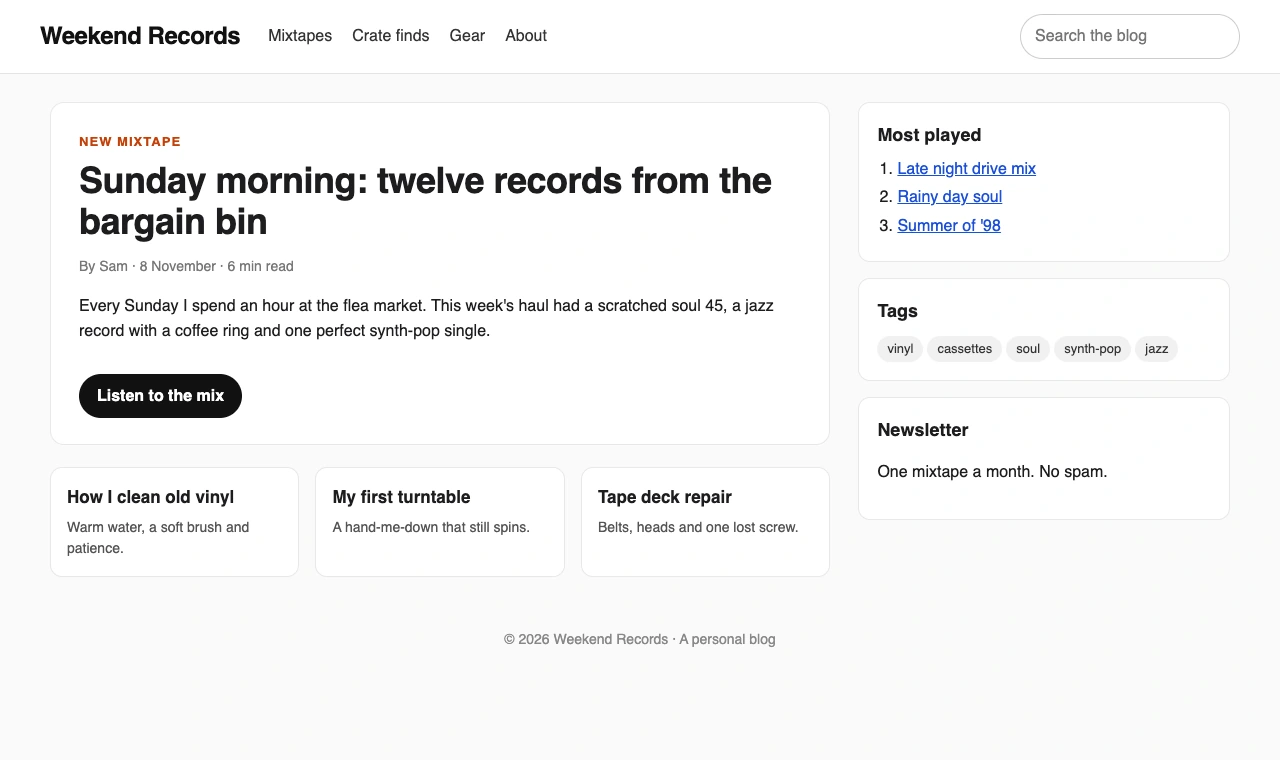
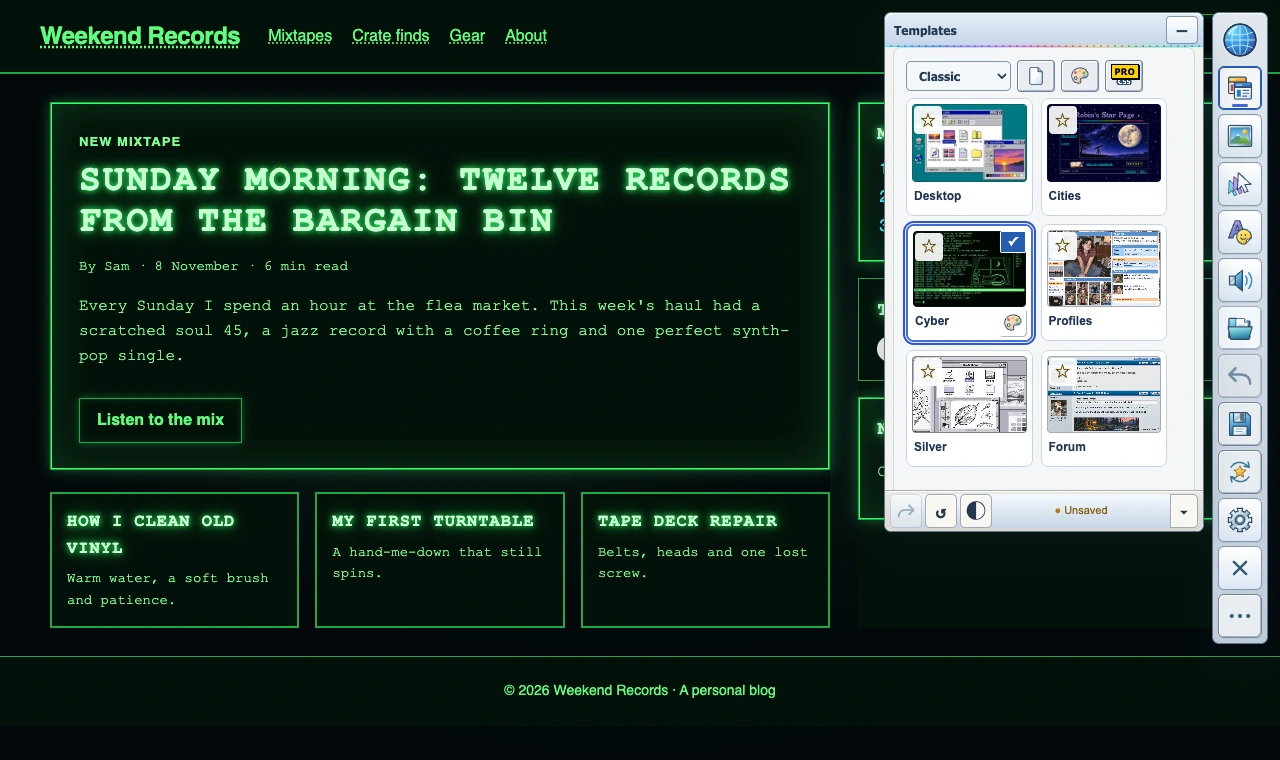
If “dark mode” for you means something more like a 1999 hacker terminal, Back to the 90s is a different kind of tool. Its Cyber look turns a page into green-on-black terminal text, and you can add your own art, backgrounds, cursors, trails and click sounds. It is not an eye-strain tool, but it is a lot more fun.
Which one should you choose?
- Like Dark Reader but want images left alone: Night Eye.
- Want any color scheme, not just dark: Midnight Lizard.
- Want perfect dark themes for a few sites: Stylus.
- Want nothing installed: your browser’s settings.
- Want the web to feel retro and fun: Back to the 90s.
Use the dark mode a site already has
Many popular sites have their own dark theme, which usually looks better than any automatic conversion:
- YouTube: your profile picture › Appearance › Dark theme.
- Google Search: Settings › Dark theme, or follow your device setting.
- Reddit, X and Discord: each has a dark mode in its display or appearance settings.
- Wikipedia: the appearance menu offers a dark color option.
Use an extension for the sites that do not offer one.
Automatic dark mode vs handmade dark themes
Dark Reader, Night Eye and Midnight Lizard analyze each page and recolor it automatically, so they work everywhere with no setup, but occasionally make a logo, chart or button hard to read. A handmade dark user style in Stylus is designed for one site, so it usually looks perfect there, but only there, and it can break when the site redesigns. Many people use an automatic tool everywhere and a handmade style for the one or two sites they use most.
Comfort beyond dark mode
- Lower your screen brightness at night; dark pages on a bright screen still glare.
- Use your device’s night light or blue-light setting in the evening.
- Increase text size with your browser’s zoom (Ctrl or Cmd and +) for long reading.
- Try a warmer look for long reading: Dark Reader has a sepia filter, and Midnight Lizard has a blue-light filter.
Questions
Is Dark Reader free?
Yes. It is free and open source, and it may ask for an optional donation.
Does Dark Reader slow down my browser?
On very large pages it can use noticeable processing power, which is a common reason people try alternatives. Turning it off for heavy sites helps.
Is there a Dark Reader for Firefox?
Yes. Dark Reader is available on Firefox Add-ons, as are Midnight Lizard and Stylus.