The first website at CERN: dates, links and restoration
Published
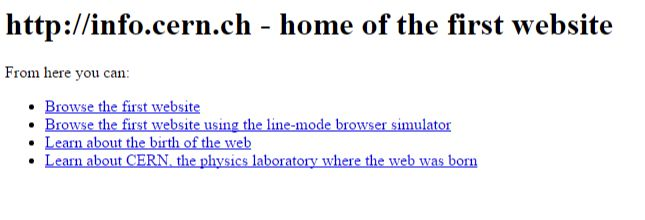
Tim Berners-Lee created the first website at CERN to explain the World Wide Web project. By the end of 1990, his NeXT computer ran both the server, which sent pages, and the browser, which read them. The restored page at info.cern.ch links to the project’s aims, software, technical notes and people who worked on it.
On this page
Open CERN’s restored World Wide Web project page. Choose What’s out there? for information, Software Products for the early browsers, or How can I help? for ways people could contribute.
Put the dates in order
CERN’s history dates Tim Berners-Lee’s proposal to March 1989. By the end of 1990, the first browser and server worked on his NeXT computer, as CERN’s fuller chronology explains. The first website described the World Wide Web project itself. On 30 April 1993, CERN put the web software in the public domain so anyone could use it.
CERN later put saved page files back online. In April 2013, CERN web manager Dan Noyes described the restoration project. The plan was to return those files to their original address. The web standards group W3C keeps a copy dated November 1992.
These dates mark different events: the proposal, the first pages, the free software release and the later return online. Keep them together when you label a screenshot or share the page.
What’s out there? Follow the information
The project page links subjects and W3 servers under What’s out there?. These offered two ways to explore: choose a subject or find another website. Frequently Asked Questions and the executive summary explained the project to newcomers.
The short labels let readers choose a task before reading a long explanation.
Software Products: find a browser
The list names Line Mode, Viola and NeXTStep, alongside server programs, tools and a library of code to reuse. They served different jobs and kinds of computer.
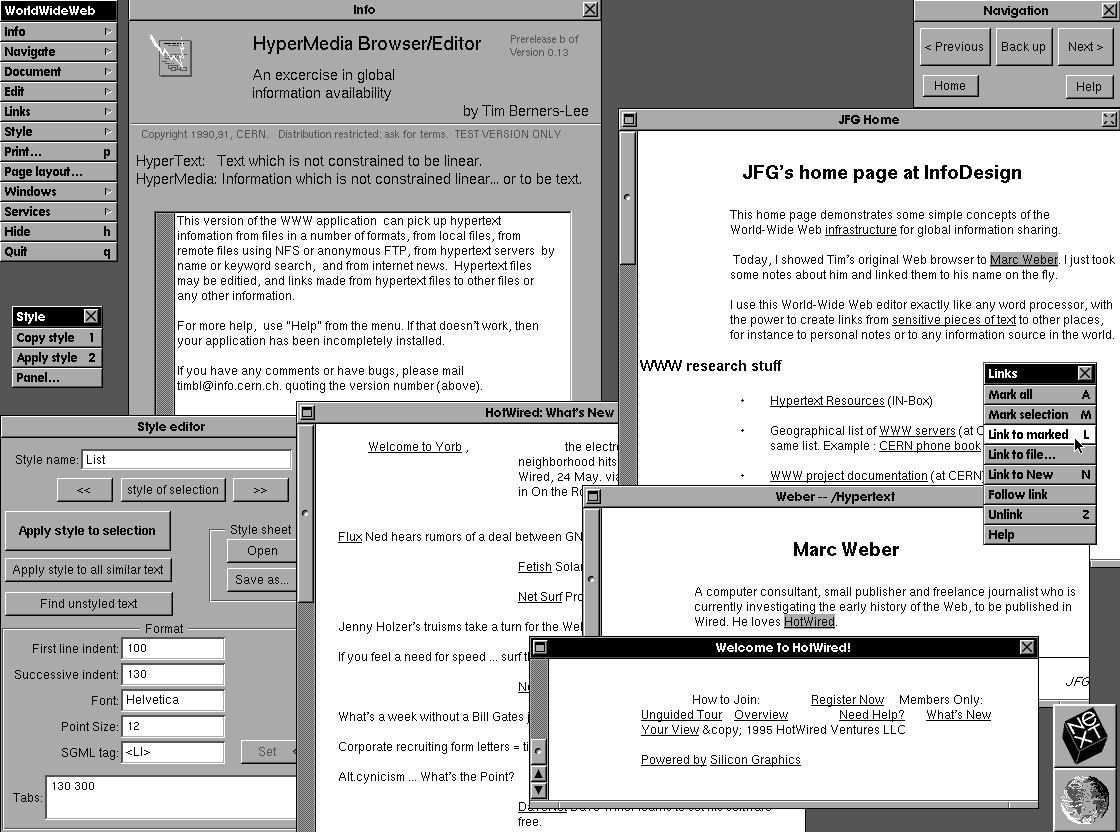
The original NeXT browser could edit pages as well as display them. CERN’s history also credits Nicola Pellow with the text-only line-mode browser. It let people use the web on other kinds of computer.
People and code: join the project
People names who worked on the project. Technical explains the rules computers used to share and read files. Getting code points to anonymous FTP, a file-transfer service used without a personal account. How can I help? invites readers to join the work.
Read the design through its links
A heading and short blocks of text make the page easy to scan. The linked words tell readers what they will find next. A clear label helps them choose the right page.
For a personal site, use equally concrete labels: Read the diary, Browse the collection and Download the pattern explain more than “Click here”. The 90s website-building guide shows how to build a page with those links.
To view the page in an older browser, continue with old browser emulators. To compare it with other old pages and restored sites, visit the 90s websites guide.