Y2K wallpapers and backgrounds: 9 free 4K designs
Published
Give your screen a silver ring, a translucent lilac panel or a blue signal pattern. These three original Y2K-inspired designs bring different levels of contrast to a desktop or phone, and each comes in a wide and a tall composition.
On this page
The pack contains six full-size PNG wallpapers and six matching editable SVGs: desktop files at 1920 × 1080 and phone files at 1080 × 1920. Download one design below or take the complete set.
Download the complete pack — ZIP, 7.6 MB
New 4K Y2K wallpapers
Six new Y2K designs in 4K for desktop and laptop (3840 × 2160) and full phone resolution (1290 × 2796). Click a preview to open the full-size file, then save it.
Chrome Hearts
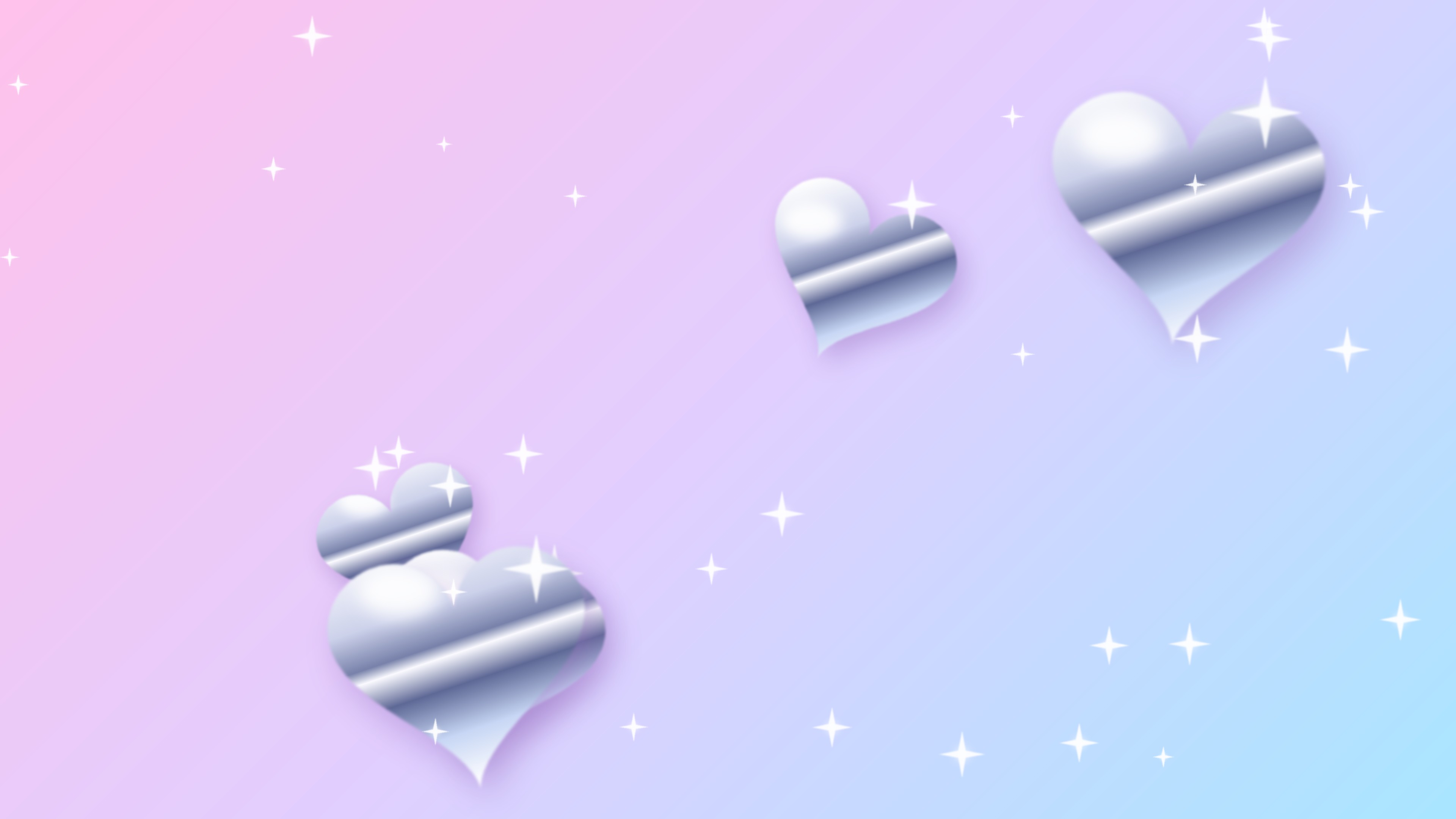
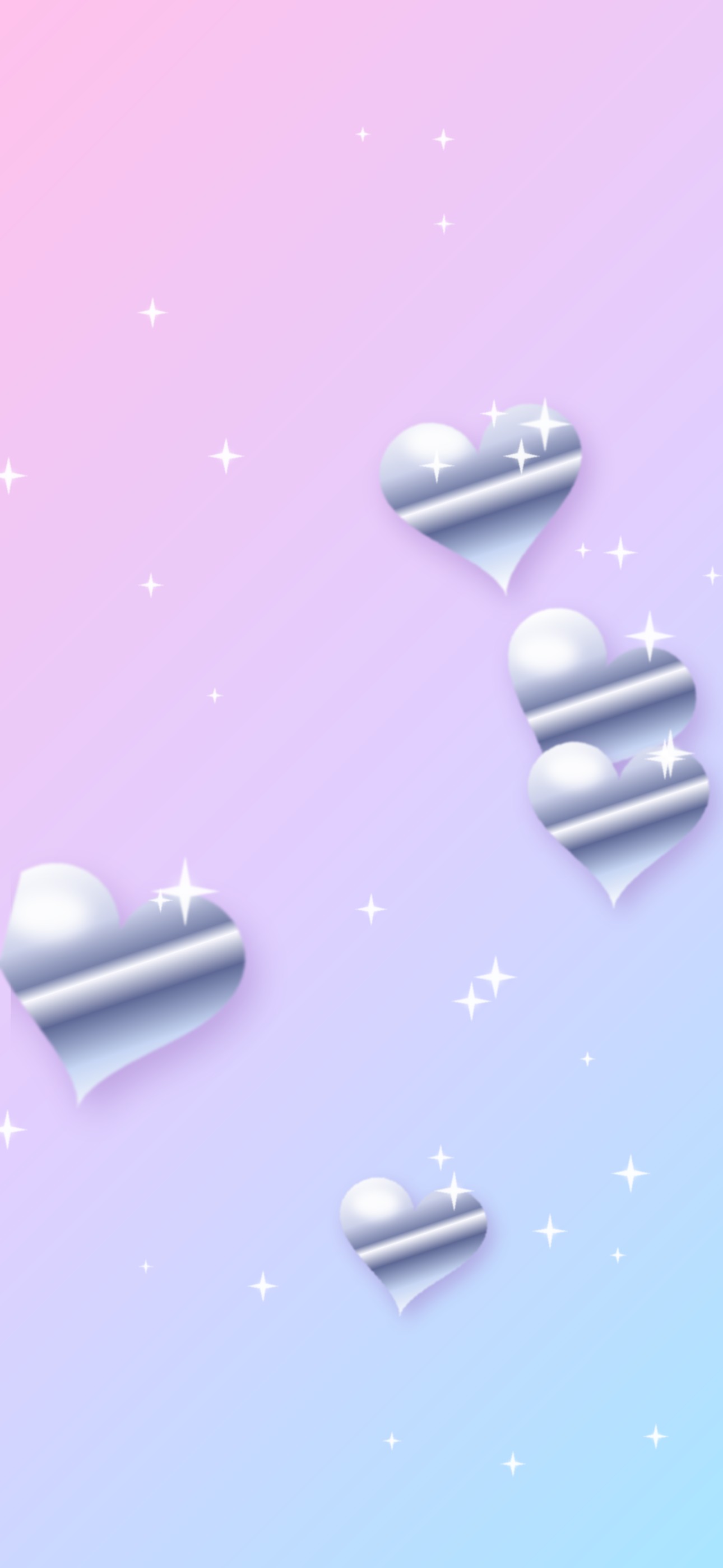
Glossy liquid-chrome hearts and sparkles on a pastel pink-to-blue gradient. 4K desktop JPG — 0.2 MB · Phone JPG — 0.1 MB
Holo Foil
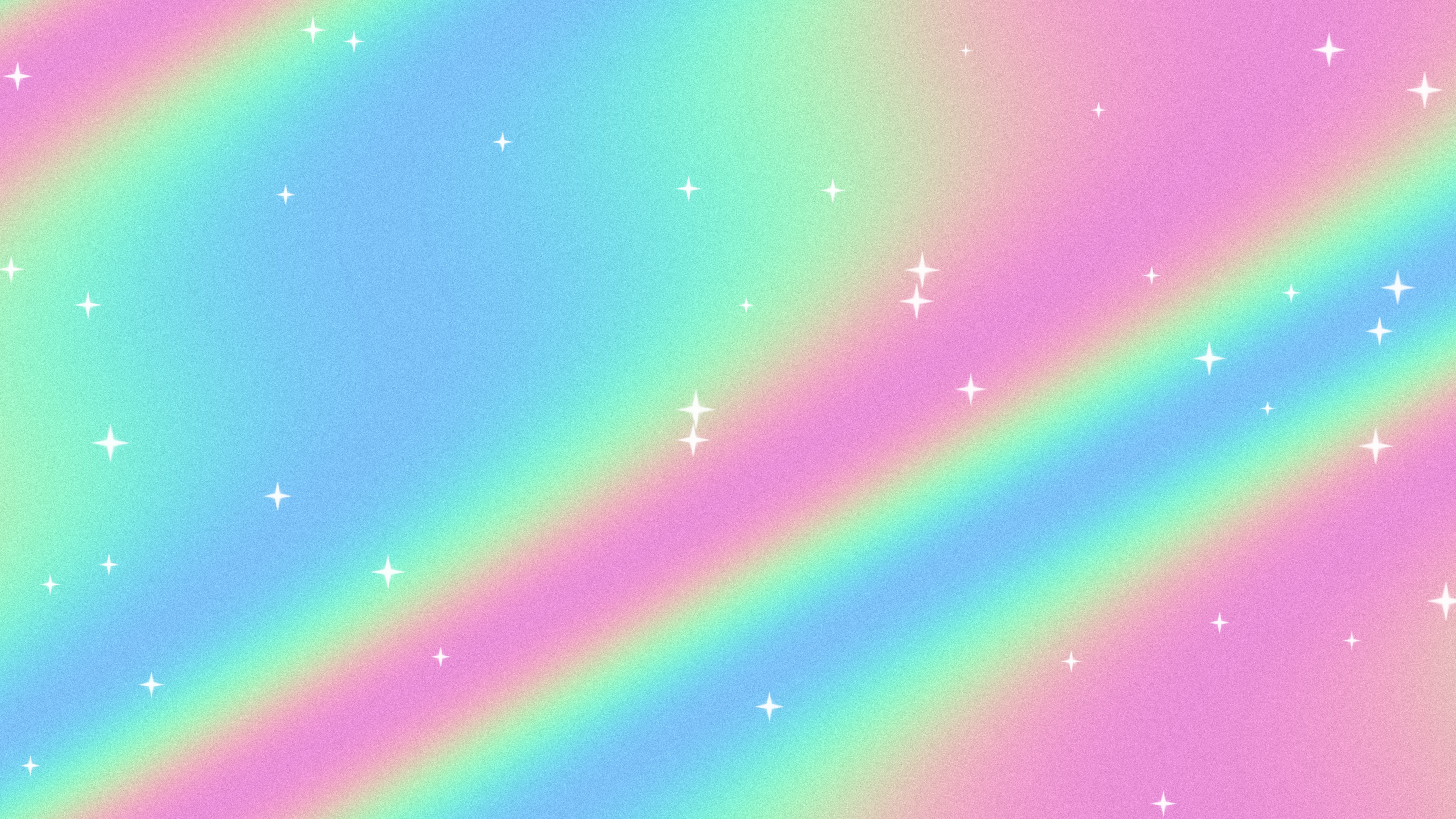
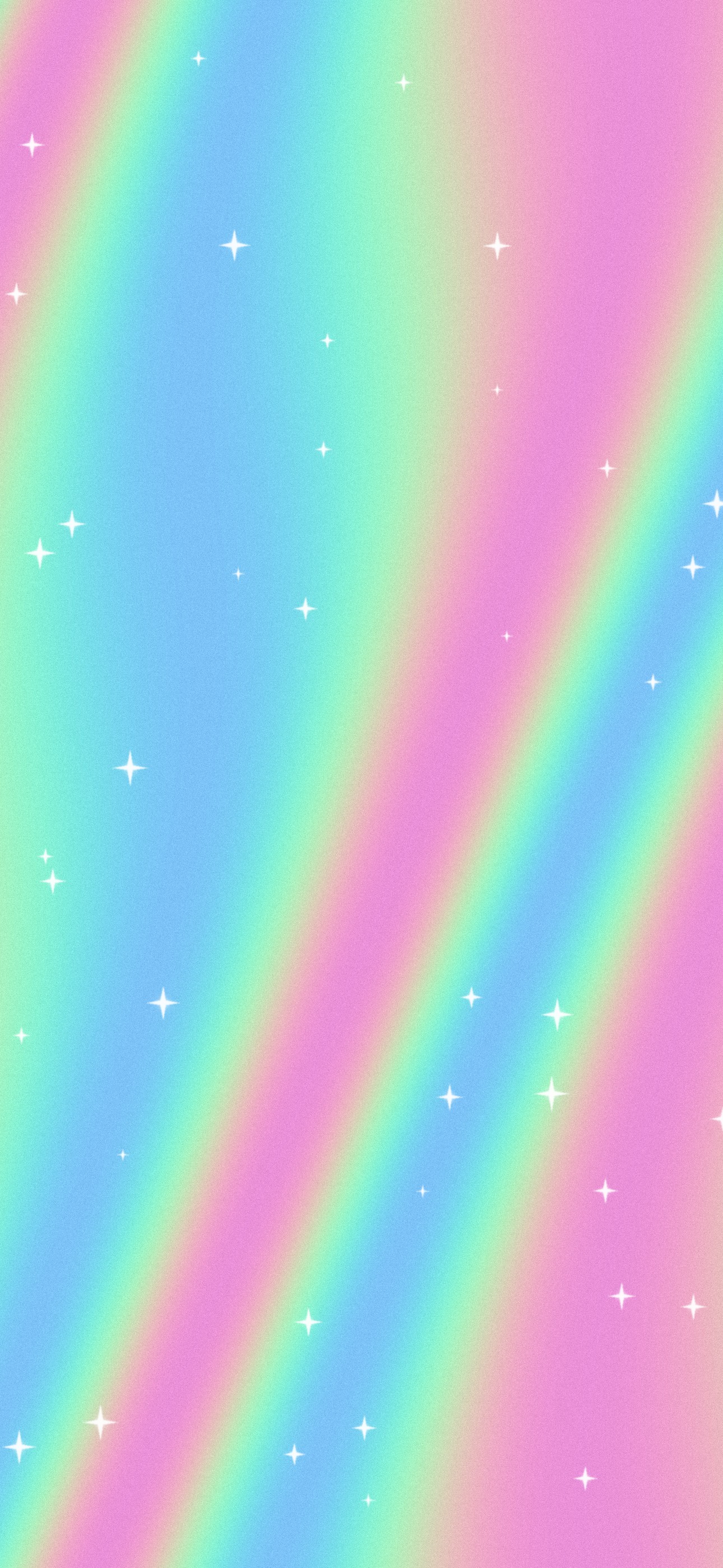
Iridescent holographic foil with scattered sparkles. 4K desktop JPG — 1.9 MB · Phone JPG — 0.9 MB
Cyber Grid
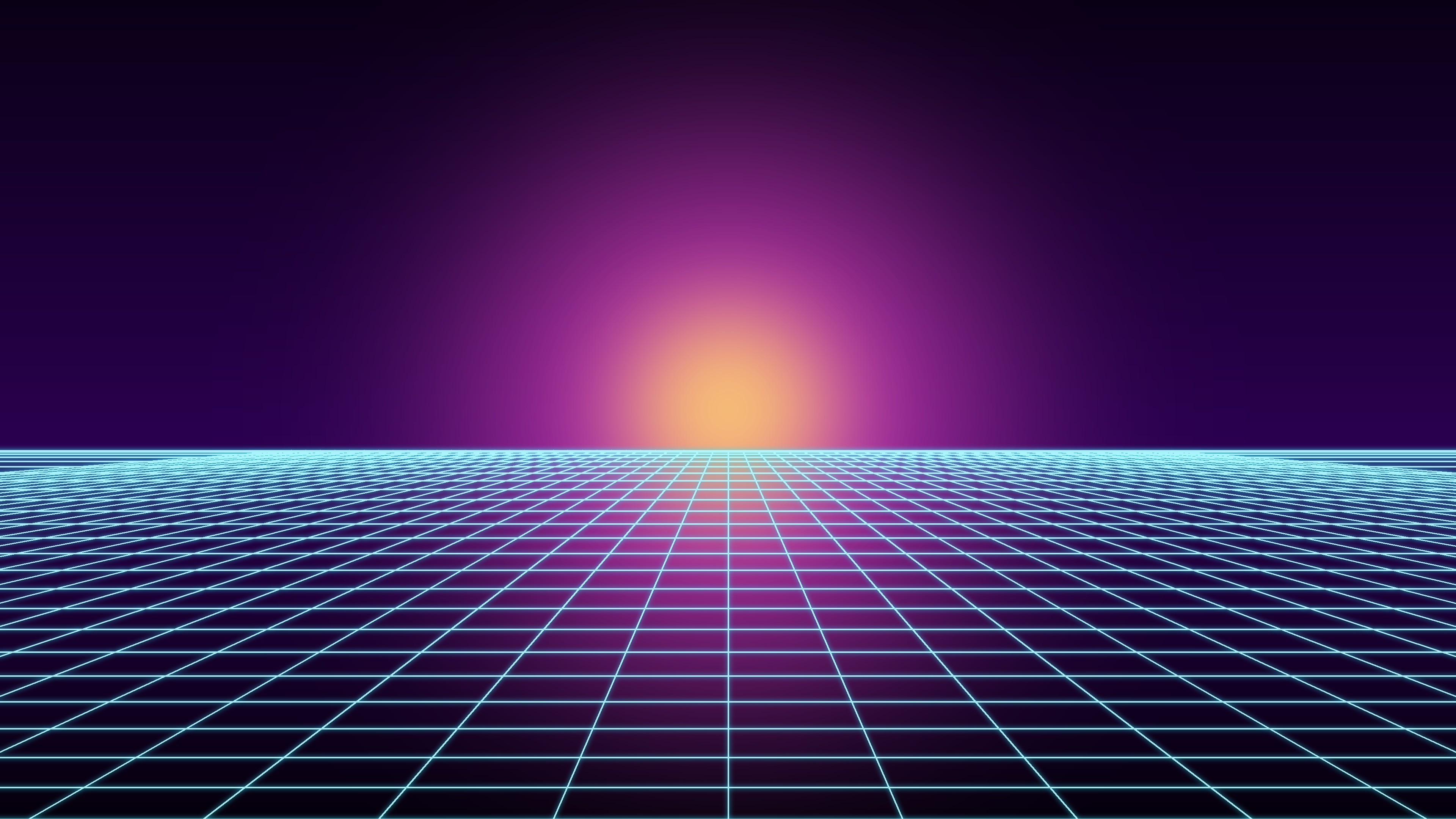
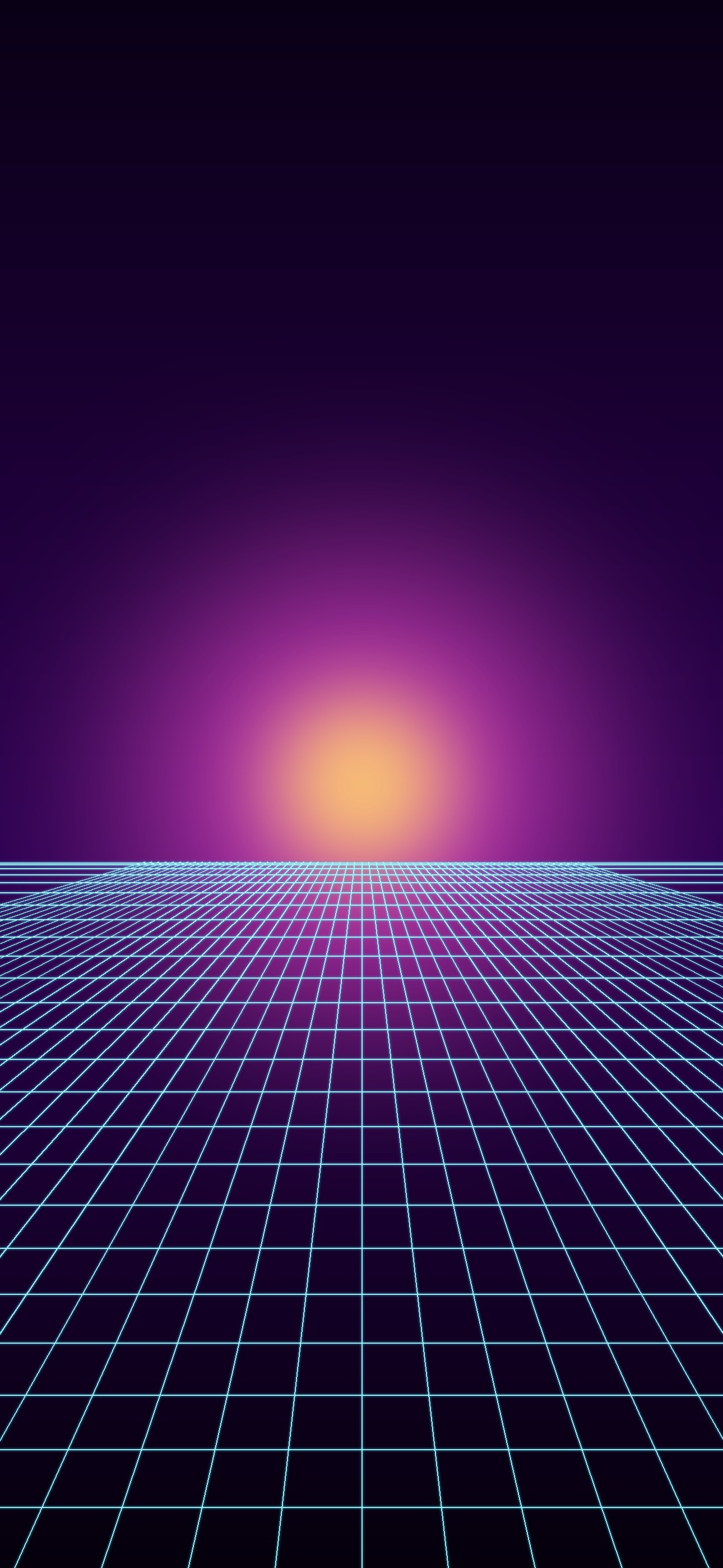
A glowing neon grid runs to a magenta sunset. 4K desktop JPG — 0.8 MB · Phone JPG — 0.4 MB
Pink Sparkle

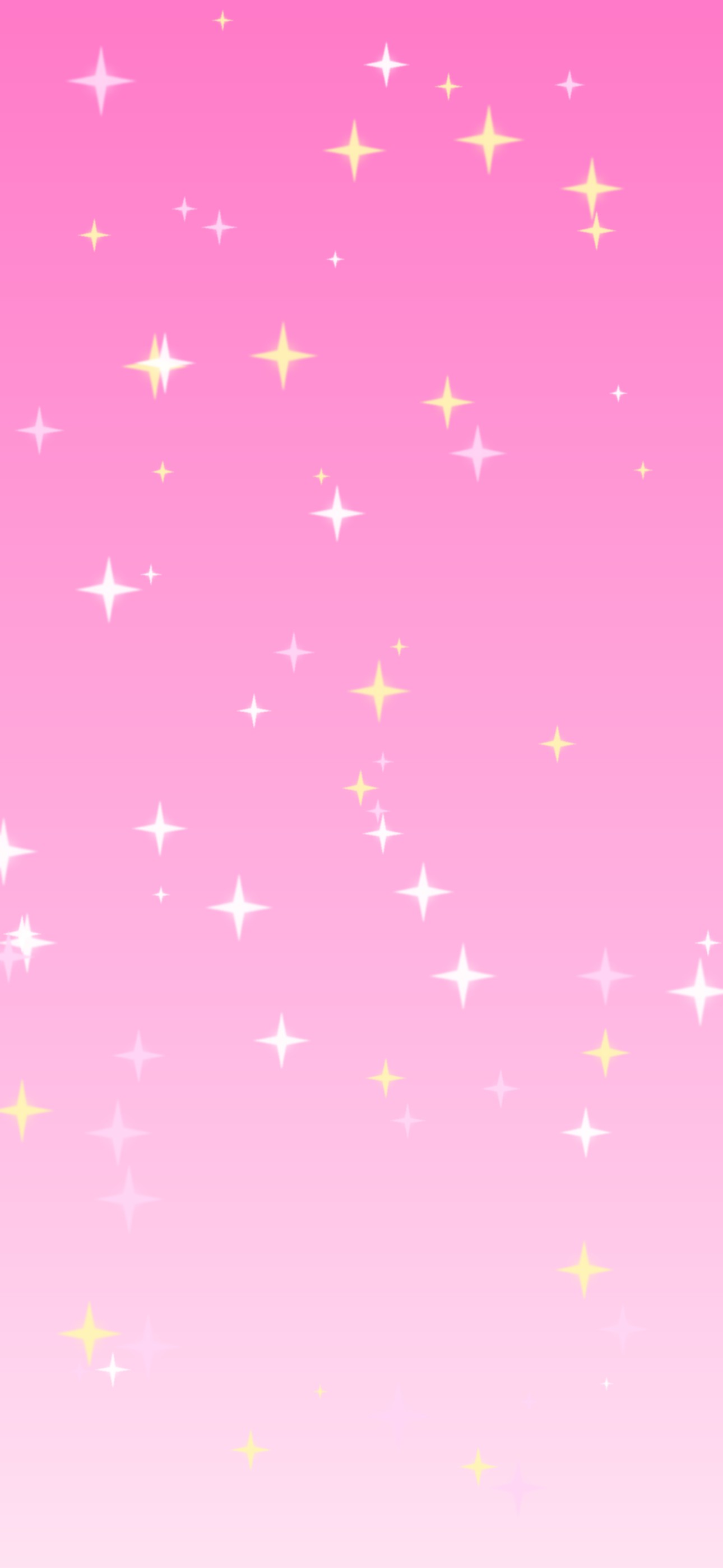
Bubblegum pink covered in four-point sparkle stars. 4K desktop JPG — 0.1 MB · Phone JPG — 0.1 MB
Wavy Checker
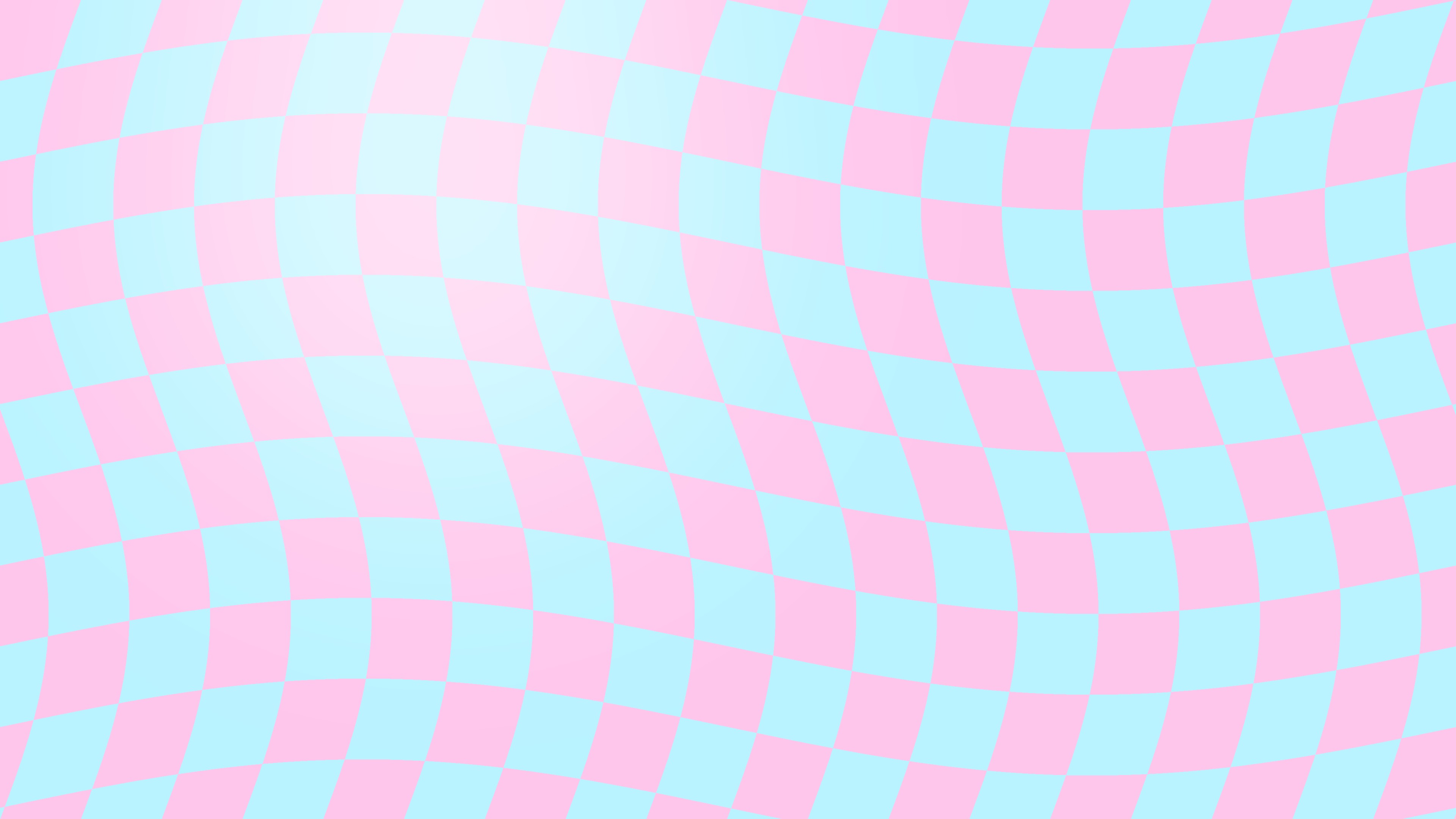
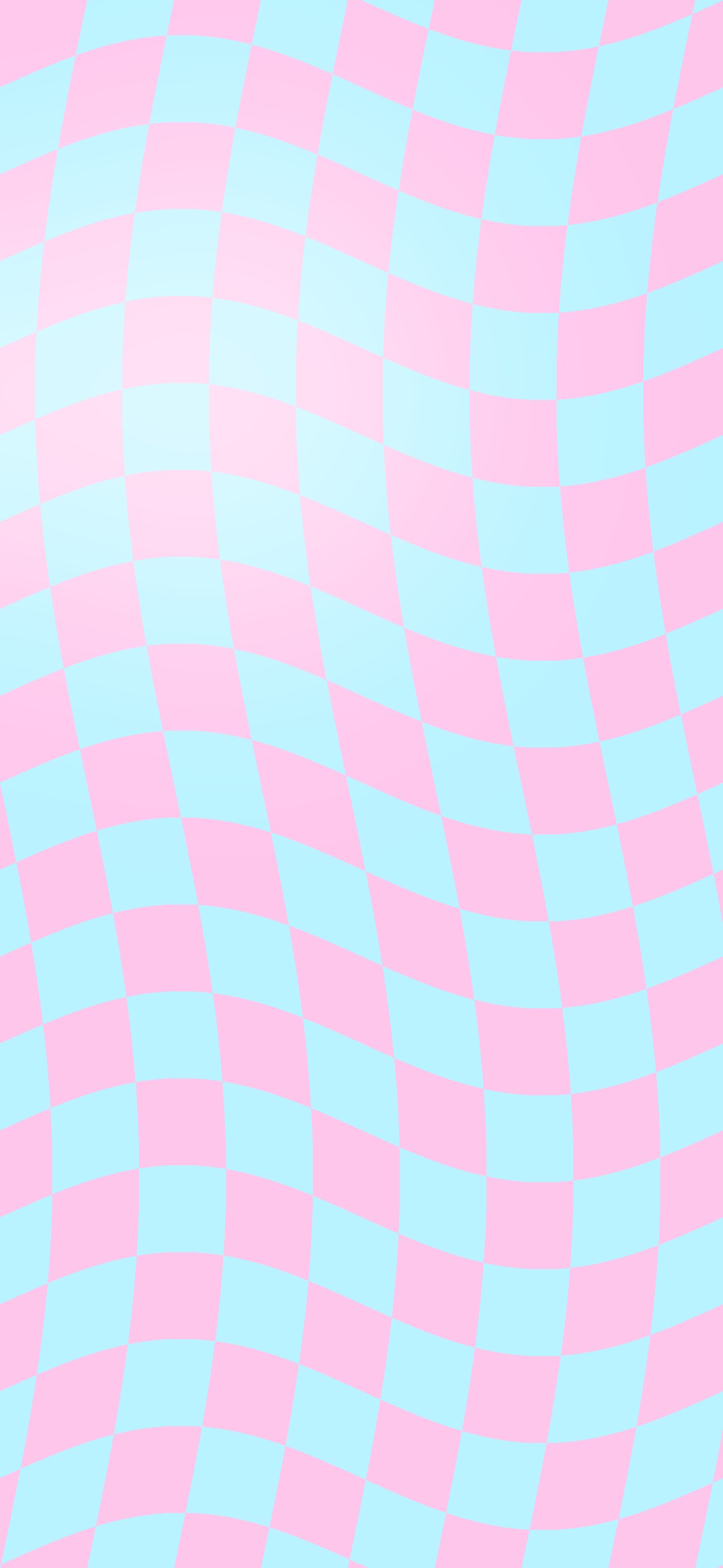
A warped pastel checkerboard in baby blue and pink. 4K desktop JPG — 0.2 MB · Phone JPG — 0.1 MB
Silver Rings
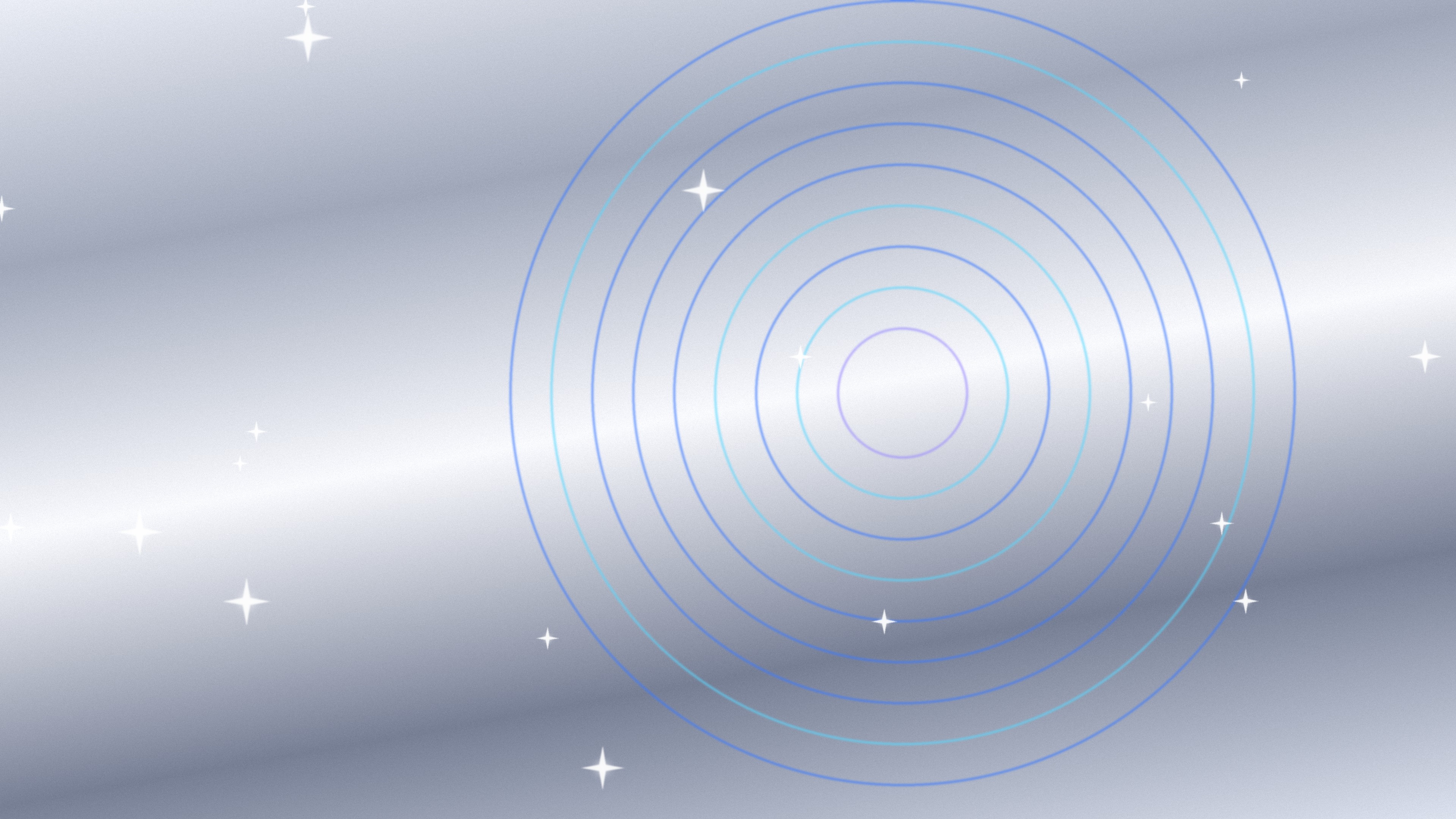
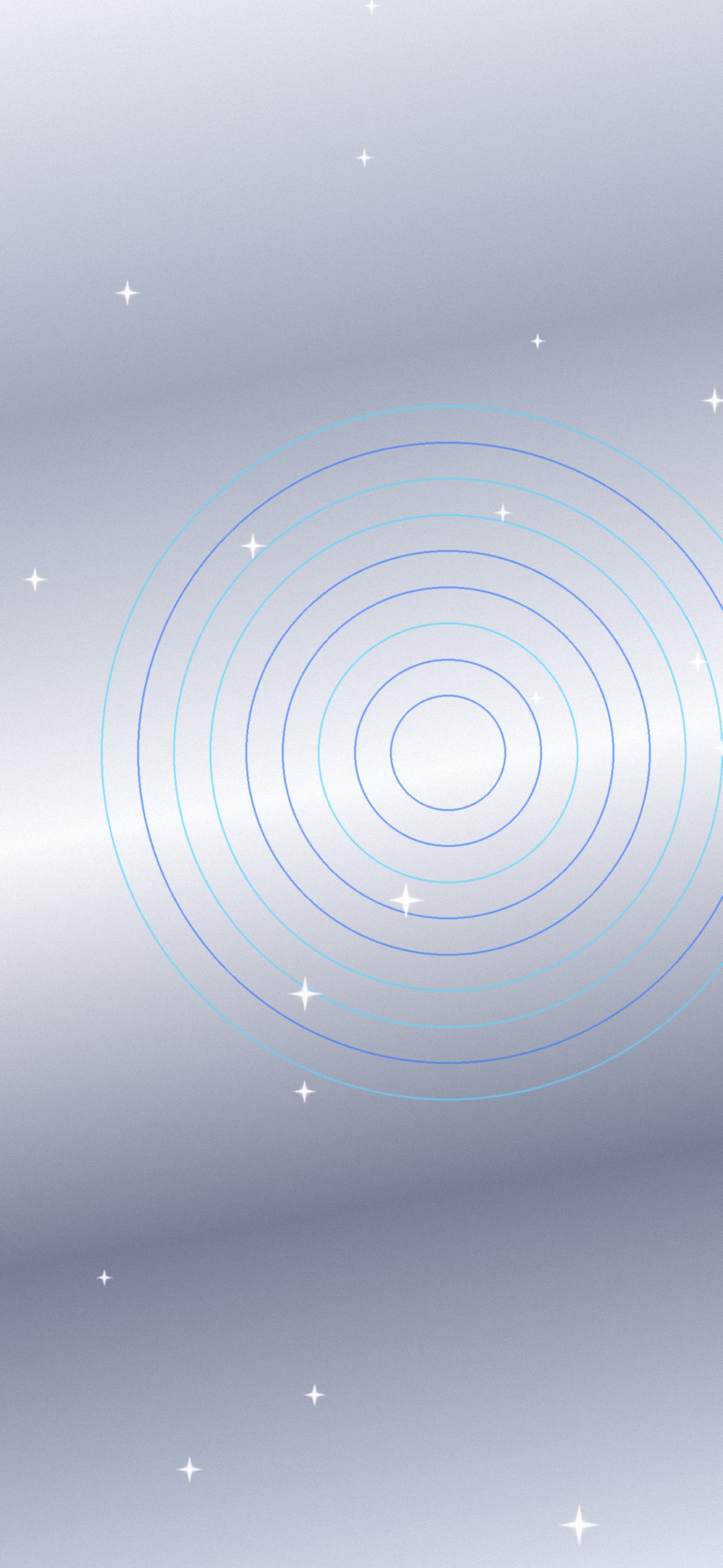
Brushed silver with glowing blue rings and sparkles. 4K desktop JPG — 1.4 MB · Phone JPG — 0.6 MB
More originals with editable files
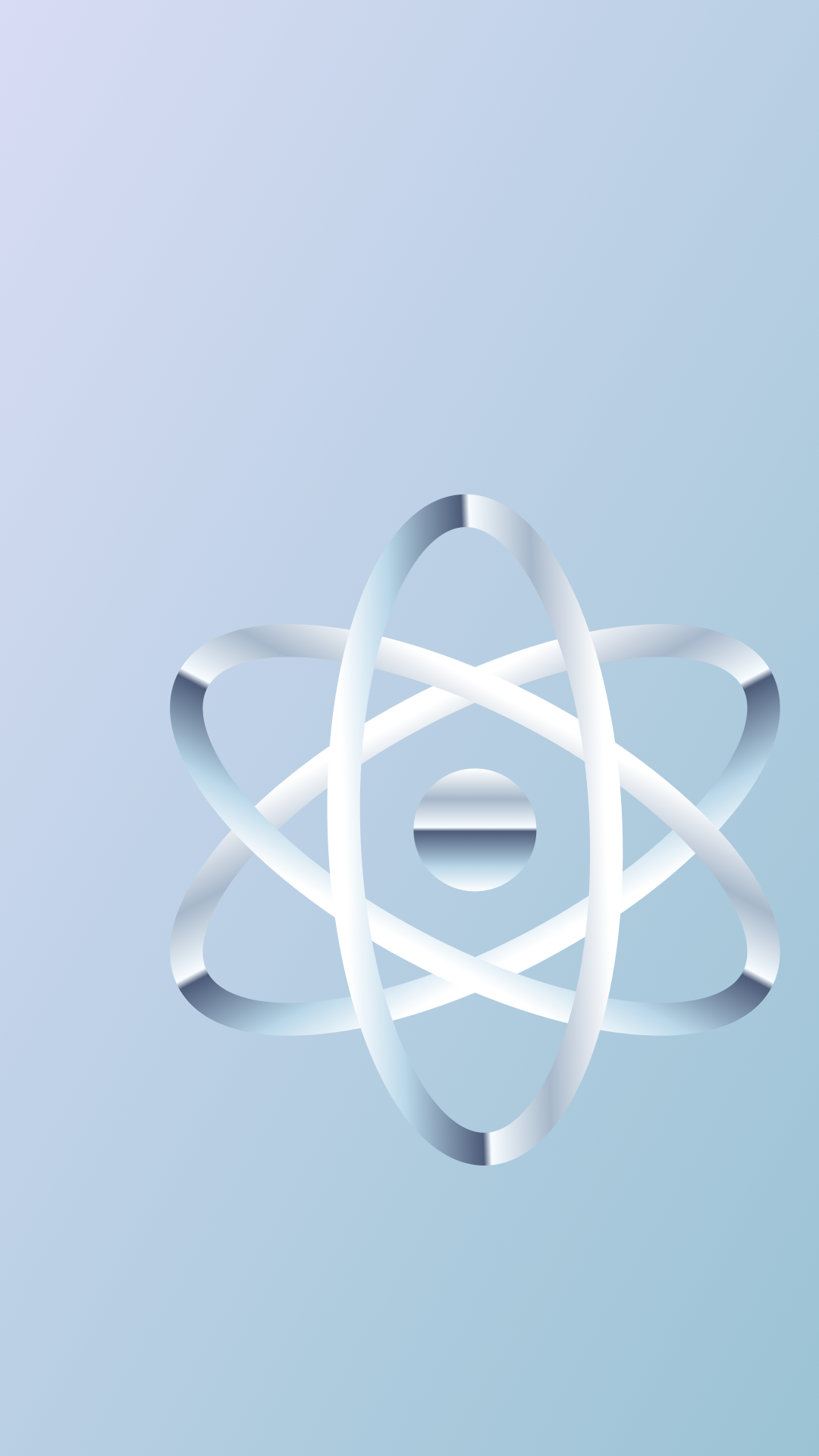
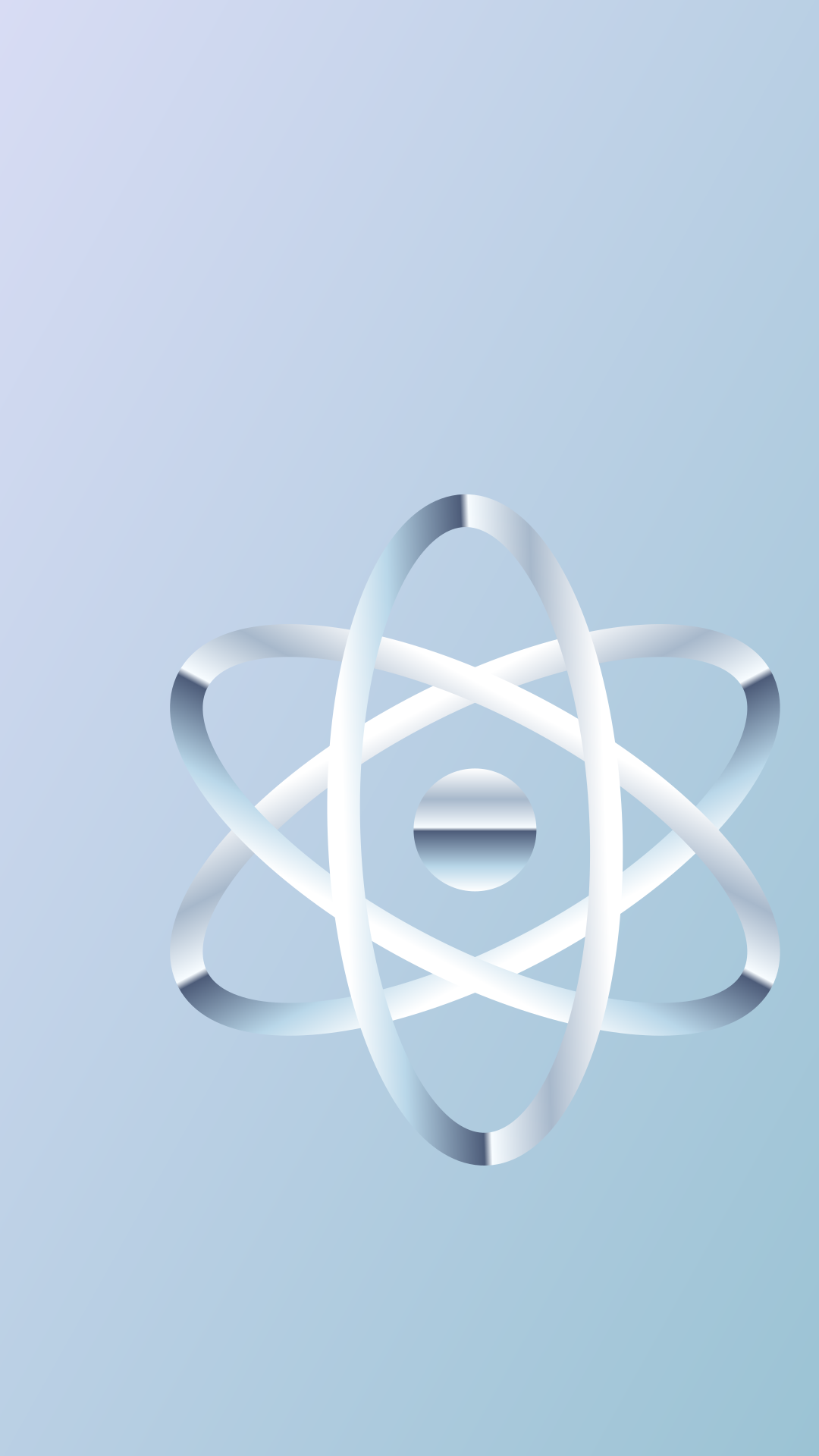
Chrome Orbits

Desktop PNG — 1.3 MB · Phone PNG — 1.4 MB · Editable desktop SVG · Editable phone SVG


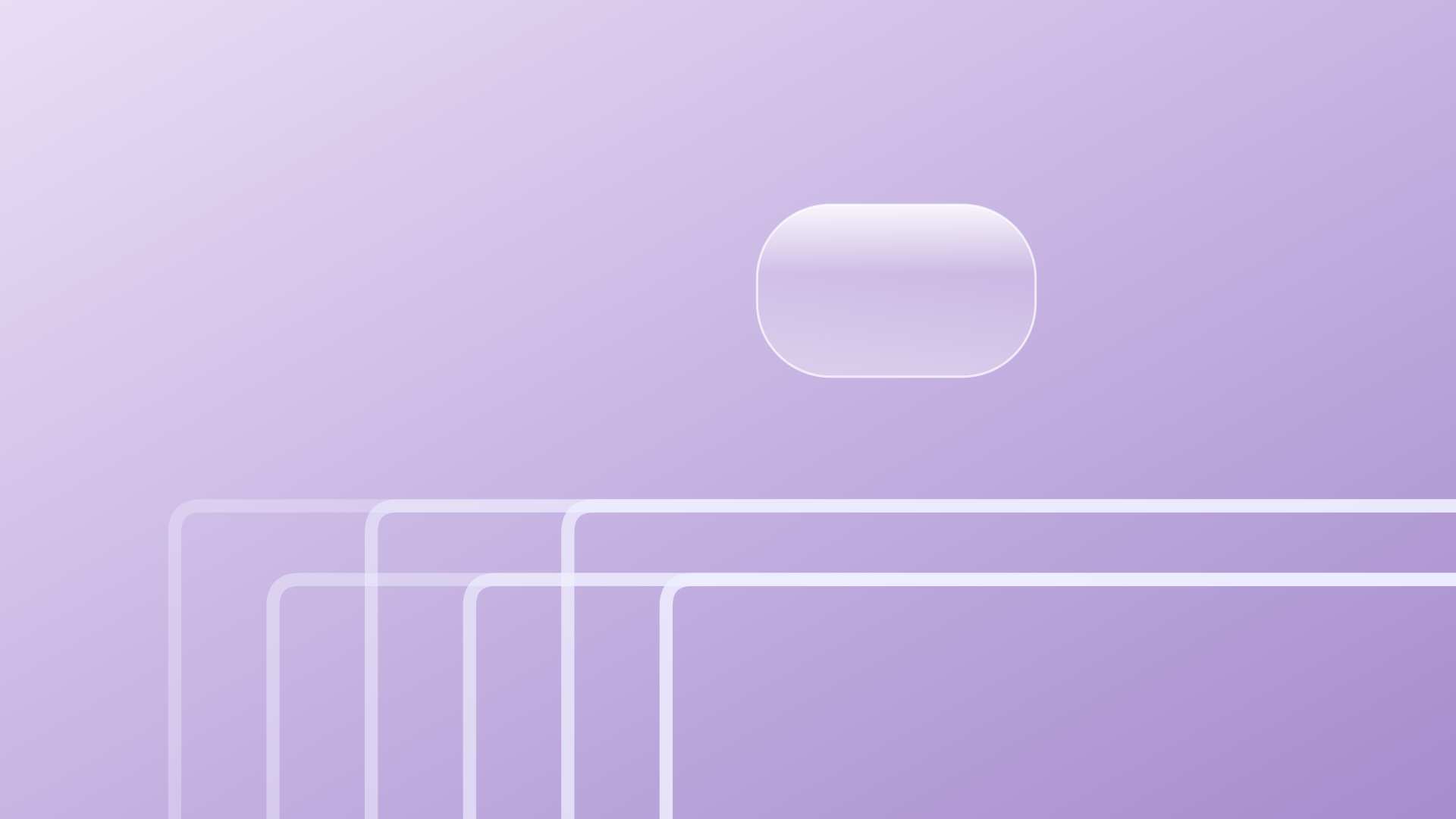
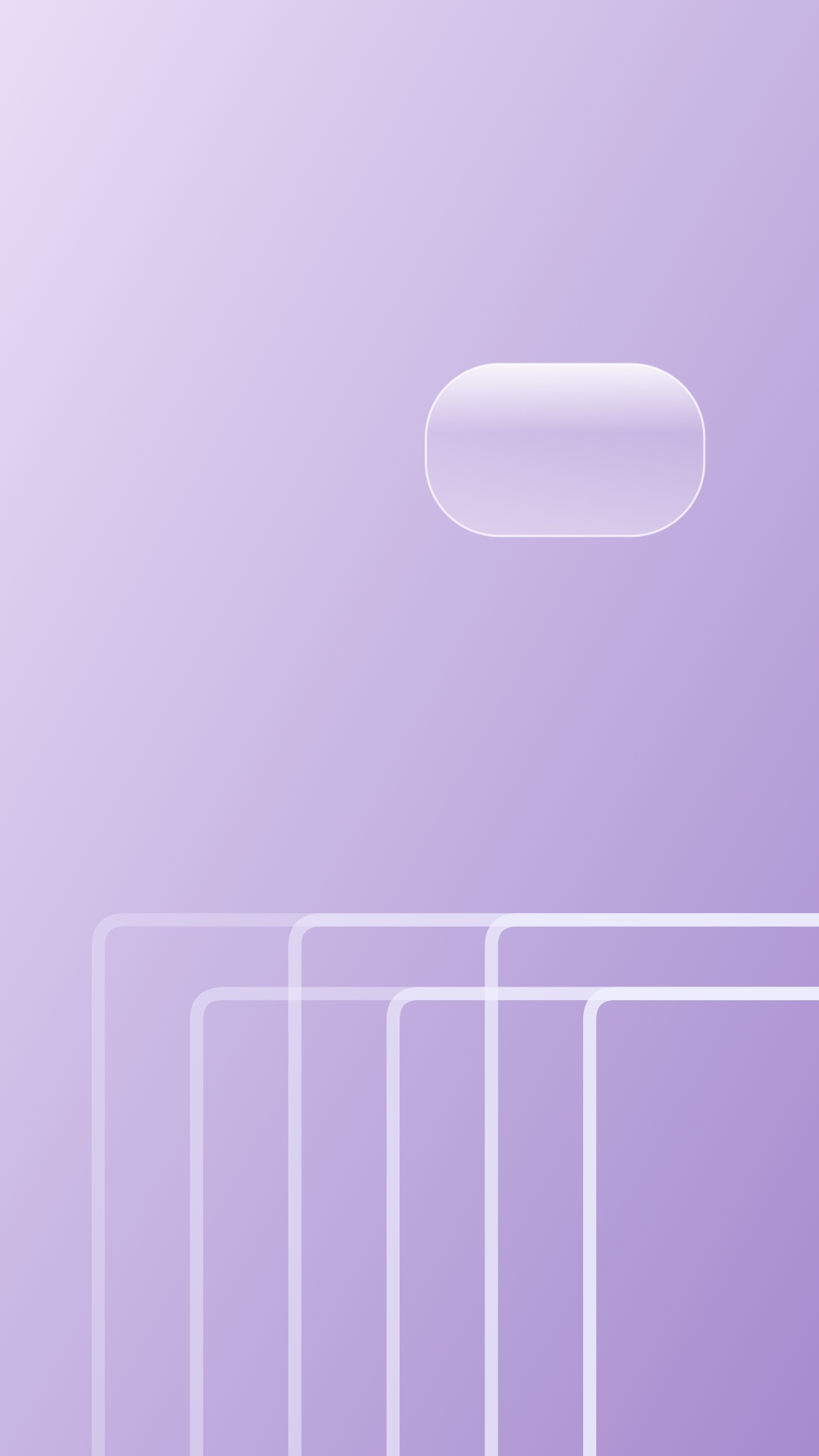
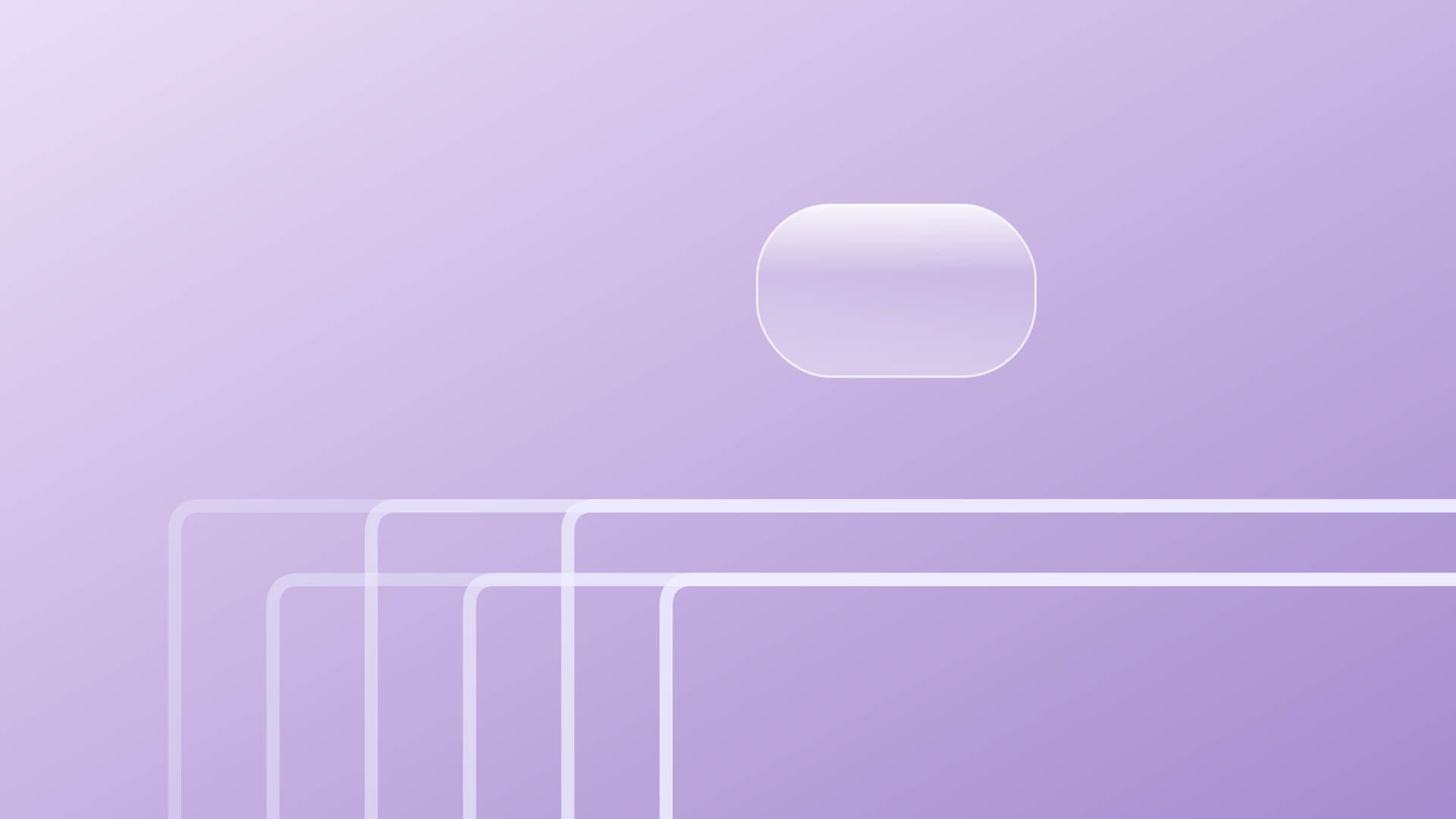
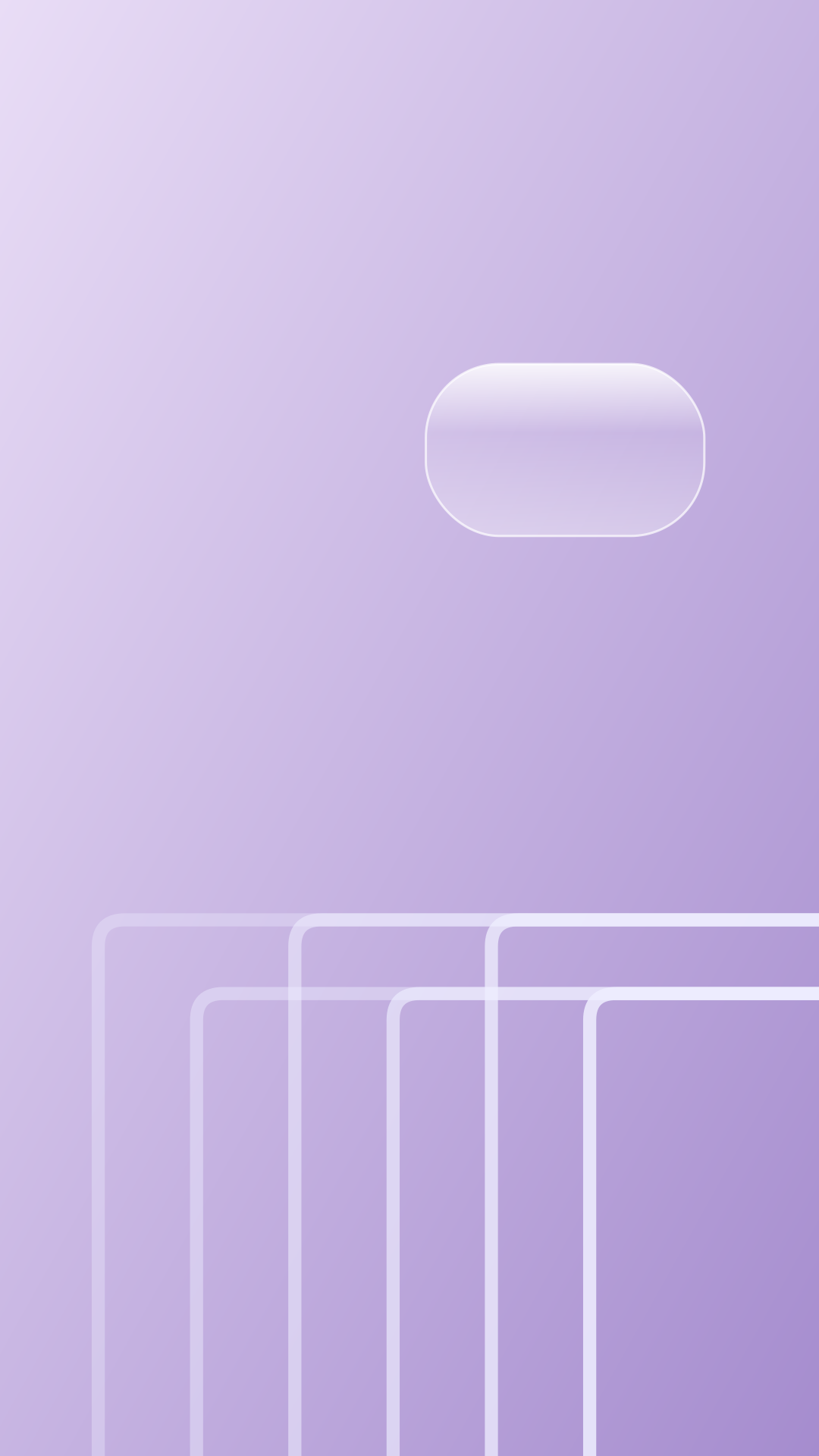
Lilac Circuit
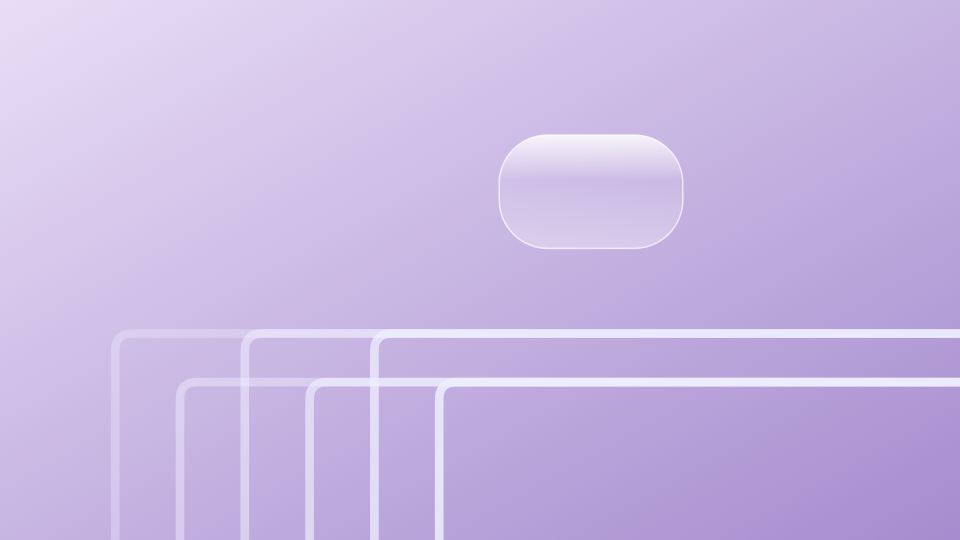
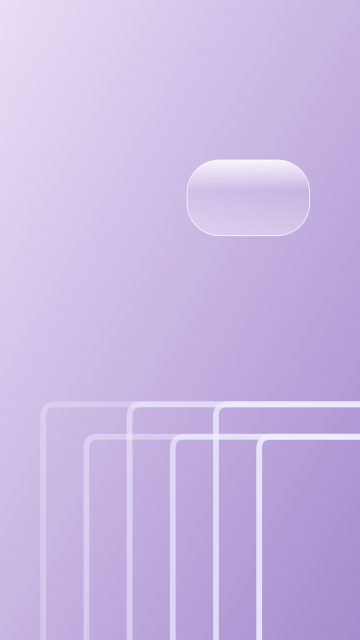
Desktop PNG — 1.3 MB · Phone PNG — 1.3 MB · Editable desktop SVG · Editable phone SVG
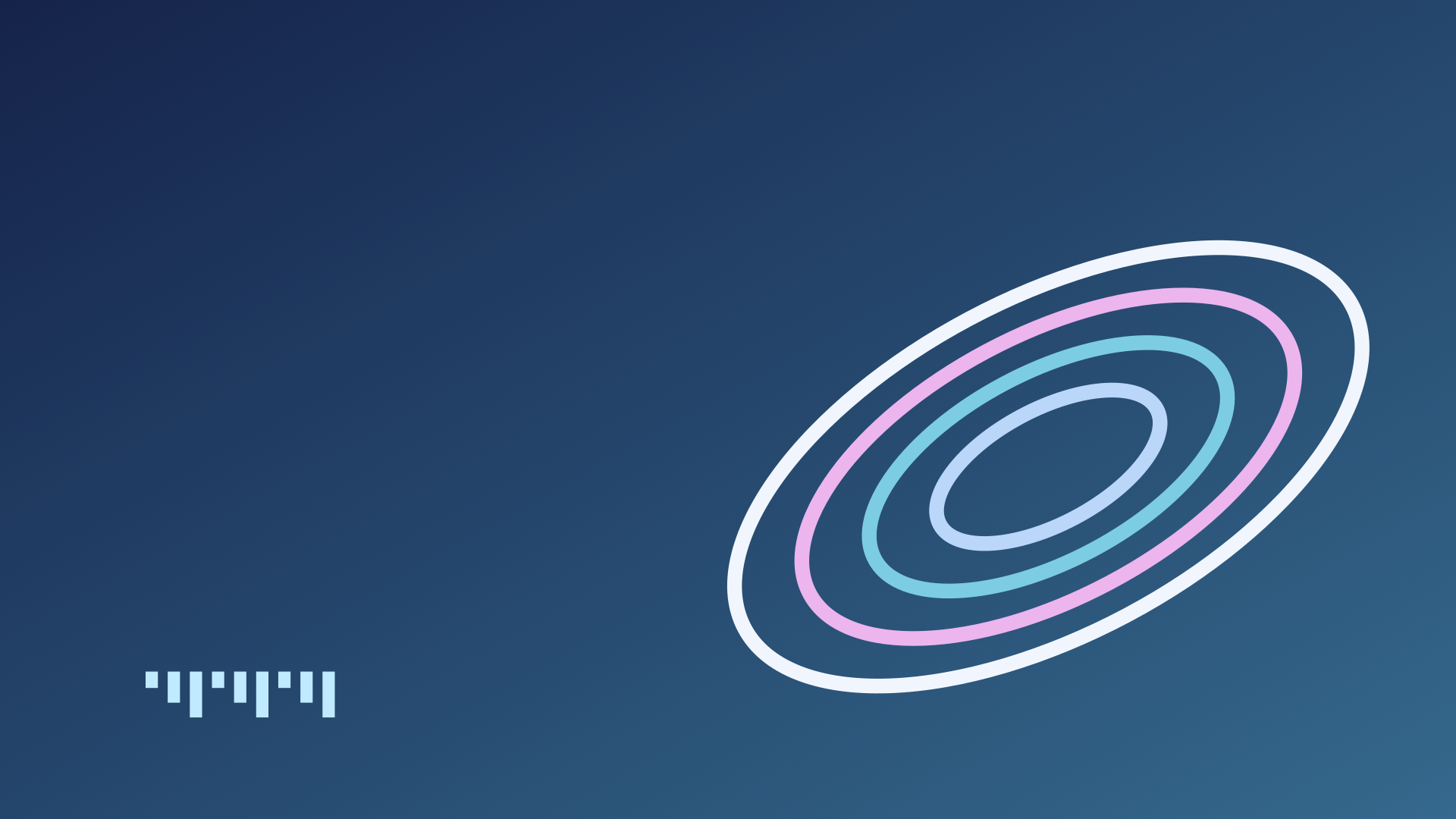
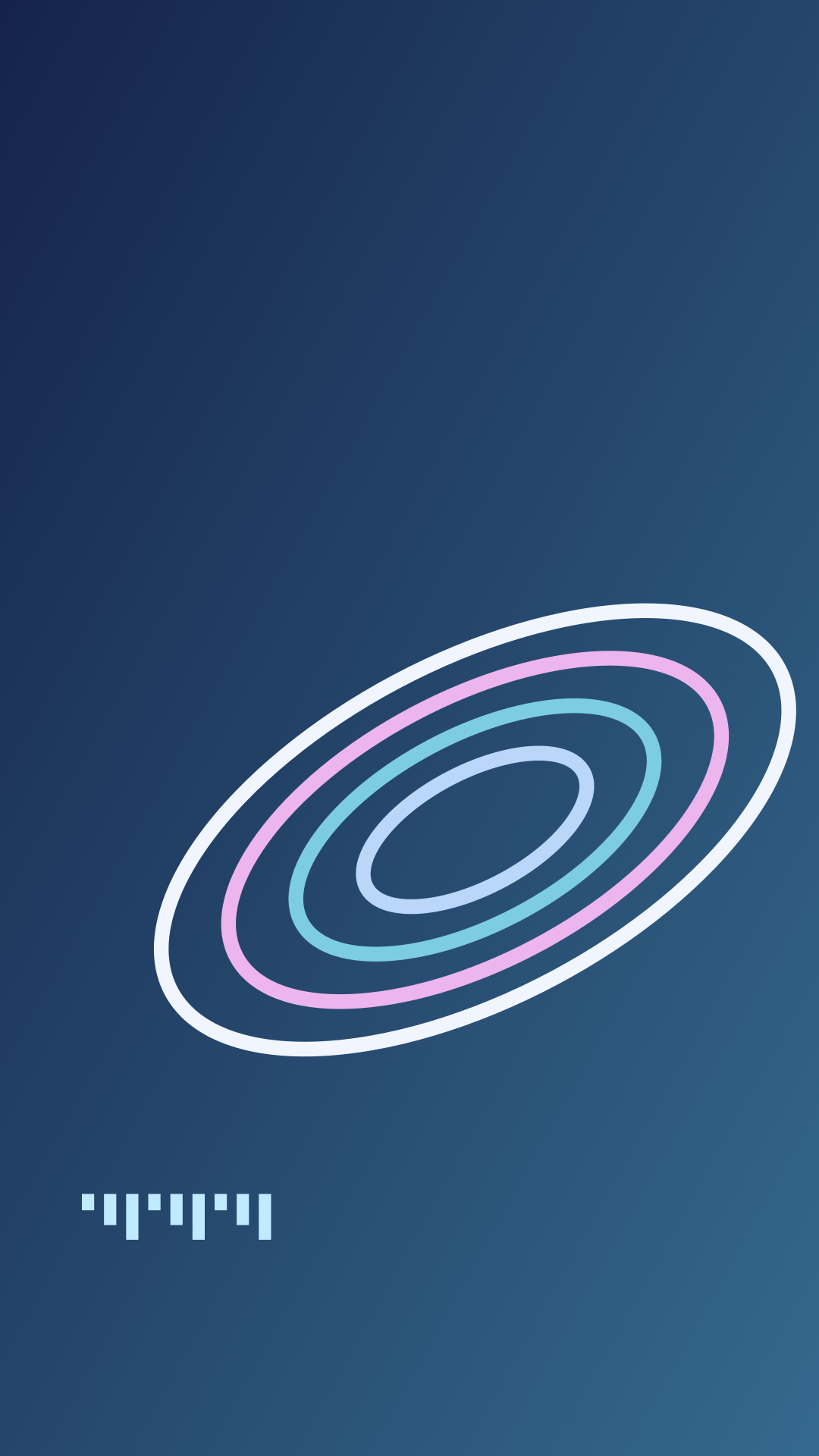
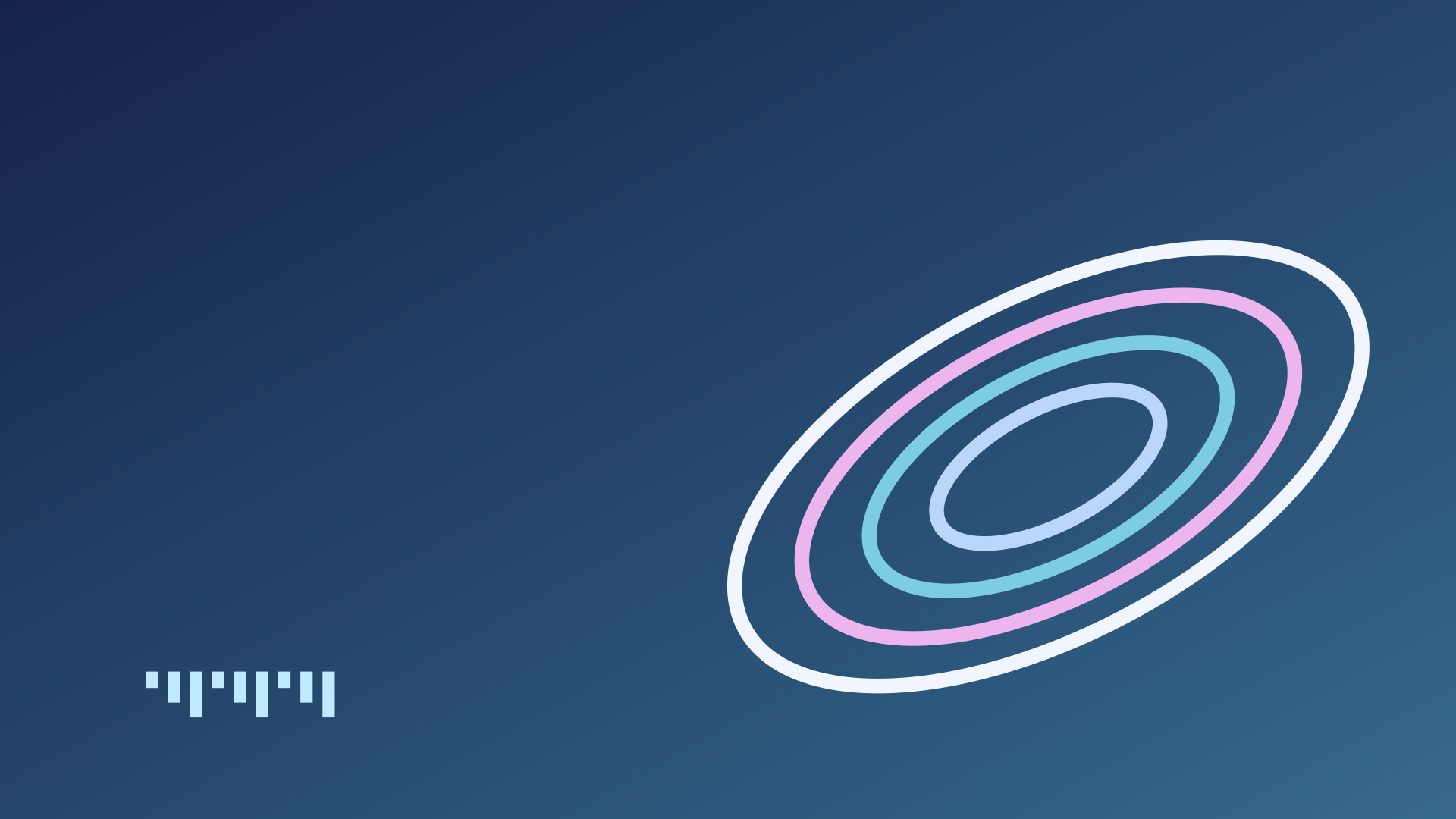
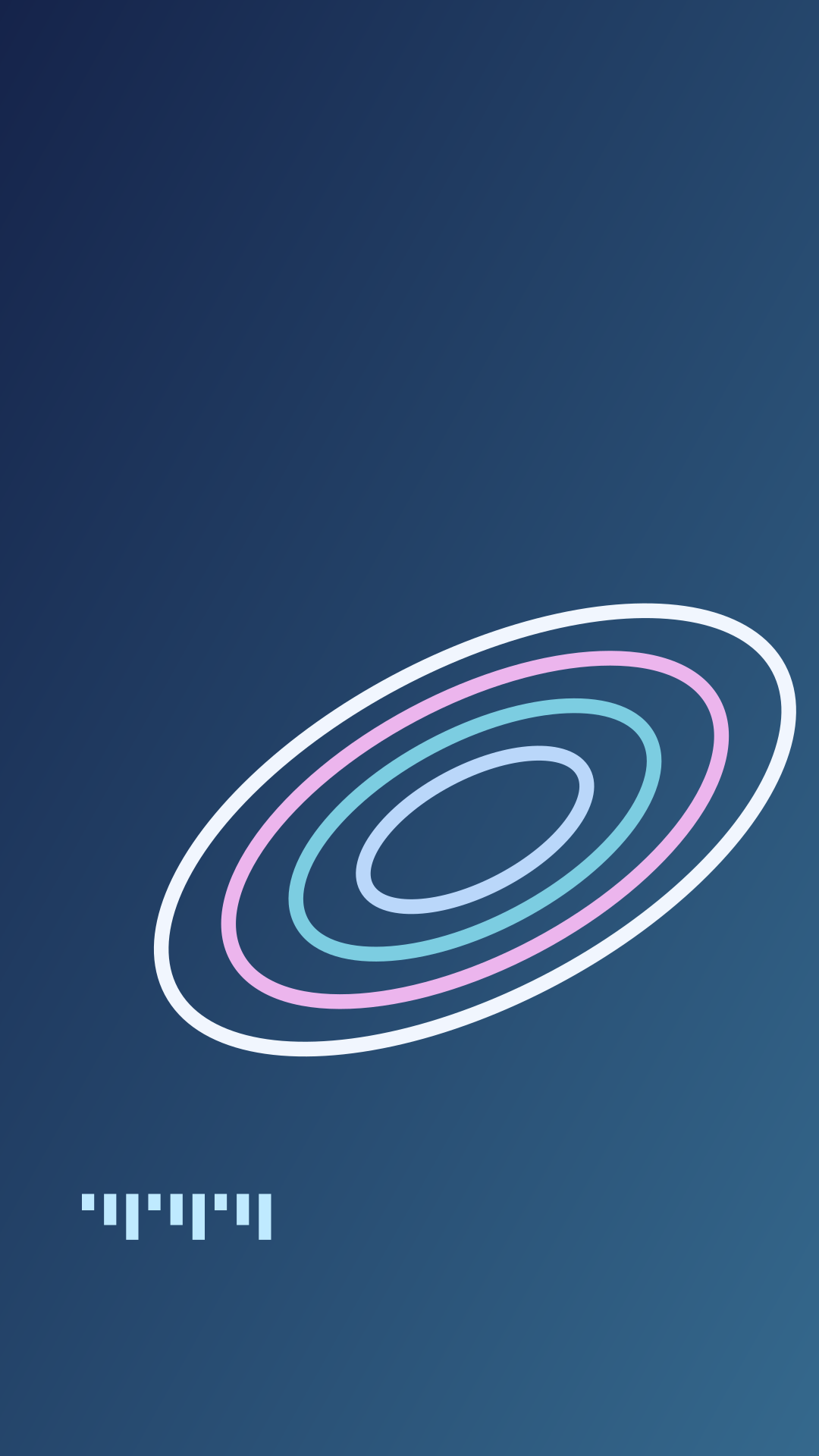
Blue Signal
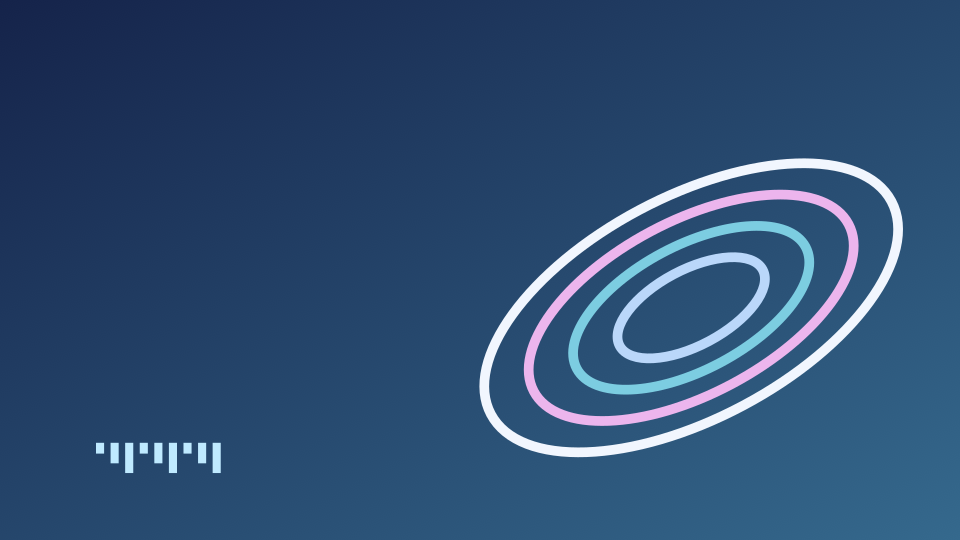
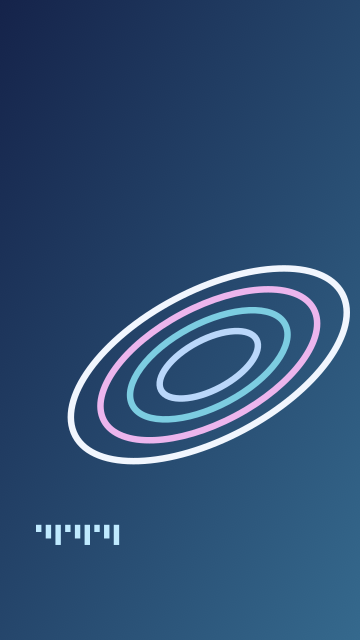
Desktop PNG — 1.3 MB · Phone PNG — 1.0 MB · Editable desktop SVG · Editable phone SVG
Choose a composition for your screen
Chrome Orbits puts most of its reflective detail towards the right of the wide image. Try it with desktop icons along the left edge. Lilac Circuit combines thin tracks with one rounded glass-like form; its pale upper area gives a phone clock room to sit. Blue Signal supplies the darkest background and the strongest contrast.
Open the full-size PNG, then set it as your wallpaper. Use Fit to keep the complete image or Fill to cover the screen with a crop. Check the clock, widgets and icon labels, then move the crop if a ring crosses them.
Keep the tall composition for a phone instead of cropping the center from the wide file. The two versions place their largest shapes differently. For a desktop with several icon columns, compare Chrome Orbits with Blue Signal at the same fit setting and choose the arrangement that leaves the labels easiest to scan.
Make the colors your own
Open an SVG in a vector editor to change the background, ring strokes or gradient stops. Keep the canvas dimensions when you want a direct replacement for the supplied PNG. For another screen ratio, resize the canvas and reposition the large forms before exporting.
For a black version of Blue Signal, change both stops in the SVG’s bg gradient to #000000, then export a PNG. Leave the colored ring strokes intact. For an iPad or another tablet, set the canvas to your screen’s pixel dimensions, reposition the rings and check both portrait and landscape crops.
Our Y2K visual guide explains the relationship between chrome, translucent plastic and small digital details. Build a matching title with the chrome text tool, or choose an accent from the editable Y2K palette tool.
Browse the 90s and 2000s aesthetics collection for the histories behind these visual choices.
How to set it as your wallpaper
- Windows 11 or 10: open the full-size file, right-click it and choose Set as desktop background, or go to Settings › Personalization › Background.
- Mac: save the file, then open System Settings › Wallpaper and choose Add Photo or Add Folder.
- iPhone: open the phone file, tap Share › Save Image, then in Photos tap Share › Use as Wallpaper.
- Android: save the phone file, open it in Photos or Gallery and choose Set as wallpaper.
- Chromebook: save the file, right-click the desktop and choose Set wallpaper & style.
Use it as a website background
With Back to the 90s you can turn the websites you visit into a 90s or Y2K page. Pro lets you use your own image, including any wallpaper on this page, as the background of those sites. Compare Free vs Pro.
Questions
Are these wallpapers free?
Yes. Back to the 90s made every design on this page and shares them under CC BY 4.0, so you can use them, change them and use them commercially with credit.
Which size should I download?
Choose the 4K desktop file for monitors and laptops. It scales down cleanly to 1920 × 1080 and 2560 × 1440. Choose the phone file for iPhone and Android.
Are these AI-generated?
No. They are drawn from shapes, gradients and light effects in code, then exported as images.
Use and remix the originals
Back to the 90s created these graphics in 2026 and shares them under CC BY 4.0. Use them in personal and commercial projects, adapt the colors and shapes, and credit Back to the 90s with a link to this page and the license. Describe your changes when you share a remix. The pack includes the license and suggested credit.