90s screensavers: Pipes, mazes and hidden teapots
Published
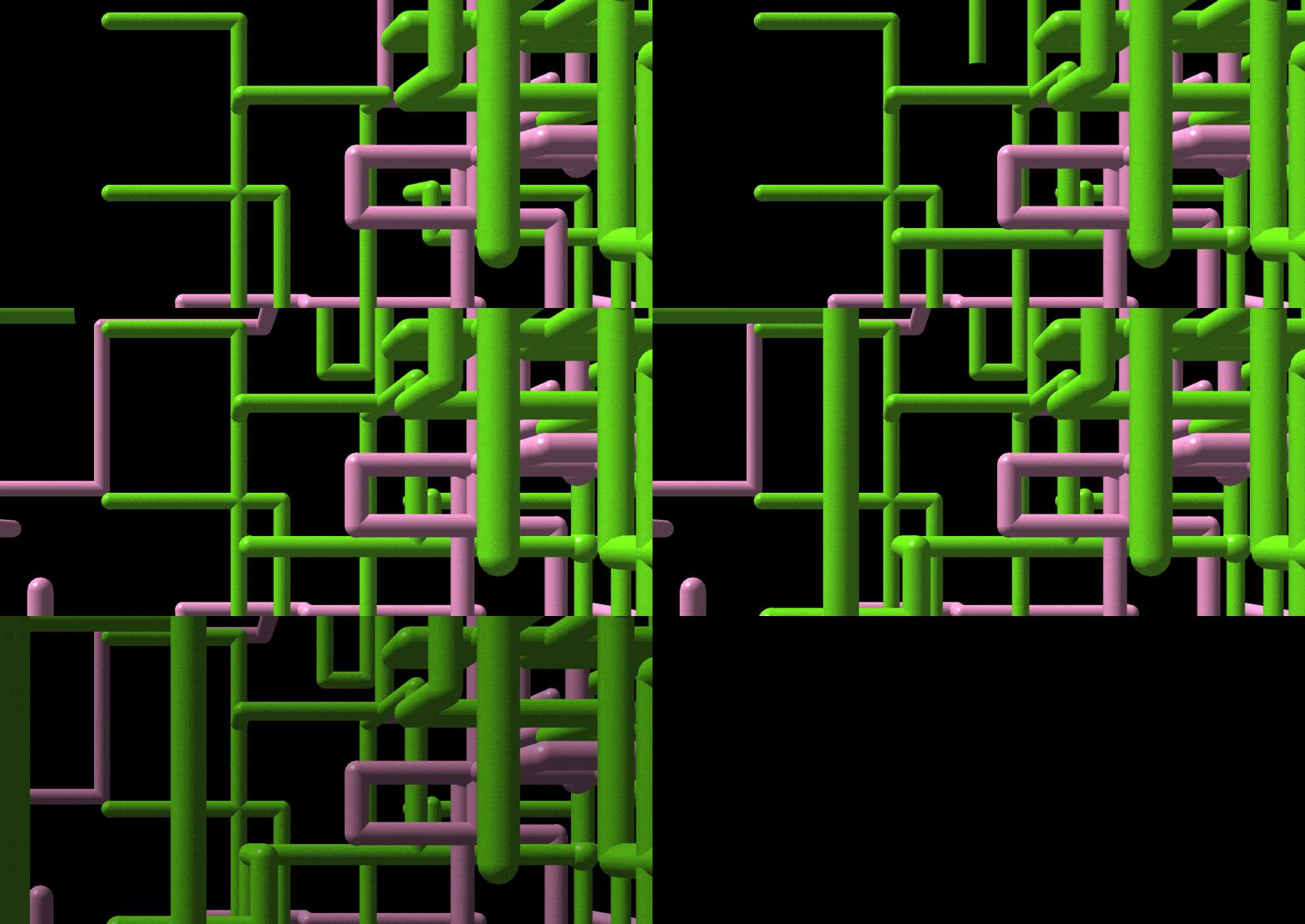
Windows Pipes grew through an empty black space; 3D Maze carried you around its corridors. Both filled a pause at the computer with moving shapes. Simple rules kept producing new patterns.
On this page
Pipes also hid an unusually specific joke: the Utah teapot, a familiar test object in computer graphics. Its appearance depended on the chosen joint style and the version of Windows.
Why Windows had so many 3D screensavers
Microsoft developer Raymond Chen recalls a contest within the OpenGL graphics team during Windows NT 3.5 development. The winning screensaver would appear in Windows. Colleagues liked the entries so much that all four joined the collection: Pipes, 3D Maze, 3D Text and 3D Flying Objects.
Find the teapot in Pipes
Chen’s account of the Pipes Easter egg explains two ways the hidden teapot could appear. In Mixed joint mode, the program had a one-in-a-thousand chance of choosing it. In the Flex style, the code used a teapot when a pipe reached a dead end.
The Flex teapot could appear quite quickly in a crowded part of the screen. An old recording may make these two behaviors look equally random if you do not know which settings it used.
XScreenSaver began with a different collection
Jamie Zawinski released the first XScreenSaver in 1992. In his Sleep Mode exhibition interview, he describes ideas drawn from mathematics, imagined objects and experiments with motion.
He also explains which software starts the animations and locks the screen. XScreenSaver handles those jobs in its original X11 version. In some versions made for other systems, the operating system does them.
To start a screensaver when you leave the computer idle, follow the Windows setup guide or Mac setup guide. Microsoft’s screen-saver controls set the wait time and preview. You start and pause the browser study below yourself.
Change the rule behind a pattern
Open the original idle-pattern study and select Start pattern. It advances in 20-pixel steps, changes color every 40 steps and clears after 270. Pause pattern freezes the current drawing; Clear pattern returns its starting point to the center.
Download the HTML source. In the script, try one of these precise changes:
- In the
nxandnymovement arrays, replace20and-20with10and-10for shorter segments. - Change the turn test
steps % 7tosteps % 9for longer runs between turns. - Change
steps/40tosteps/20in the color calculation to switch colors twice as often. - Change
timer>100totimer>200to approximately halve the drawing speed.
Leave the canvas size and other rules unchanged for the first comparison. A timing edit changes the pace; a turn edit changes the shape. The example starts paused and pauses when you switch away from its tab, so you can study each stage.
To study a historical screensaver in the same way, look for its movement rule, its color rule and when it starts again.