MySpace-style layouts: three SpaceHey themes to download
Published
Download one of three MySpace-style SpaceHey themes: Paper Club, Night Window or Bubblegum Grid. Each changes the profile’s colors, panels and typography through one CSS style block that you paste into Blurbs → About me.
Download the collection. Each theme includes editable CSS, a ready-to-copy style block, an original profile fixture and a short setup guide.
SpaceHey supports custom HTML and CSS in profiles. SpaceHey describes itself as independent of MySpace and currently requires an invitation for a new account. The packages target SpaceHey’s profile sections and common class names. The local previews use original sample text, a star avatar and a simplified profile layout so you can explore the CSS before adding it to your account.
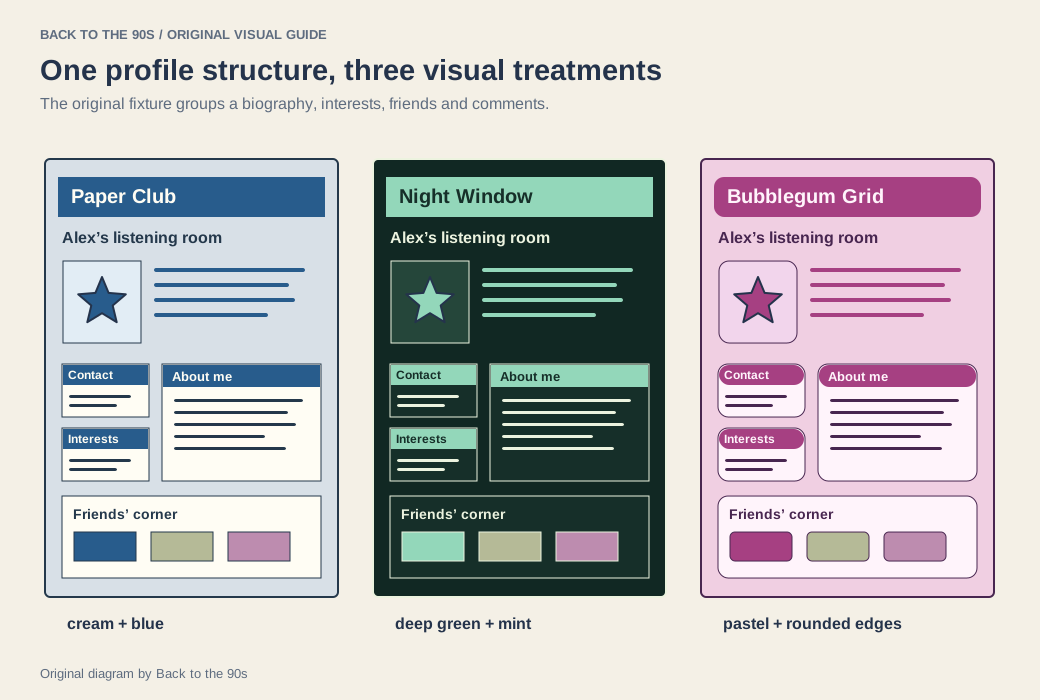
Compare the themes on the same original profile structure: Paper Club, Night Window and Bubblegum Grid.
Choose a layout
Paper Club
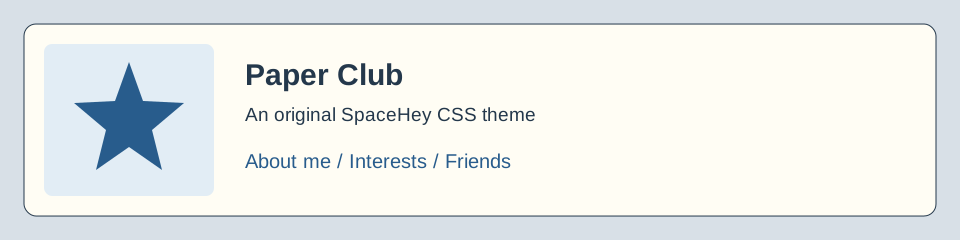
Cream surfaces, blue headings and a serif font give this layout the feel of a reading notebook. Square panels make interests and comments easy to scan. Use it for a bookish profile, a listening diary or a personal collection.
Open the full Paper Club preview · Download Paper Club.
Night Window
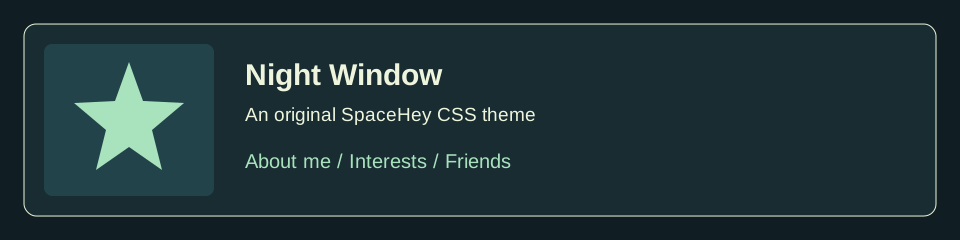
Dark blue-green panels and mint links suit a late-night music corner. The theme uses a clear sans-serif font, distinct section headings and pale body text. A subtle grid sits behind the profile.
Open the full Night Window preview · Download Night Window.
Bubblegum Grid
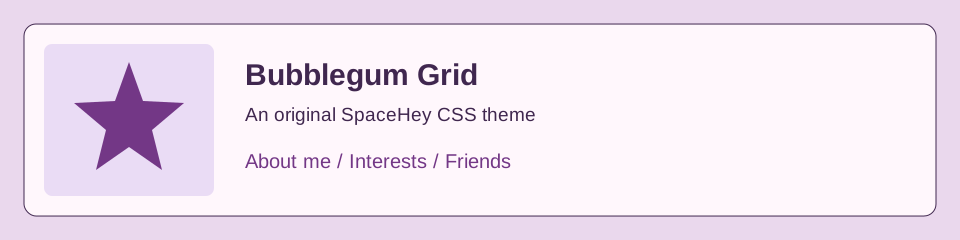
Rounded boxes and pastel purple labels make this the softest of the three designs. It works well with drawings, craft interests and bright profile pictures. The grid background adds structure around the rounded panels.
Open the full Bubblegum Grid preview · Download Bubblegum Grid.
Install your chosen theme
SpaceHey’s community setup instructions place layout code in the About me field under Blurbs. Follow that route with the package’s paste.html file:
- Save a copy of your current About me text and any existing style block.
- Open
paste.htmlin a text editor and copy its complete<style>…</style>block. - Sign in to SpaceHey and choose Edit Your Profile.
- Find Blurbs → About me. Add the style block alongside your own introduction.
- Choose Save All, then view your profile.
- Check the introduction, interests, comments and links. Narrow the window and press Tab through the page.
Use one complete theme block at a time. If you combine several layouts, their rules can target the same heading or table; the later rule then changes the result. Start with a clean copy of the theme and add small edits you can trace.
Change the palette
Open the theme’s CSS or paste.html and find the first rule, which defines the properties below. For a quick color change, replace the hex value after --bt-link:. Copy the complete updated style block into About me, save and open a profile link to inspect it.
| Property | Changes |
|---|---|
--bt-back |
Background surrounding the profile |
--bt-paper |
Reading panels and table cells |
--bt-ink |
Body text and panel borders |
--bt-link |
Links and selected details |
--bt-heading |
Section heading backgrounds |
--bt-radius |
Panel corner shape |
Keep text and links distinct from their background. A bright profile picture already contributes plenty of color; a quieter panel color can help it stand out. The themes preserve ordinary links and add a visible keyboard focus outline.
Keep the profile personal
Put your introduction outside the <style>…</style> block. For example, write <p>I draw tiny buildings and collect field recordings.</p> after the closing </style> tag. CSS inside the block changes appearance; HTML outside it supplies the profile text.
When you want a separate site with several pages, try the Neocities templates. When you want to remove a SpaceHey theme, delete its marked style block from About me and save. Your introduction remains in the field around it.
We release the original CSS, SVG artwork and sample content under the MIT license. Keep the license with source copies you share.