Frutiger Metro assets: wallpapers and graphic elements
Published
Sweeping color bands can carry a composition from one edge to another. This Metro-inspired collection gives you three complete backgrounds and six separate geometric components, so you can use a finished wallpaper or assemble your own layout.
On this page
The pack includes six full-size PNG wallpapers, six editable wallpaper SVGs and six transparent component SVGs. The wallpapers come at 1920 × 1080 for desktop and 1080 × 1920 for phone.
Download the complete pack — ZIP, 405 KB
Preview and download
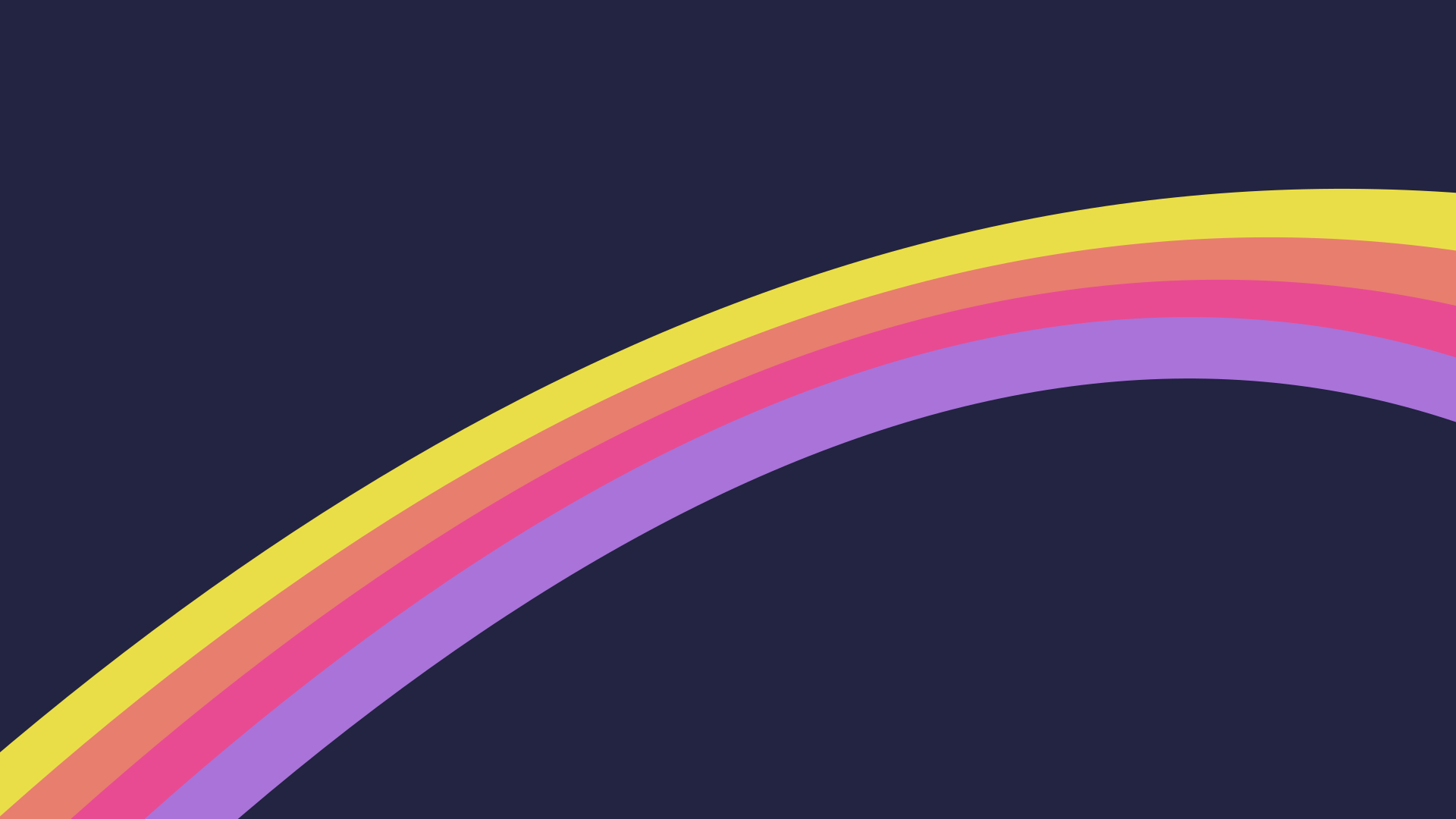
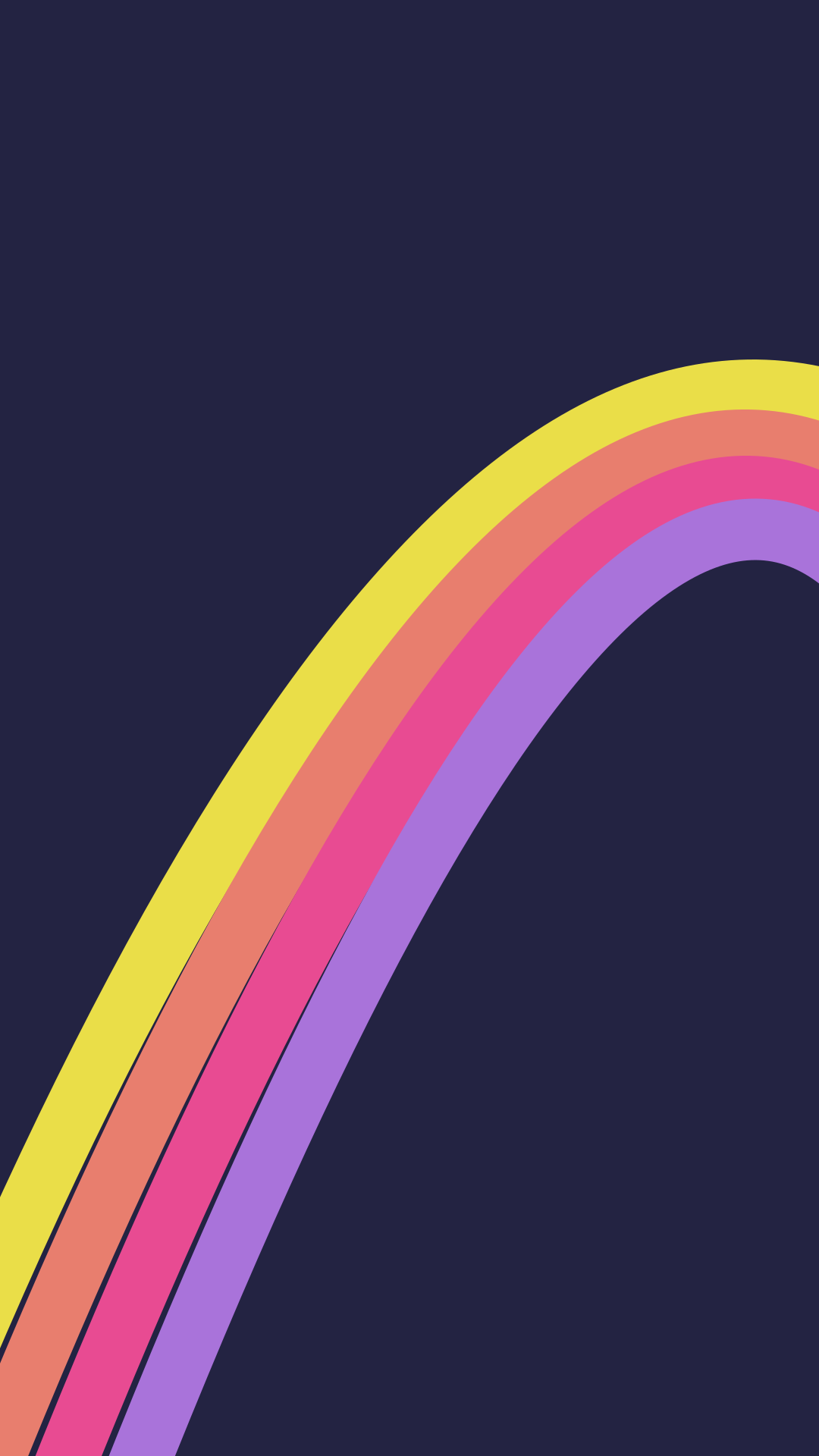
Citrus Ribbons
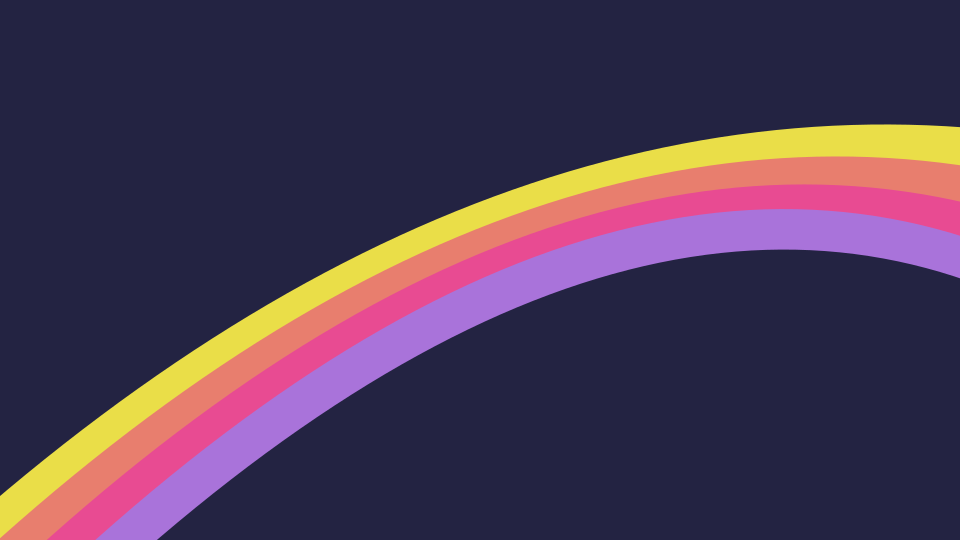
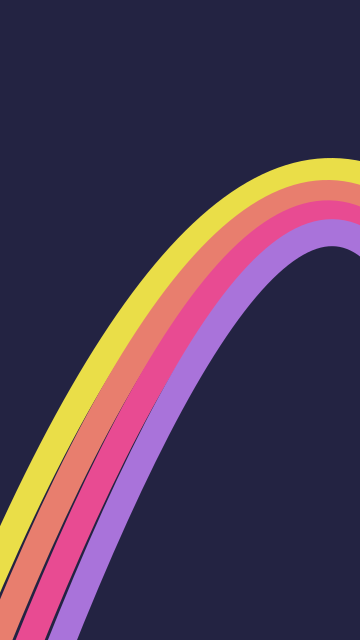
Desktop PNG — 63 KB · Phone PNG — 88 KB · Editable desktop SVG · Editable phone SVG
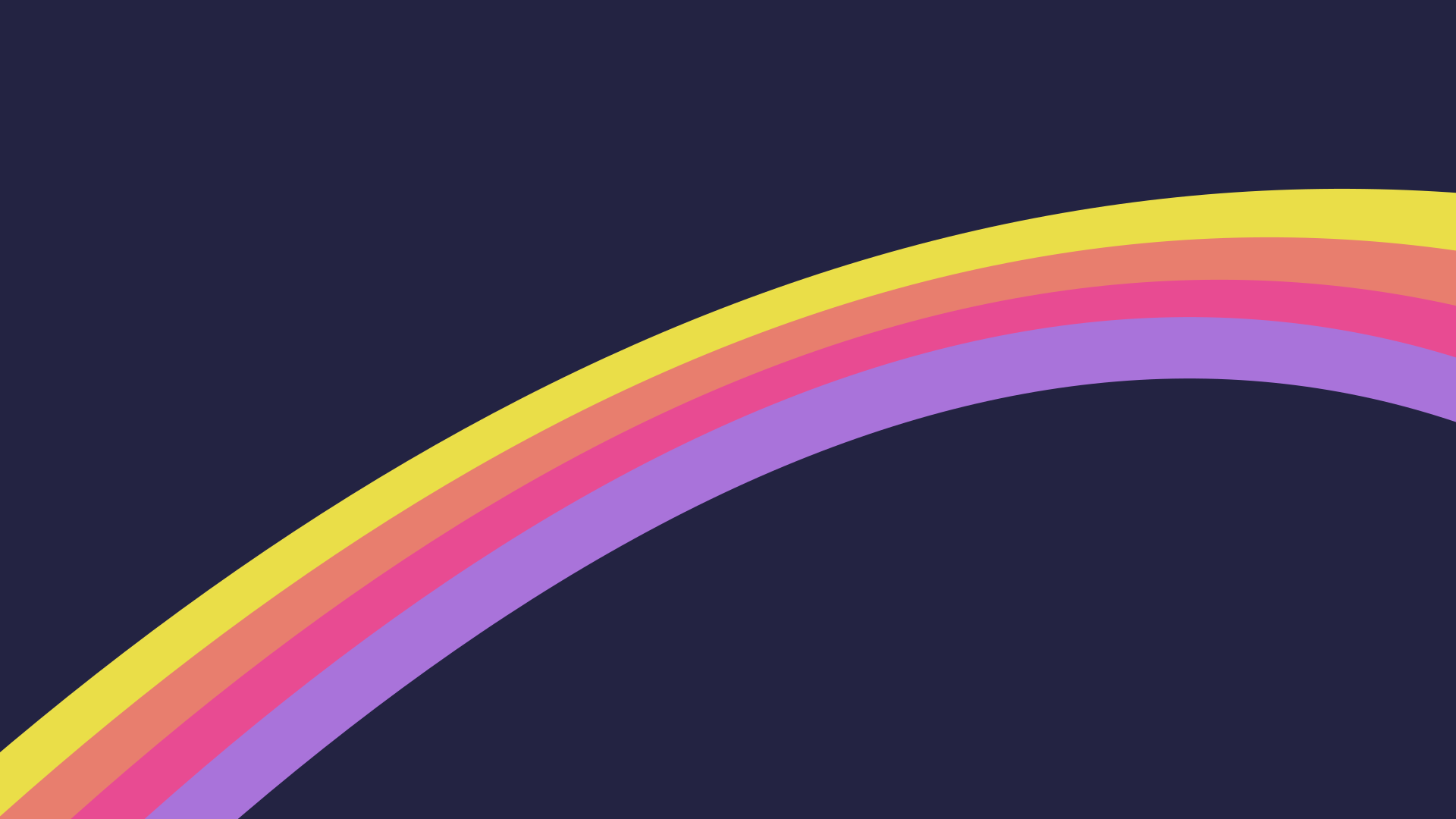
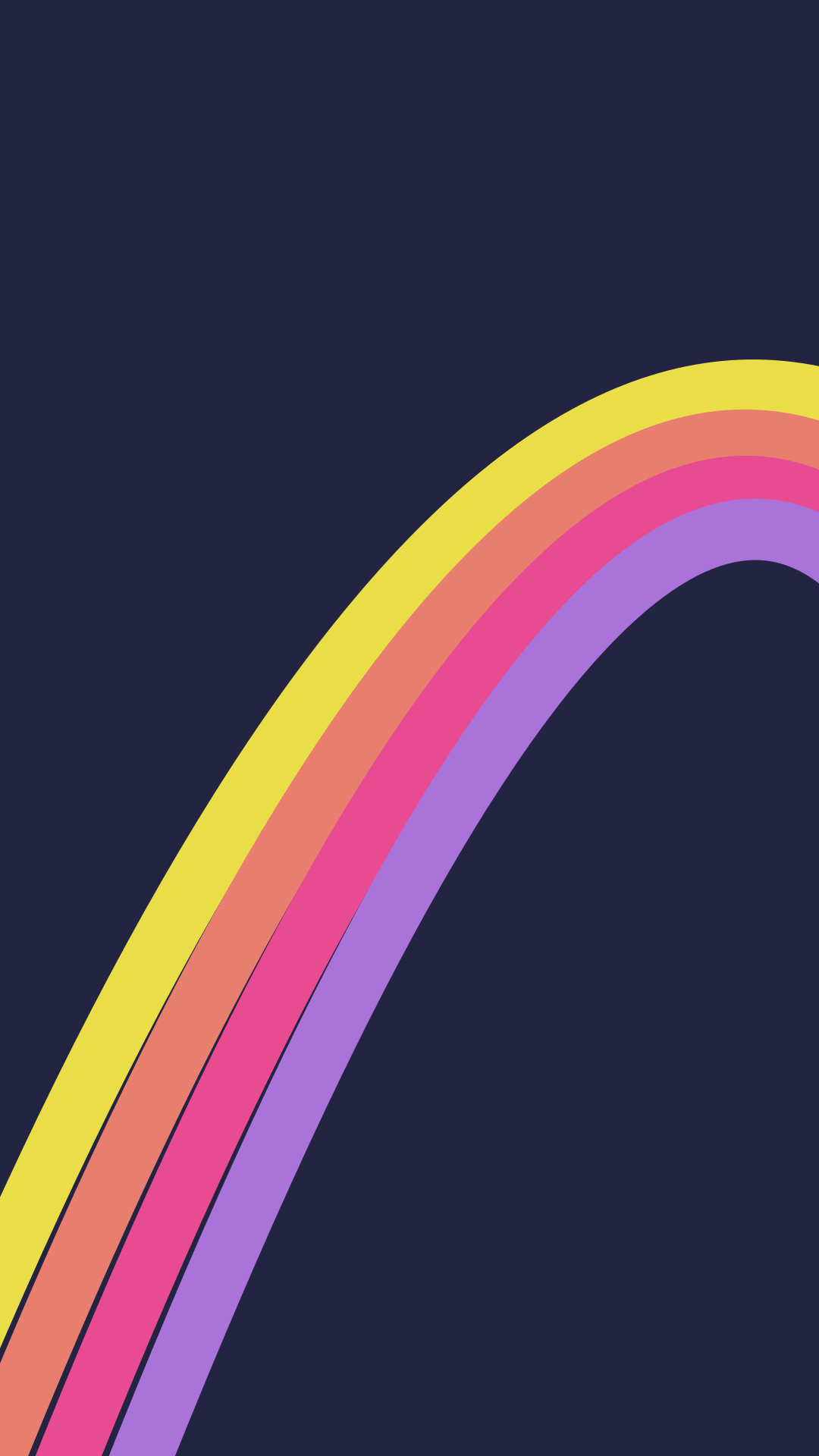
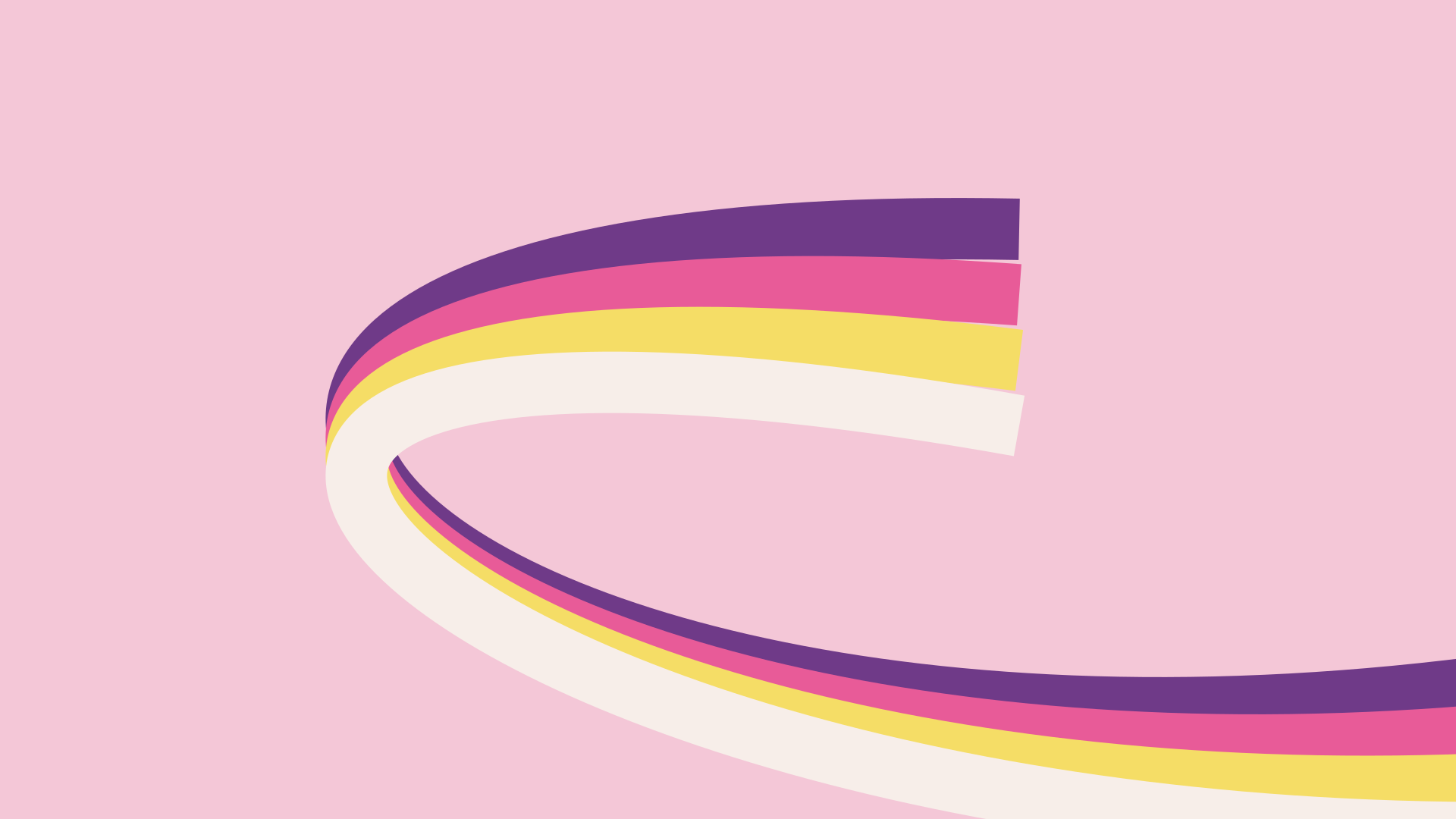
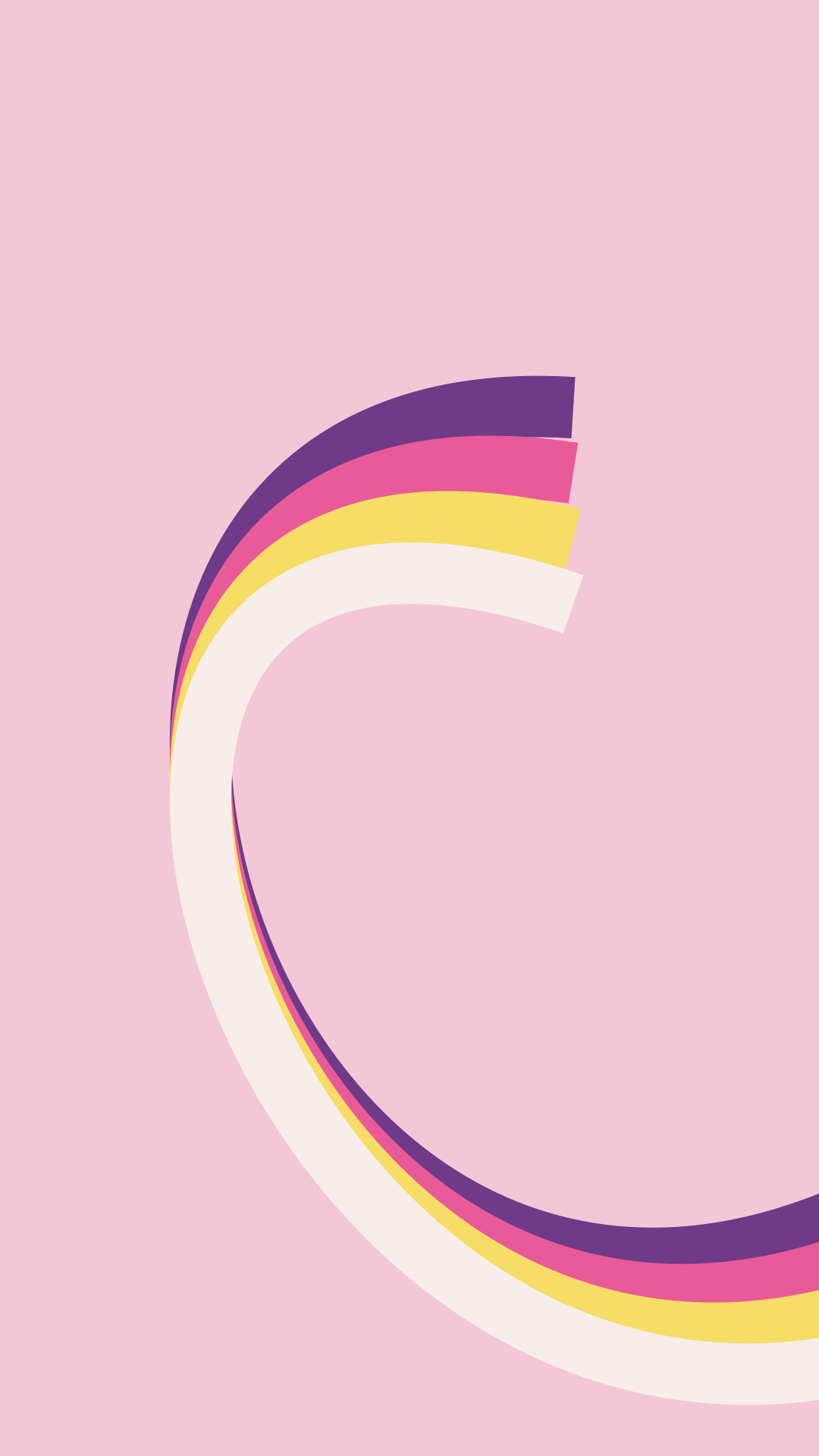
Magenta Loop
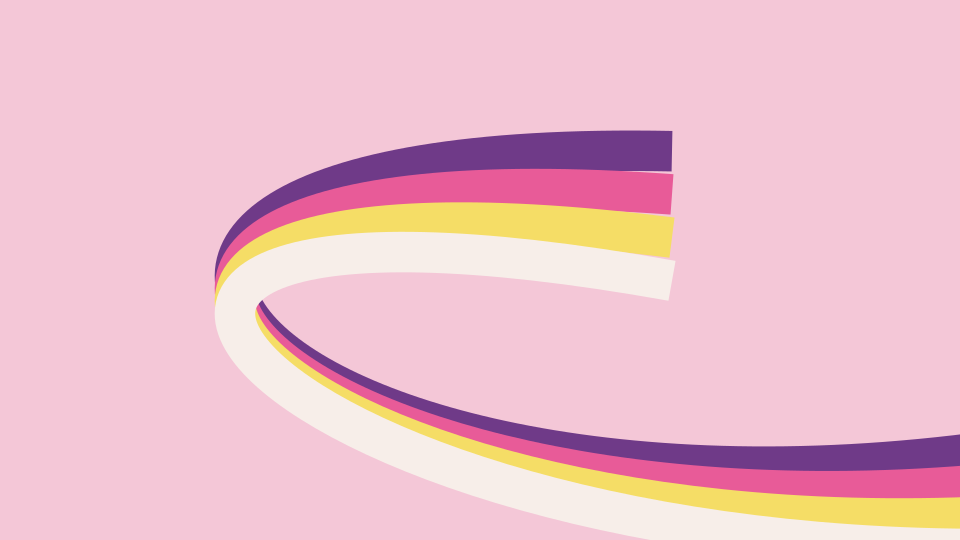
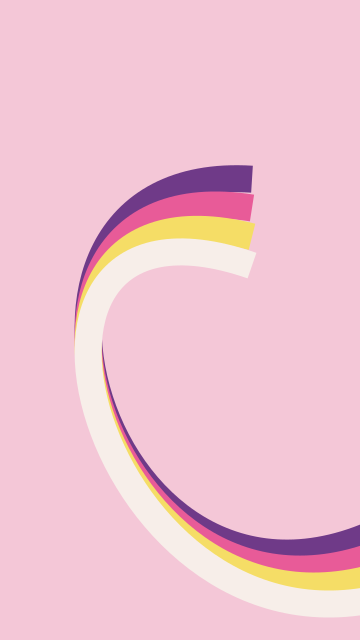
Desktop PNG — 61 KB · Phone PNG — 69 KB · Editable desktop SVG · Editable phone SVG
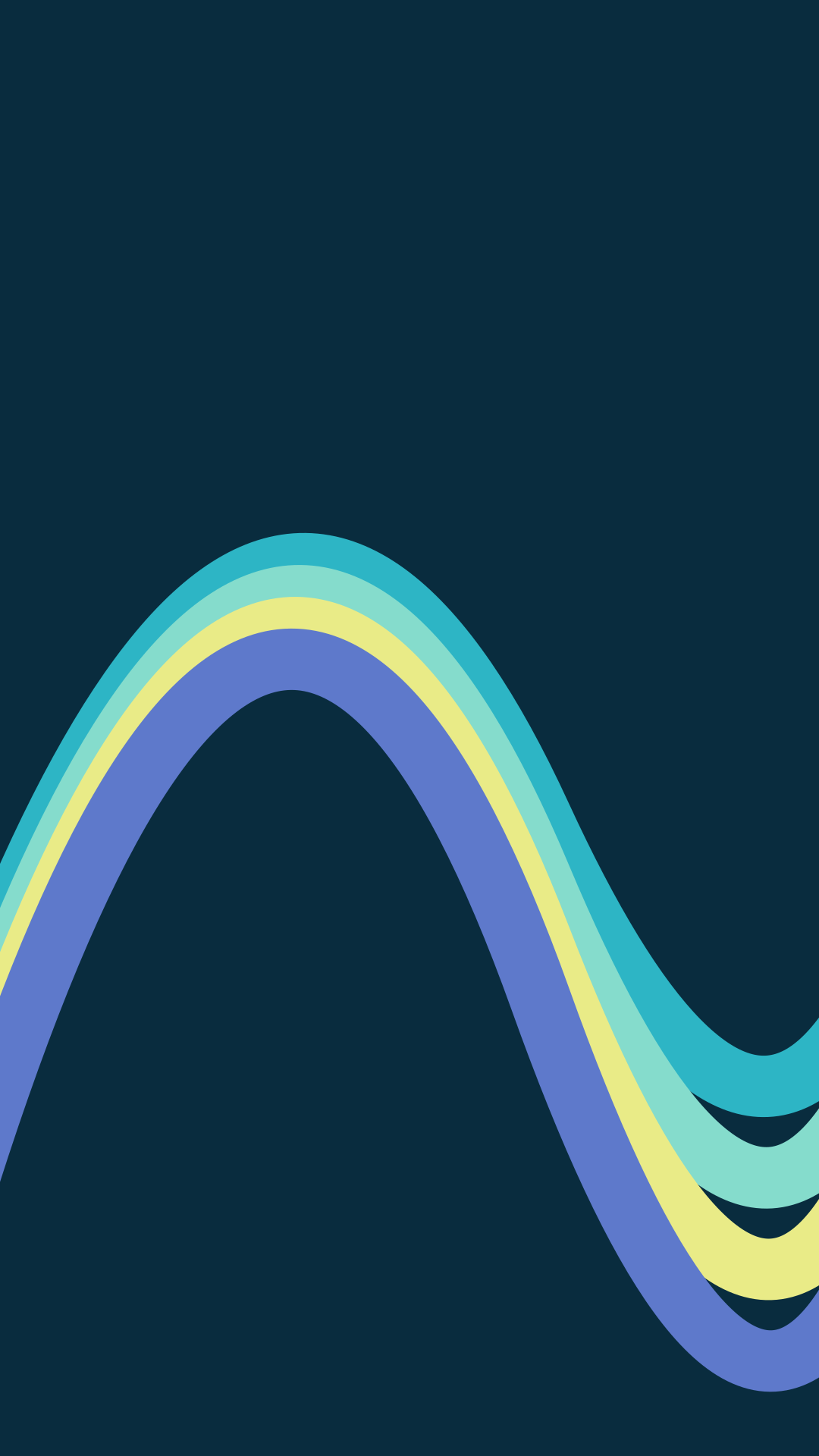
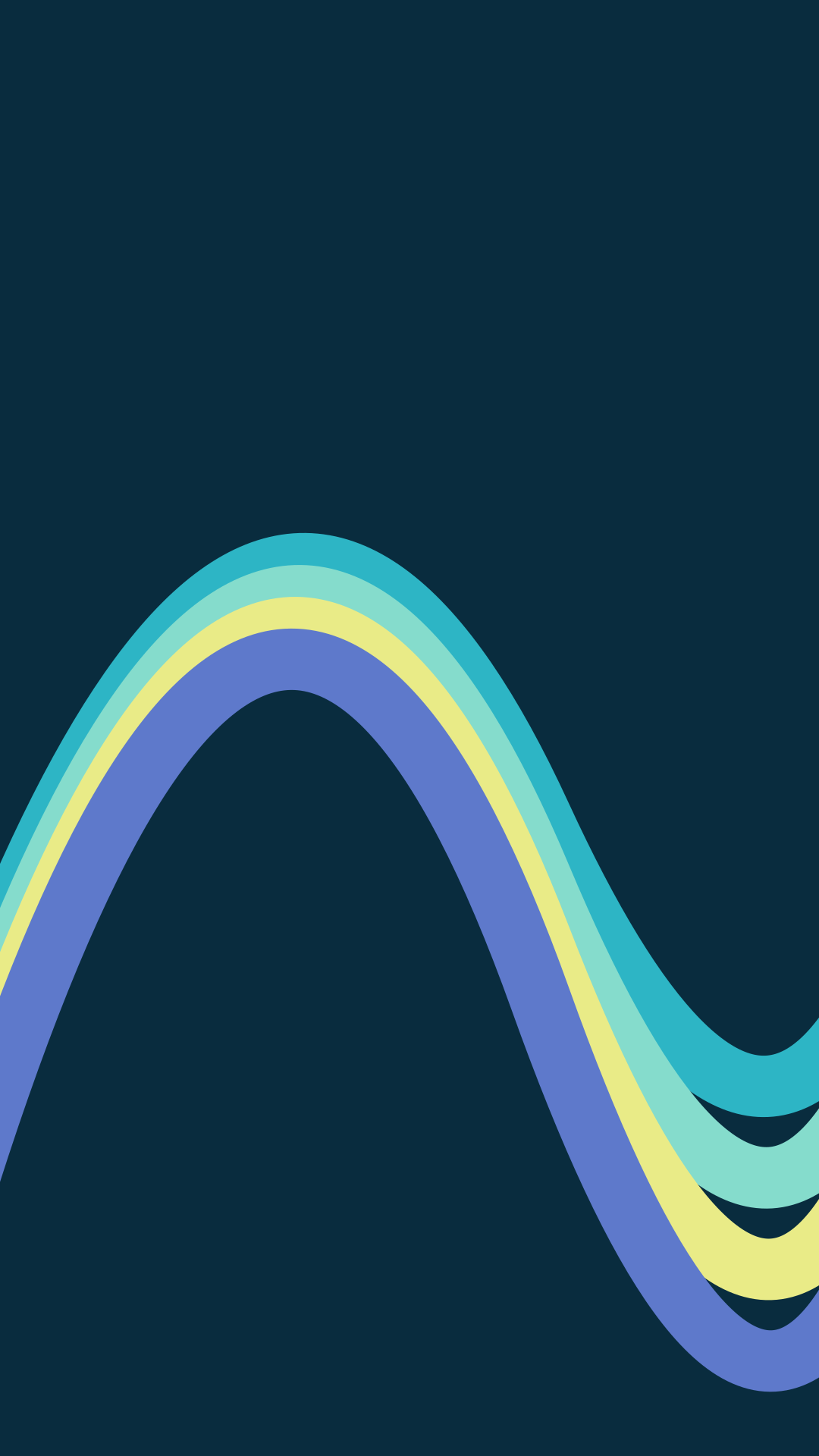
Cyan Pulse

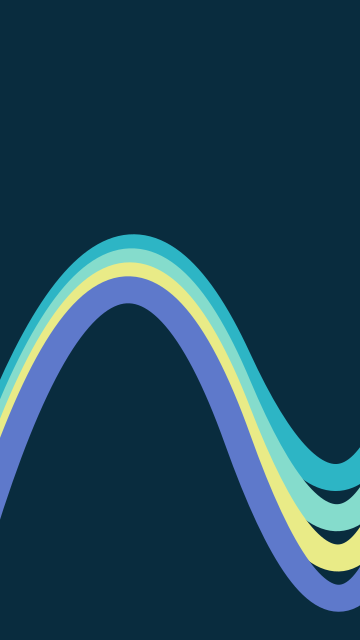
Desktop PNG — 81 KB · Phone PNG — 87 KB · Editable desktop SVG · Editable phone SVG


Give the curves a direction
Citrus Ribbons rises from the lower left and moves towards the upper right. Magenta Loop turns a group of contrasting bands across a pink field. Cyan Pulse follows a broad wave through a dark background.
Choose a design by the place where you want to put text or icons. Let the main curve point towards that area, and leave a useful gap around the words. When you crop for a phone, keep enough of the curve visible to preserve its direction.
Compose with the separate graphics
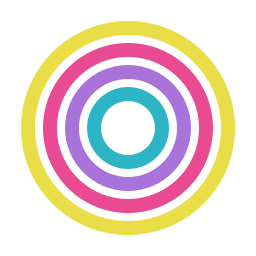
The transparent SVG components below use the same flat color vocabulary. Place a ring behind a short headline, use corner brackets around a small image or repeat a rounded stripe to establish a rhythm. Change the fills in a vector editor to match your own palette.
The components use a 256 × 256 viewBox and scale cleanly to other sizes. Export PNG versions at your intended display size when an app requires raster files. Our Frutiger Metro guide connects this approach with dated music-technology examples and explains how curves, silhouettes and text divide the work.
Download the transparent components


Keep a clear route through the composition
Place one transparent component behind a short title. Add a second shape only when it points towards the title or main image, then view the result at 320 pixels wide. If the words disappear into the curves, reduce the component’s scale or move it towards an edge.
Browse the 90s and 2000s aesthetics collection for the histories behind these visual choices.
Use and remix the originals
Back to the 90s created these graphics in 2026 and shares them under CC BY 4.0. Use them in personal and commercial projects, adapt the colors and shapes, and credit Back to the 90s with a link to this page and the license. Describe your changes when you share a remix. The pack includes the license and suggested credit.