Webrings: how to find, join and build a circle of sites
Published
A webring connects member websites in a loop, usually through Previous, Next and List links. A visitor can move between related sites without returning to a search engine. Each member keeps its own site and adds the ring’s links.
On this page
Try our three-site demonstration. Open a member page and follow Next site three times. You will return to the page where you started. Download the complete example to inspect its links.
Explore before you join
Start at a ring’s directory and visit several members. Look for a common interest in the work itself: a collection of handmade games, personal research notes, illustrated diaries or detailed hobby pages.
Notice how each member presents the connection. Some rings use previous and next links. Others use a shared badge that leads into a directory or selects the next member.
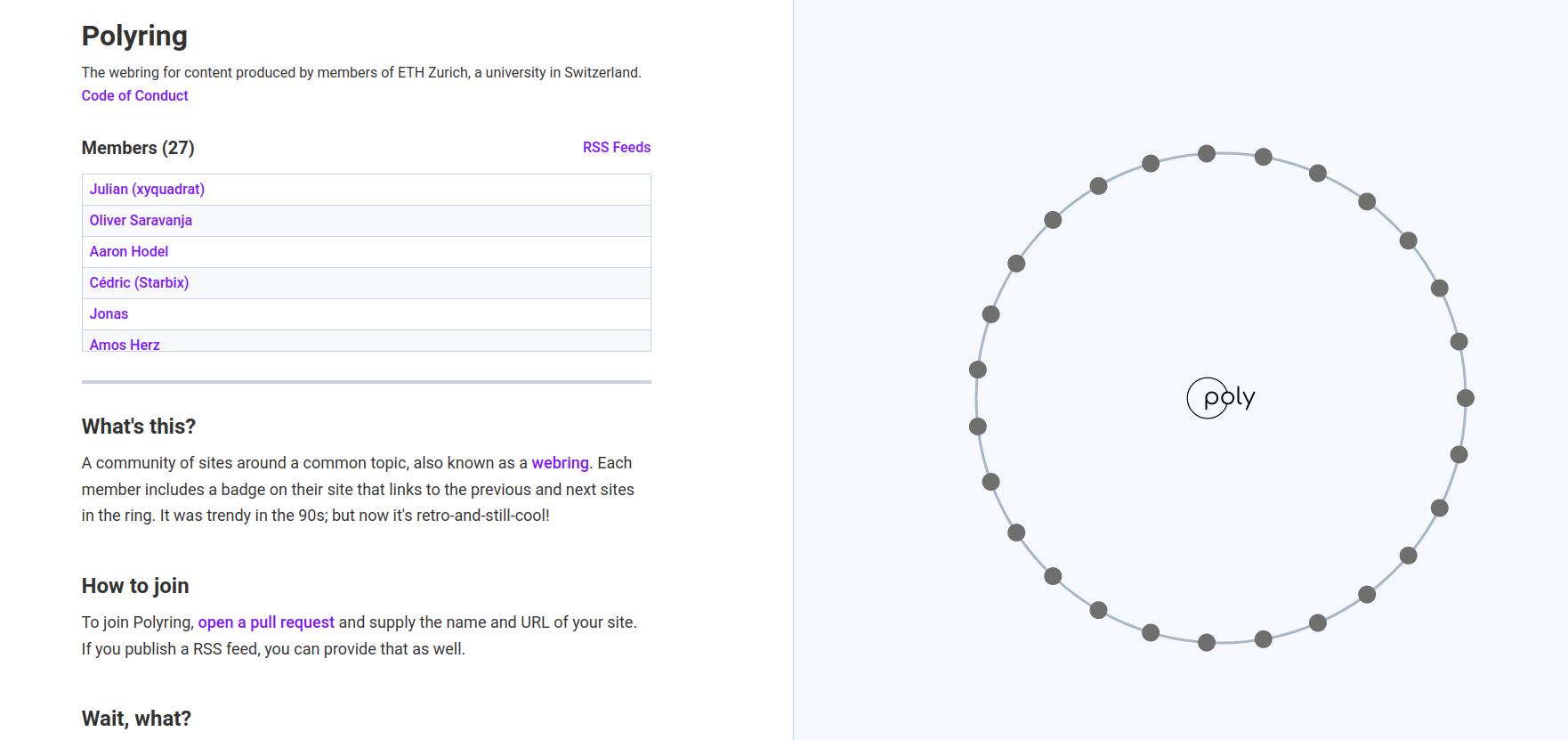
The XXIIVV webring provides a substantial example. Its maintainers describe the project as a way to connect handmade sites, including diaries, wikis and portfolios. Another example, Polyring, connects sites by members of ETH Zurich.
Read the actual joining rules
Each ring sets its own rules. Check which sites may join, which links or badges you must add, and how to submit your site.
For example, the rules in XXIIVV’s project files currently ask for your own domain name (web address), at least ten pages besides blog posts, and a visible ring link. Members also need an 88×31 GIF or PNG banner. The main words and links must work when visitors turn off JavaScript code and CSS styling. Another ring may welcome a site with just one page.
For XXIIVV, add the required ring link and upload your own 88 × 31 banner to your site. Add your entry to the ring’s index.html. Submit a pull request, which asks the maintainers to add your changes to the ring’s files. Say where your ring link appears. The project files show the entry format. A smaller ring may accept submissions through a form; use the method its maintainer names.
Give the connection a clear home
Put the ring links in the same place on each page, such as the bottom of the page or a links section. Name the ring nearby and make each link’s label clear.
Our example uses ordinary HTML:
<nav aria-label="Small Things webring">
  <a href="previous-site.html">Previous site</a>
  <a href="members.html">All members</a>
  <a href="next-site.html">Next site</a>
</nav>
Replace those filenames with the destinations required by your ring. If the ring supplies a badge or script, use its documented version and keep the creator credit attached. For your own circle, short text links are enough to demonstrate the structure.
Open the published site and test Previous, Next and the member list. Press Tab to move between the links and check that an outline marks the current link.
Make a small ring with friends
Choose the order of three sites, then assign both neighbors:
| Member | Previous | Next |
|---|---|---|
| Paper Boats | Tiny Gardens | Cloud Notes |
| Cloud Notes | Paper Boats | Tiny Gardens |
| Tiny Gardens | Cloud Notes | Paper Boats |
Create a member directory and link it from every site. For members on Neocities or other website services, use their full web addresses in place of the example’s filenames. Click Next three times to return to your starting page. Click Previous to visit the sites in the opposite order.
For a real group, keep one simple list of members, web addresses and contact preferences. Agree who updates that list when a site moves. A tiny ring can use hand-written links; a larger one can use a shared system so the maintainer can change the order in one place.
Keep the circle worth following
Follow the ring’s links from time to time. Repair moved addresses, update descriptions and make it easy for somebody to leave or change their listing.
Add a sentence about the group to your site. Explain what you share and what a visitor might discover next. If you create an 88x31 button, give it a clear label and destination.
If a member leaves, update the previous site’s Next link and the next site’s Previous link so visitors can still go all the way round.